Role Navigation
Swipe roles, tap to open submenuTeacher • Student Leaves
Standalone submenu content with role-aligned workflow and execution checkpoints.
Overview
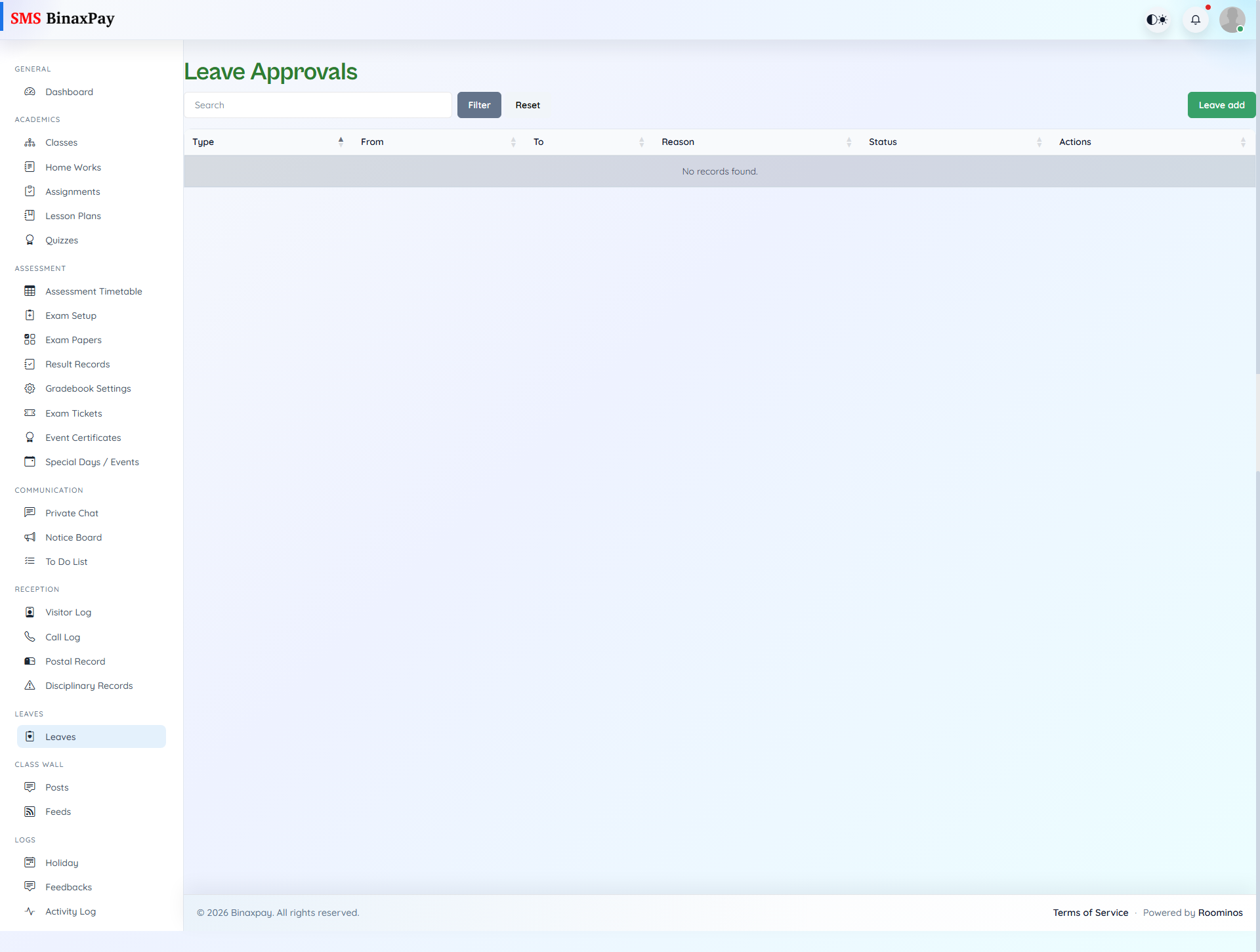
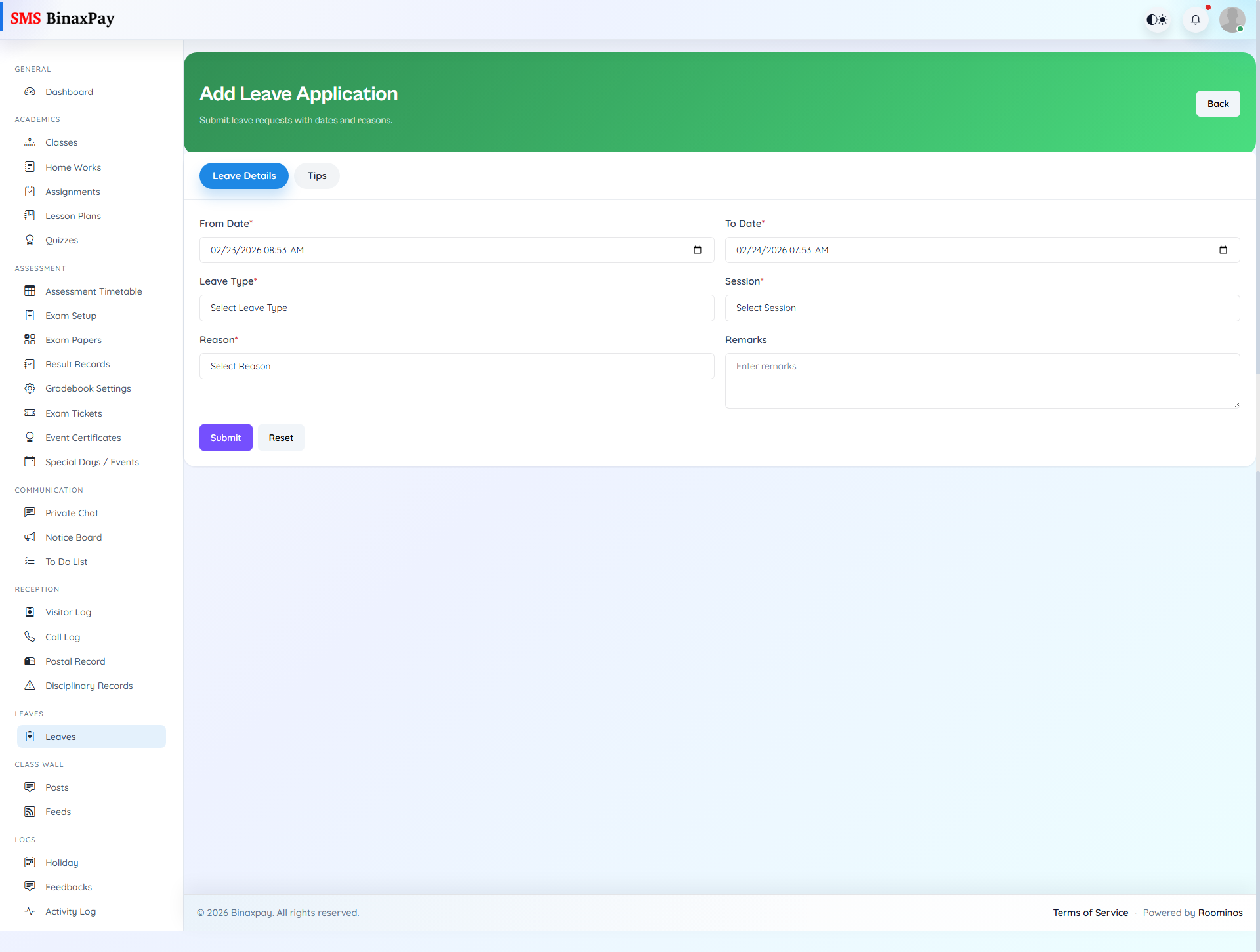
Student Leaves appears for student leave checker roles and is used to review and decide student leave requests under permissioned flow. Teachers can filter status and complete approve or reject actions for pending student submissions. This page should be handled with consistency because outcomes directly affect attendance and class continuity records.
Workflow Execution Steps
- Open student leaves queue and filter pending requests.
- Review request details and supporting context.
- Approve or reject with explicit reason.
- Confirm reflected status for attendance continuity.
Reference Screenshots