Role Navigation
Swipe roles, tap to open submenuStudent • Events
Standalone submenu content with role-aligned workflow and execution checkpoints.
Overview
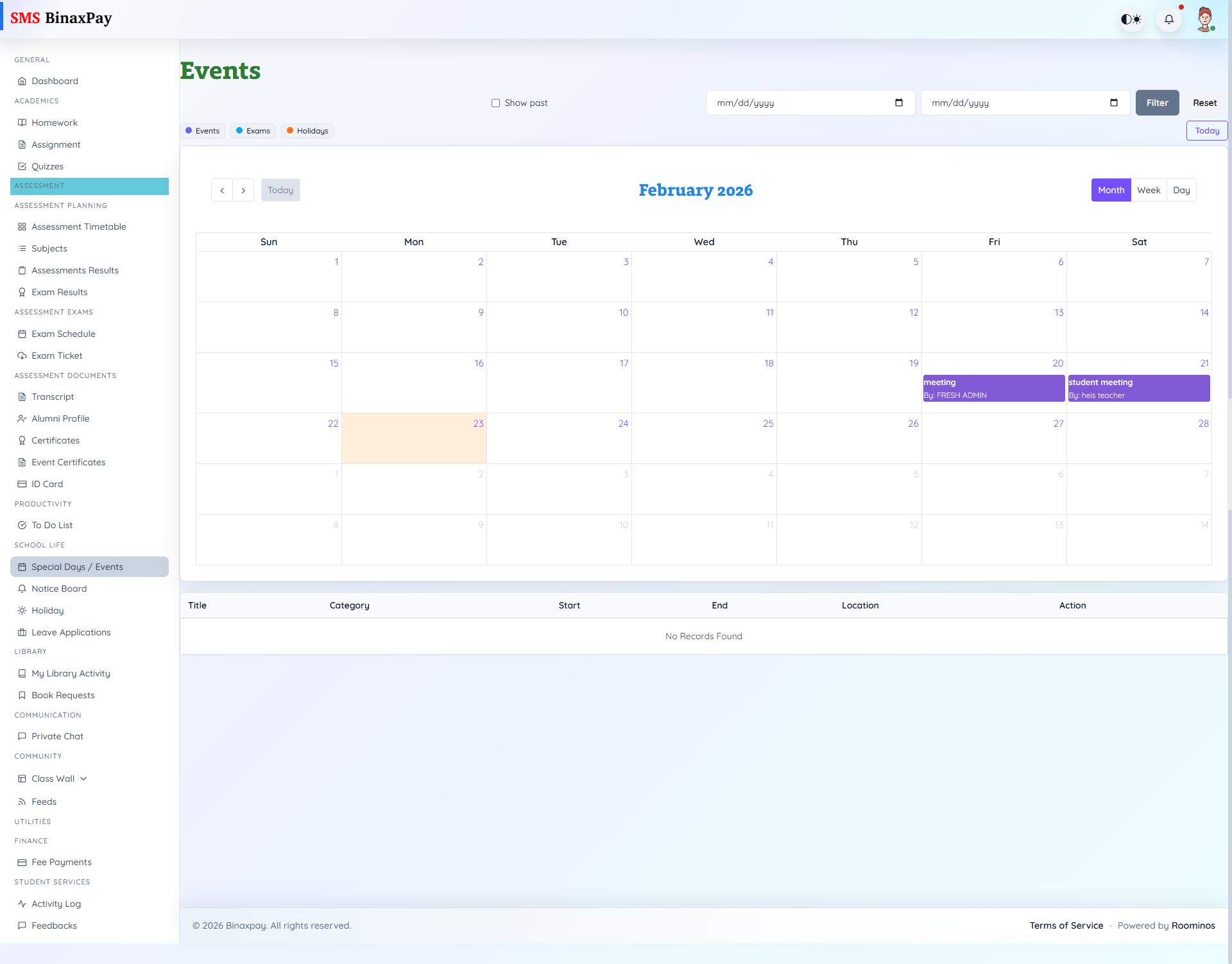
Events (student/events/*) provides FullCalendar + list views with date and show-past filtering, plus detail access by view action.
Status badges include Upcoming/Ongoing/Completed and no-record messages when no events match filters.
Workflow Execution Steps
- Open events and review upcoming dates and details.
- Align academic plan around event windows.
- Attend or participate as required by event context.
- Recheck event updates for changes.
Reference Screenshots