Role Navigation
Swipe roles, tap to open submenuParent • Login as your child
Standalone submenu content with role-aligned workflow and execution checkpoints.
Overview
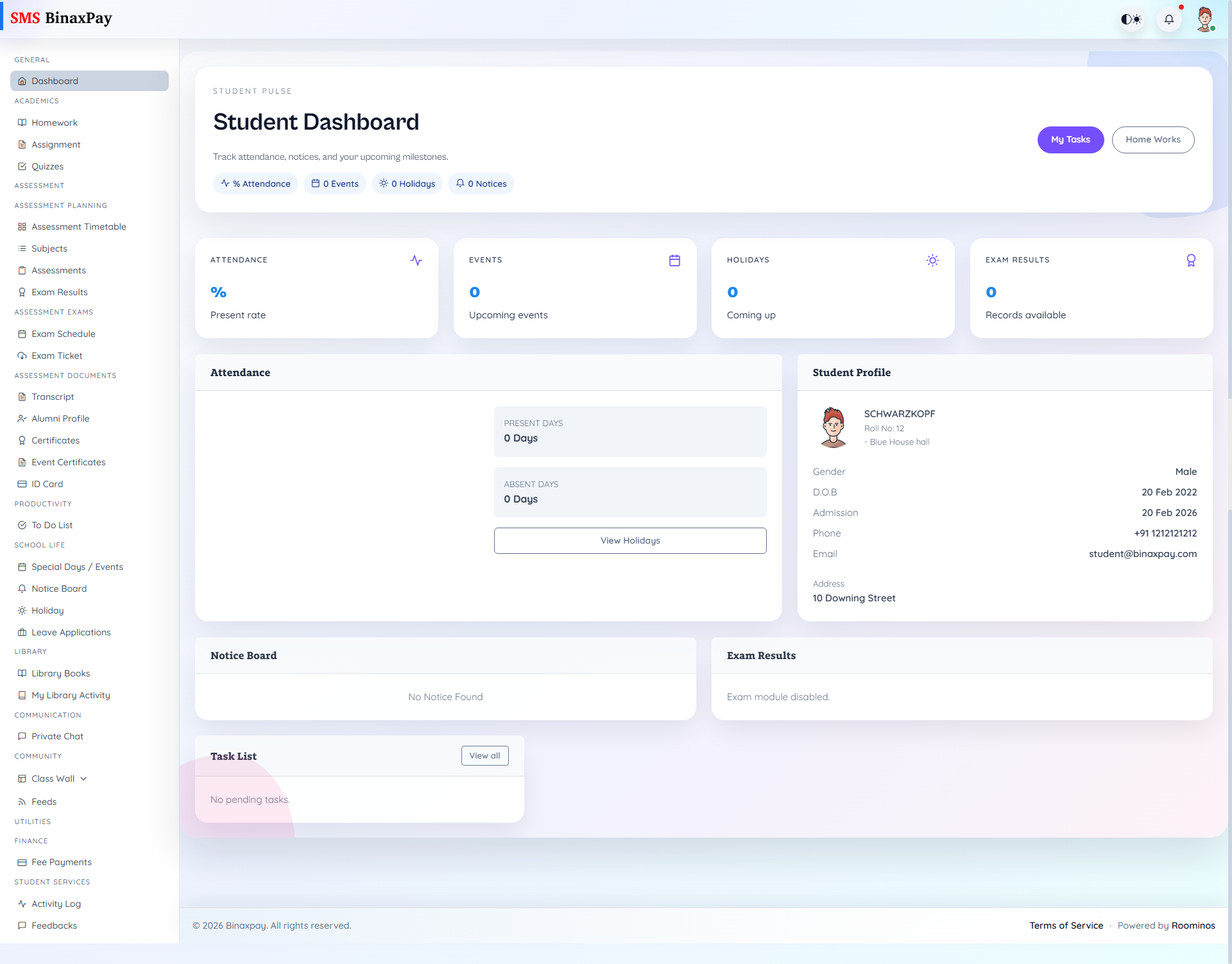
Login as your child allows parent-supervised impersonation into the linked child portal for direct verification of student-side experience. This is useful when parent and child views differ or when confirming exact student-visible content. Parents should use this action for validation and then return to parent mode for communication/escalation.
Workflow Execution Steps
- Confirm selected child before impersonation action.
- Click Login as your child and verify student-side pages/data.
- Capture evidence of mismatch or confirmation as needed.
- Exit student view and continue parent monitoring/escalation flow.
Reference Screenshots