Role Navigation
Swipe roles, tap to open submenuAdmin / Organisation • Inventory Monitor
Standalone submenu content with role-aligned workflow and execution checkpoints.
Overview
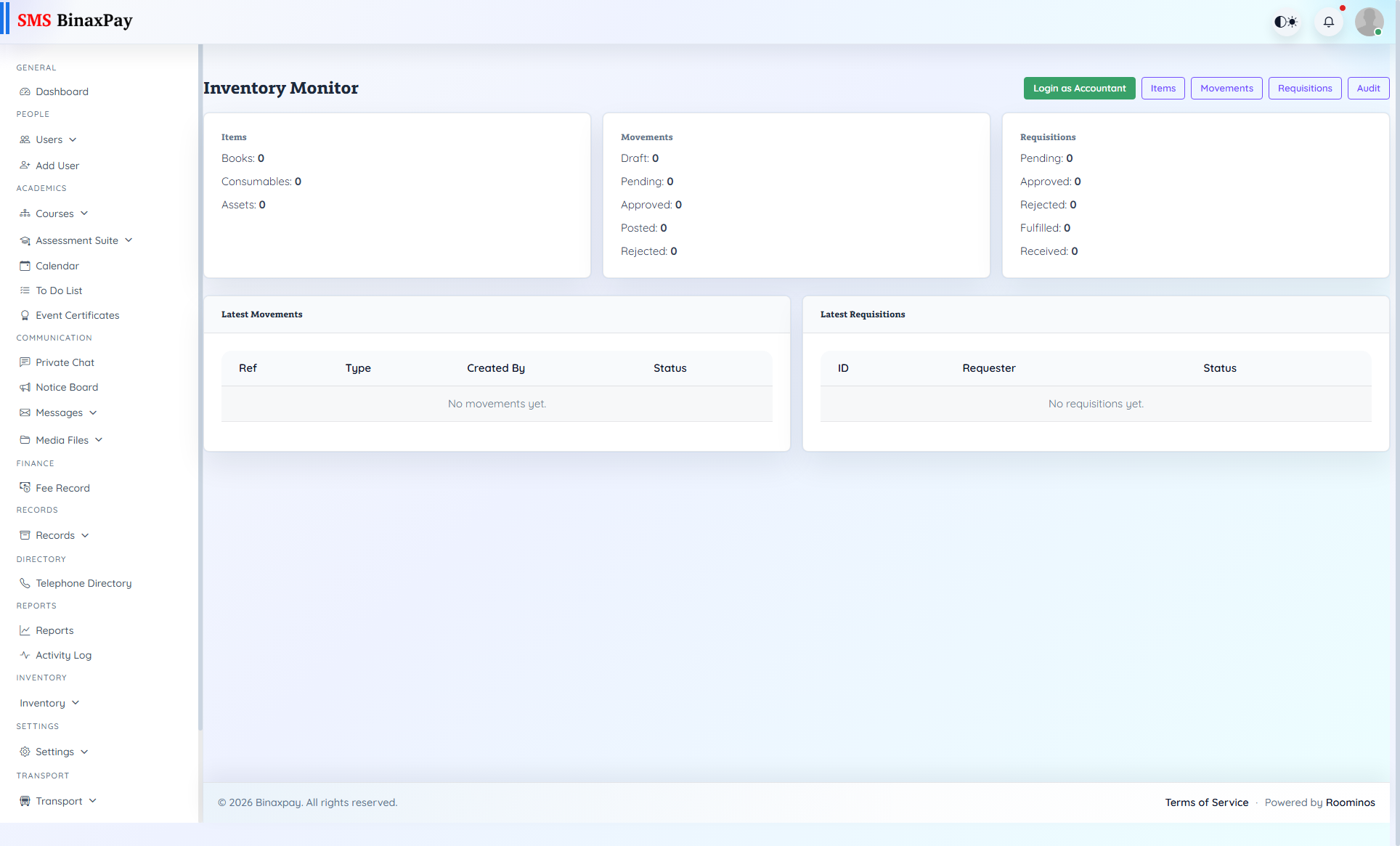
Inventory Monitor provides state-based visibility into requisitions, movements, and stock posture. Admin should use this screen to detect bottlenecks and direct accountable teams toward specific pending clusters.
Workflow Execution Steps
- Review pending requisitions and stock alerts.
- Identify bottleneck location or responsible team.
- Assign action owner and track movement to completion.
- Verify stock posture normalization before closure.
Reference Screenshots