Role Navigation
Swipe roles, tap to open submenuManager • Add User
Standalone submenu content with role-aligned workflow and execution checkpoints.
Overview
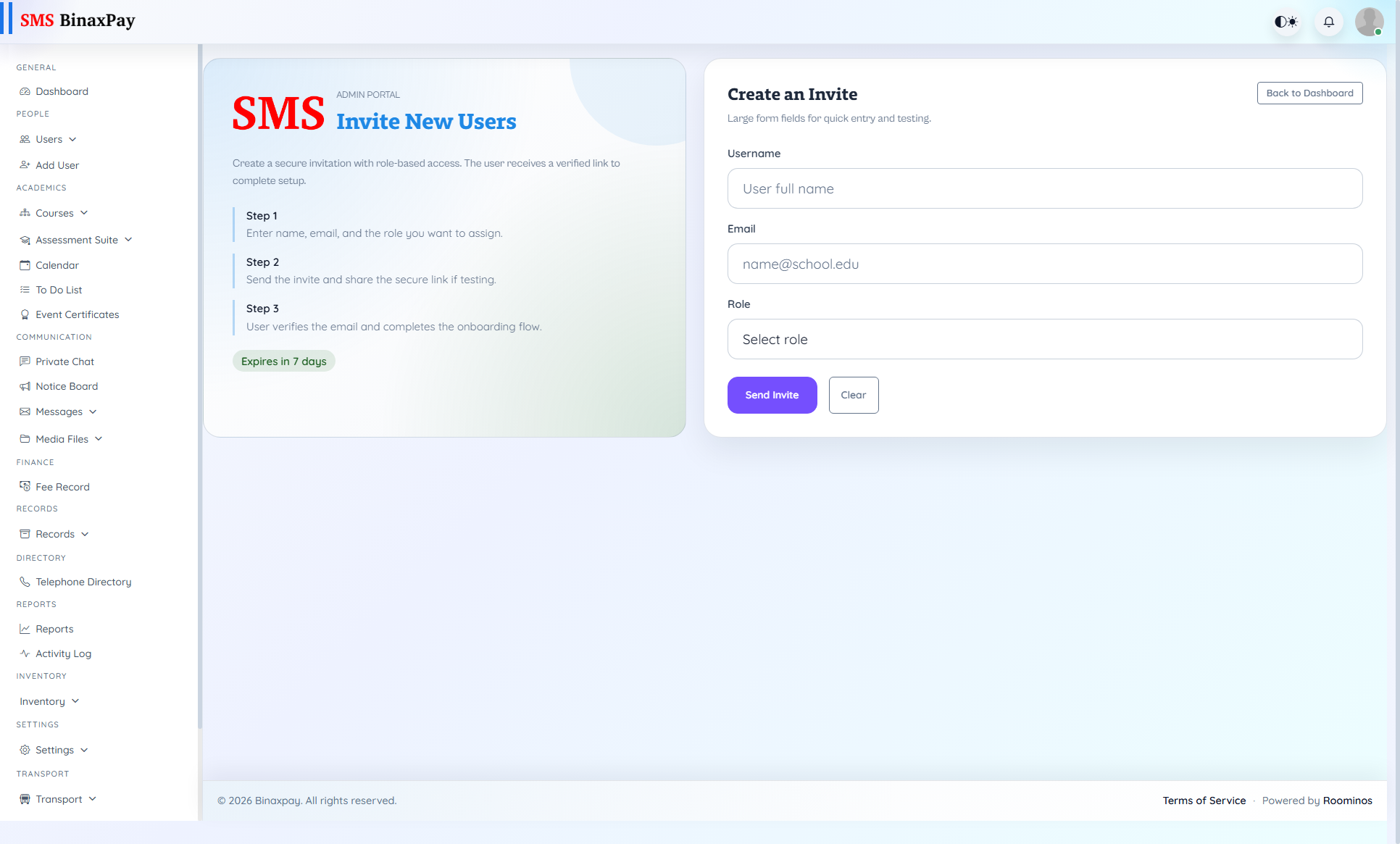
Add User is used when operations are blocked because required people are not yet onboarded. Manager should complete onboarding and confirm expected access as part of one closed loop, not as separate delayed steps.
Workflow Execution Steps
- Create user profile and assign role with school scope.
- Save onboarding record and verify account details.
- Perform access sanity check for required role actions.
- Hand over credentials with first-action instruction.
Reference Screenshots