Role Navigation
Swipe roles, tap to open submenuParent • Quizzes
Standalone submenu content with role-aligned workflow and execution checkpoints.
Overview
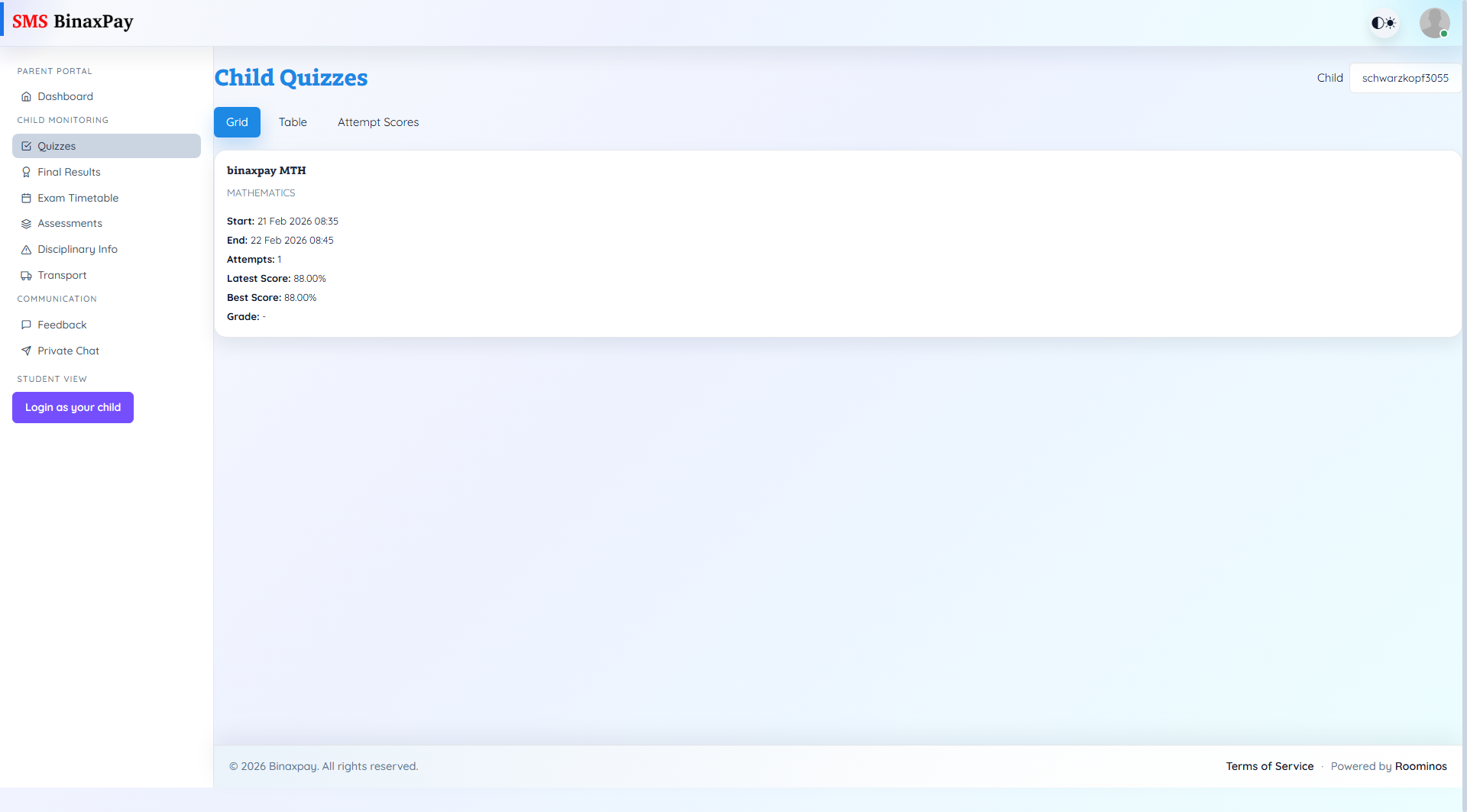
Quizzes gives a child-level learning-performance snapshot through three lenses: quiz listing, summary performance, and attempt history. Parents can inspect publication windows, attempt counts, latest score, best score, and grade trends without editing quiz data. This page is used for progress tracking and intervention timing, especially when repeated low scores or missing attempts appear.
Workflow Execution Steps
- Select child and review quiz grid/table for schedule and score trend.
- Open attempt scores history for deeper performance context.
- Identify weak subjects or missing-attempt patterns.
- Escalate to school through feedback or private chat when needed.
Reference Screenshots