Role Navigation
Swipe roles, tap to open submenuTeacher • Feeds
Standalone submenu content with role-aligned workflow and execution checkpoints.
Overview
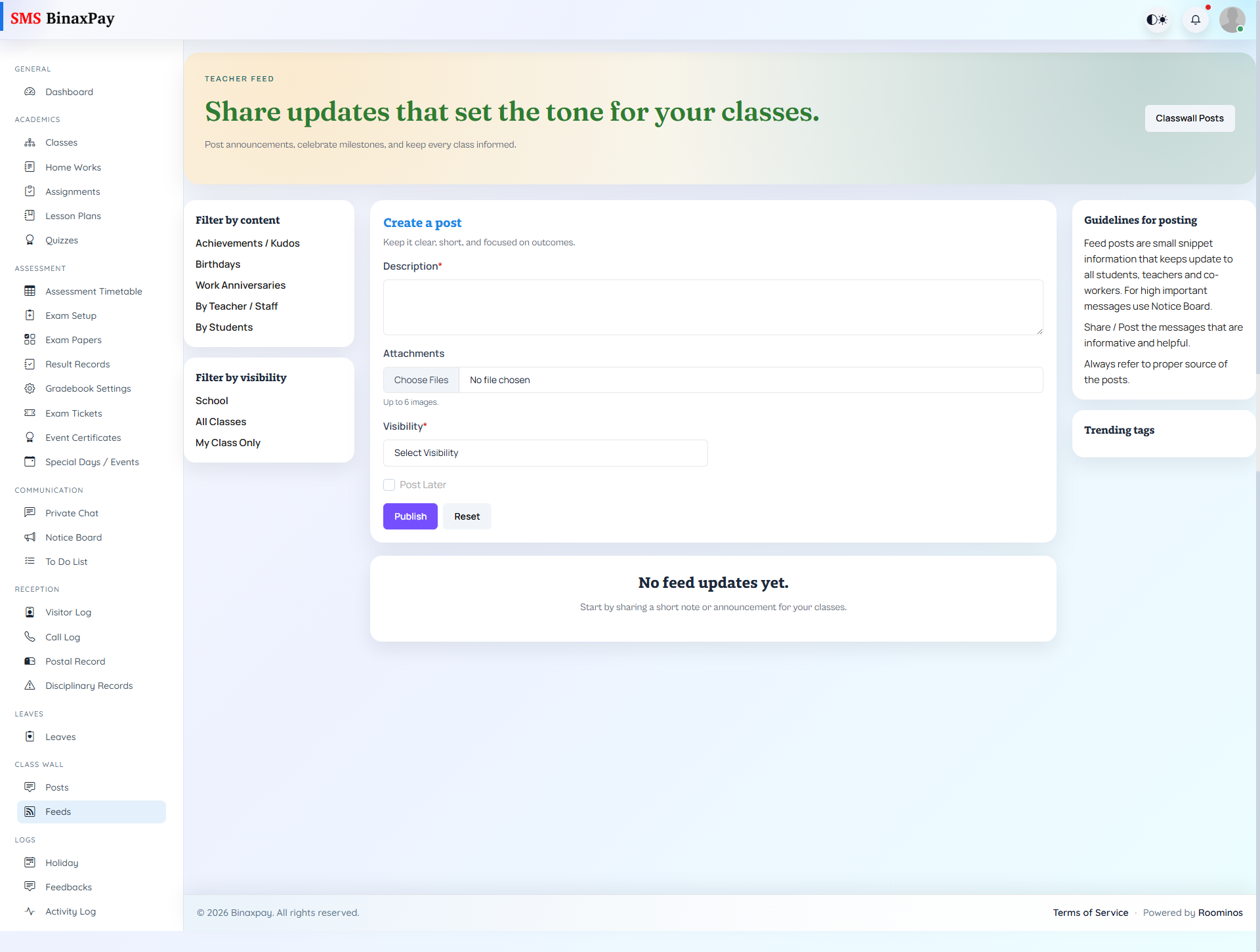
Feeds provides broader stream-style communication with visibility and scheduling-aware posting options. Teachers can create posts, include attachments, define visibility context, and review stream cards through filters. The expected use is timely engagement messaging that complements, but does not replace, formal notices and academic module records.
Workflow Execution Steps
- Open feeds and post update with visibility or schedule settings.
- Include supporting media where applicable.
- Monitor engagement and interaction context.
- Keep key official instructions mirrored in formal modules.
Reference Screenshots