Role Navigation
Swipe roles, tap to open submenuTeacher • Exam Papers
Standalone submenu content with role-aligned workflow and execution checkpoints.
Overview
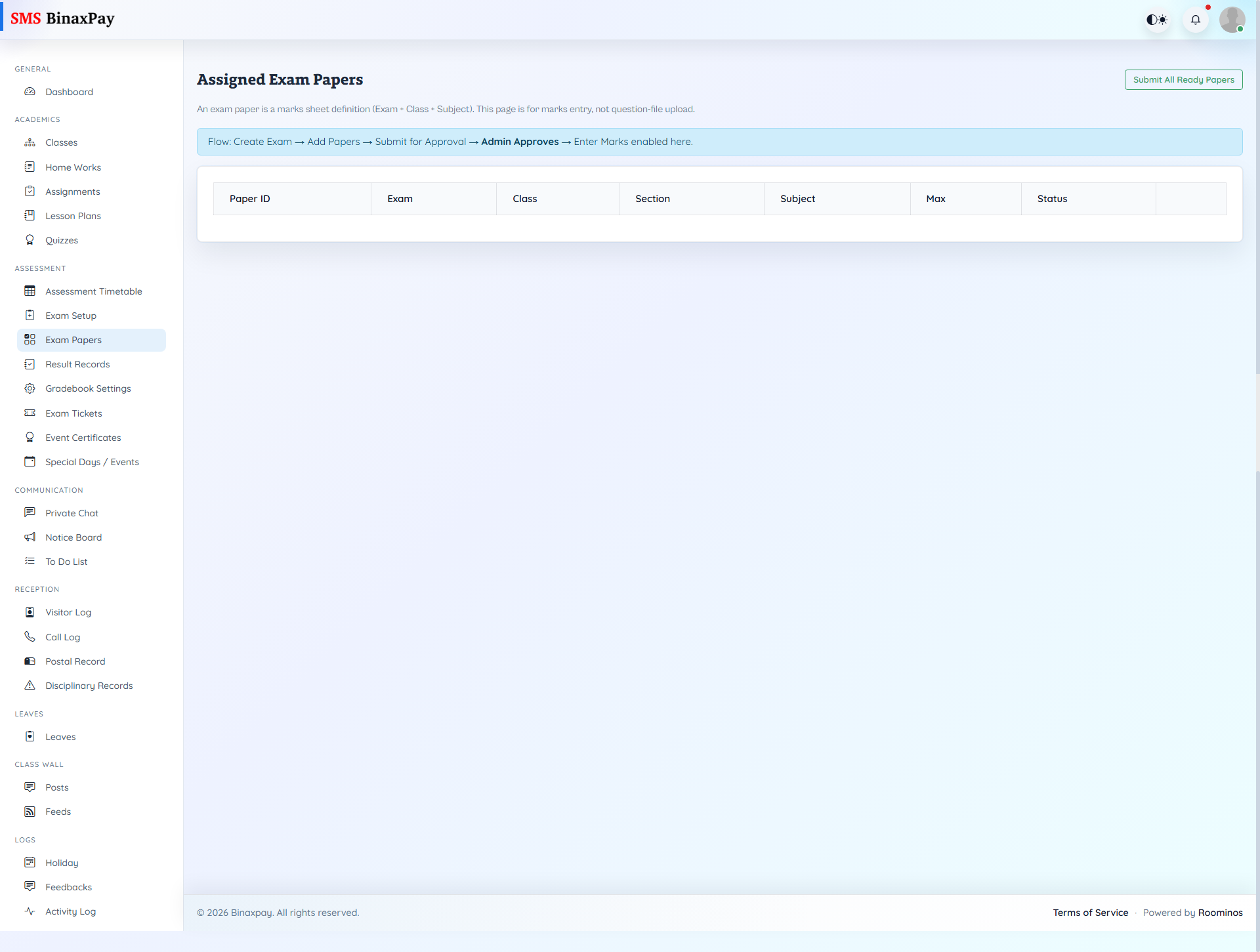
Exam Papers is the marks entry and submission area for assigned papers, and it is state-sensitive to exam lifecycle conditions. Teachers can open paper-specific marks sheets, save entries, submit completed papers, and export data where needed. When approval or publication gates are not satisfied, this page effectively becomes a waiting stage, so teachers must resolve workflow state before expecting full marks submission actions.
Workflow Execution Steps
- Open assigned paper and enter marks progressively.
- Save entries and validate missing or invalid marks.
- Submit finalized paper when complete.
- Export where required for records and reconciliation.
Reference Screenshots