Role Navigation
Swipe roles, tap to open submenuAdmin / Organisation • Items
Standalone submenu content with role-aligned workflow and execution checkpoints.
Overview
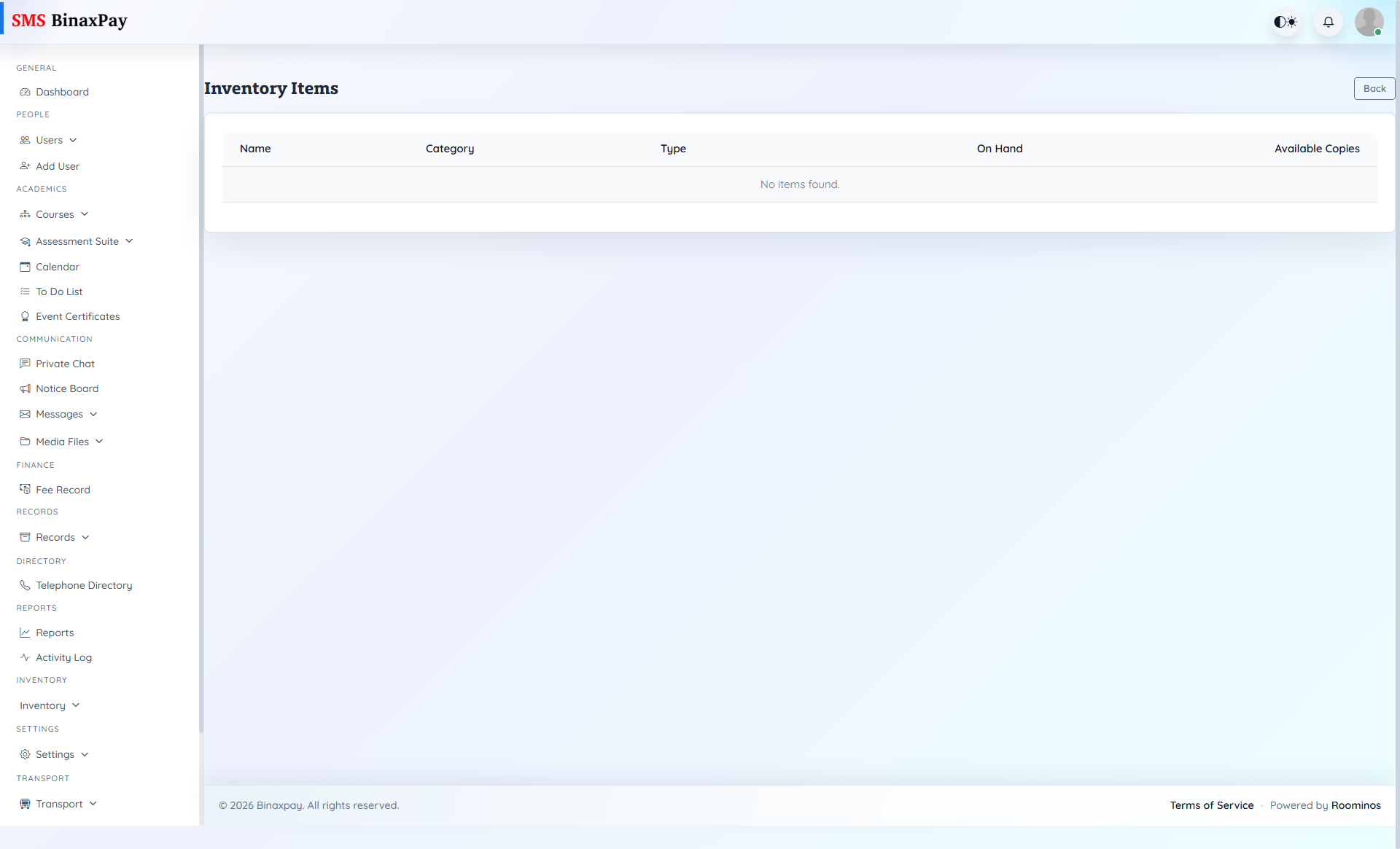
Items provides inventory master detail and is used to validate category and quantity-level correctness when monitor summaries indicate inconsistency. Admin should use this page as item-level verification before escalations.
Workflow Execution Steps
- Search item by name, category, or SKU.
- Verify active status and category mapping.
- Compare item balance against inventory monitor summary.
- Correct metadata or escalate stock mismatch investigation.
Reference Screenshots