Role Navigation
Swipe roles, tap to open submenuStudent • Subject Preferences
Standalone submenu content with role-aligned workflow and execution checkpoints.
Overview
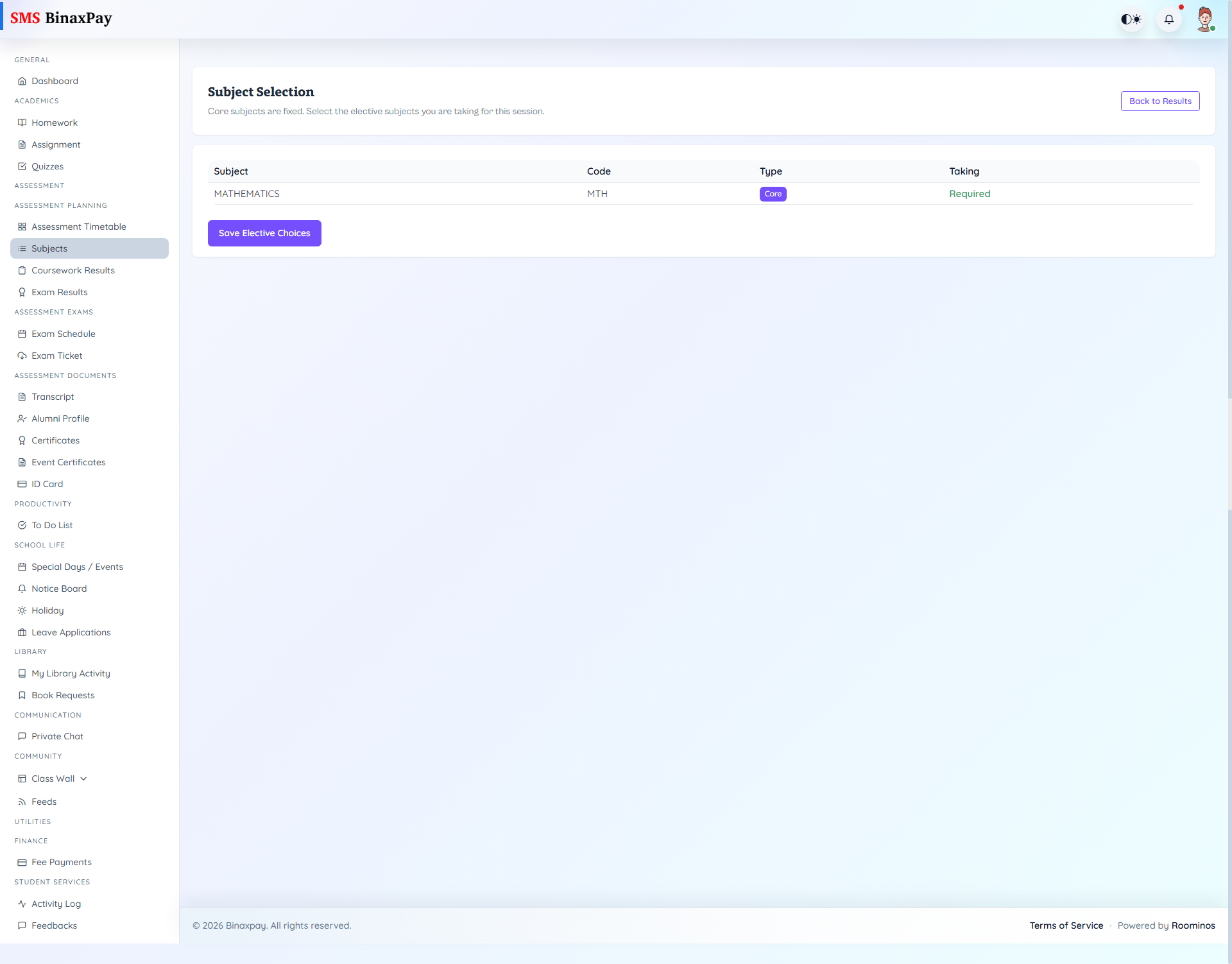
Subject Preferences (student/assessment/subject_preferences.blade.php) is elective-choice control. Core subjects remain fixed while elective options can be toggled and saved.
Status alerts include no active class context, no subjects assigned, and save success/error feedback.
Workflow Execution Steps
- Open subjects page and review current preference state.
- Update selectable subject options where enabled.
- Save and confirm reflected state.
- Validate downstream assessment filters after save.
Reference Screenshots