Role Navigation
Swipe roles, tap to open submenuDriver • Route Map
Standalone submenu content with role-aligned workflow and execution checkpoints.
Overview
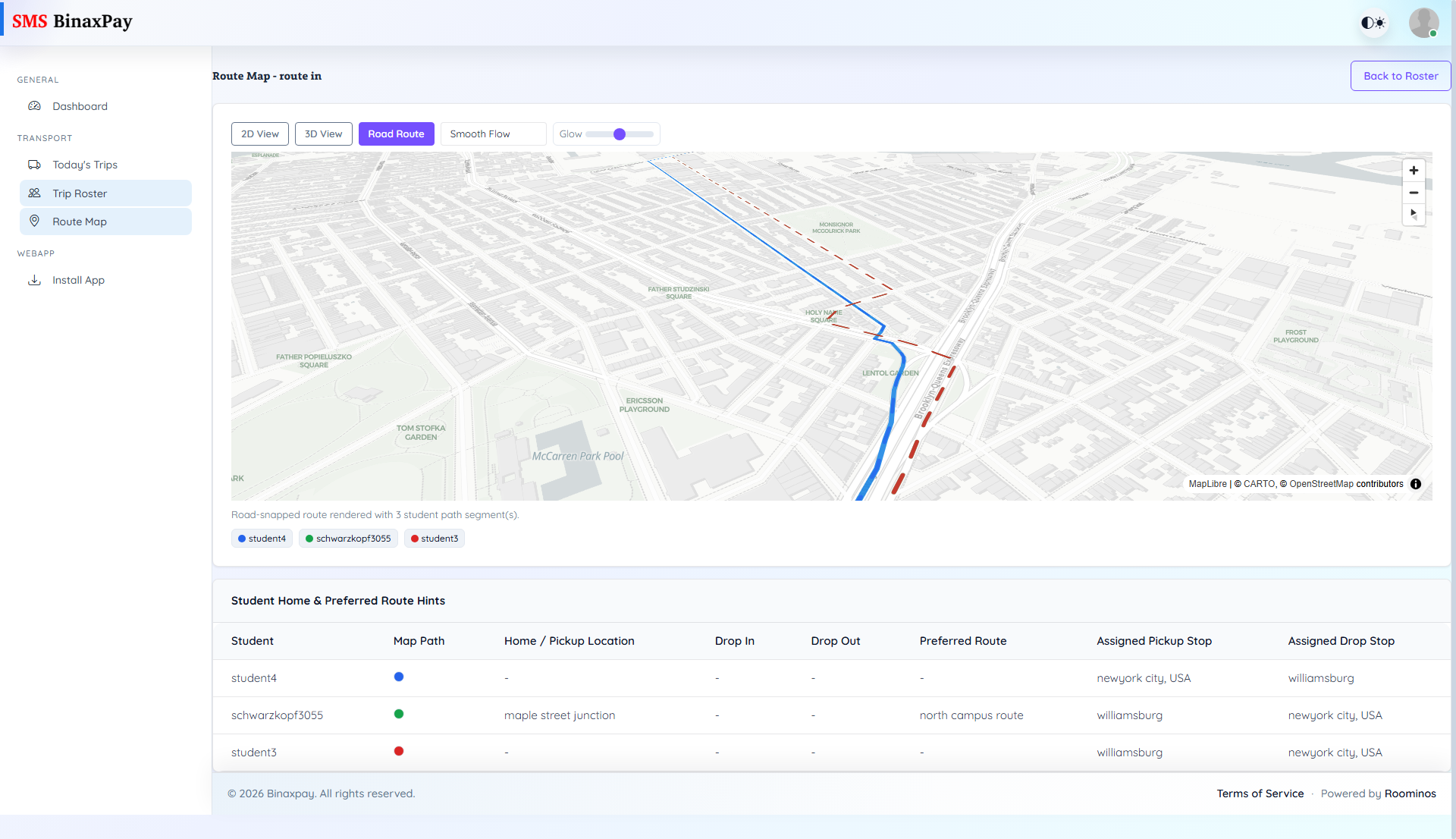
Route Map provides visual route support for the active trip with map controls and stop context. It includes view mode controls (2D and 3D), route refresh controls, and student-stop hints so the driver can verify path and stop linkage during operations. Drivers should use this when route confirmation is needed during active service.
Workflow Execution Steps
- Open Route Map during active trip when route confirmation is needed.
- Use 2D/3D and refresh controls to verify path clarity.
- Cross-check stop linkage with student-stop hints before proceeding.
- Continue execution only after route/stop context is validated.
Reference Screenshots