Role Navigation
Swipe roles, tap to open submenuAdmin / Organisation • Messages
Standalone submenu content with role-aligned workflow and execution checkpoints.
Overview
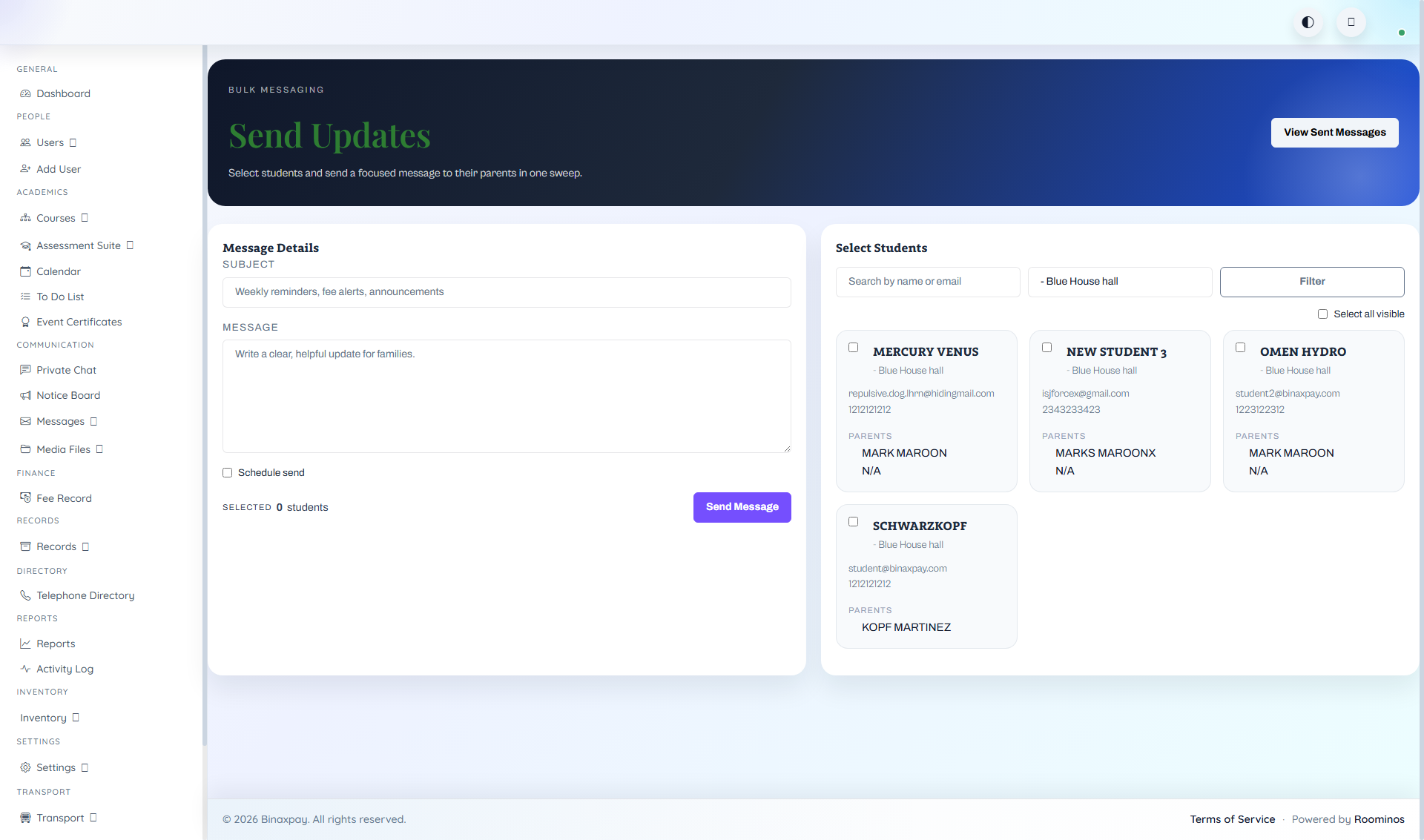
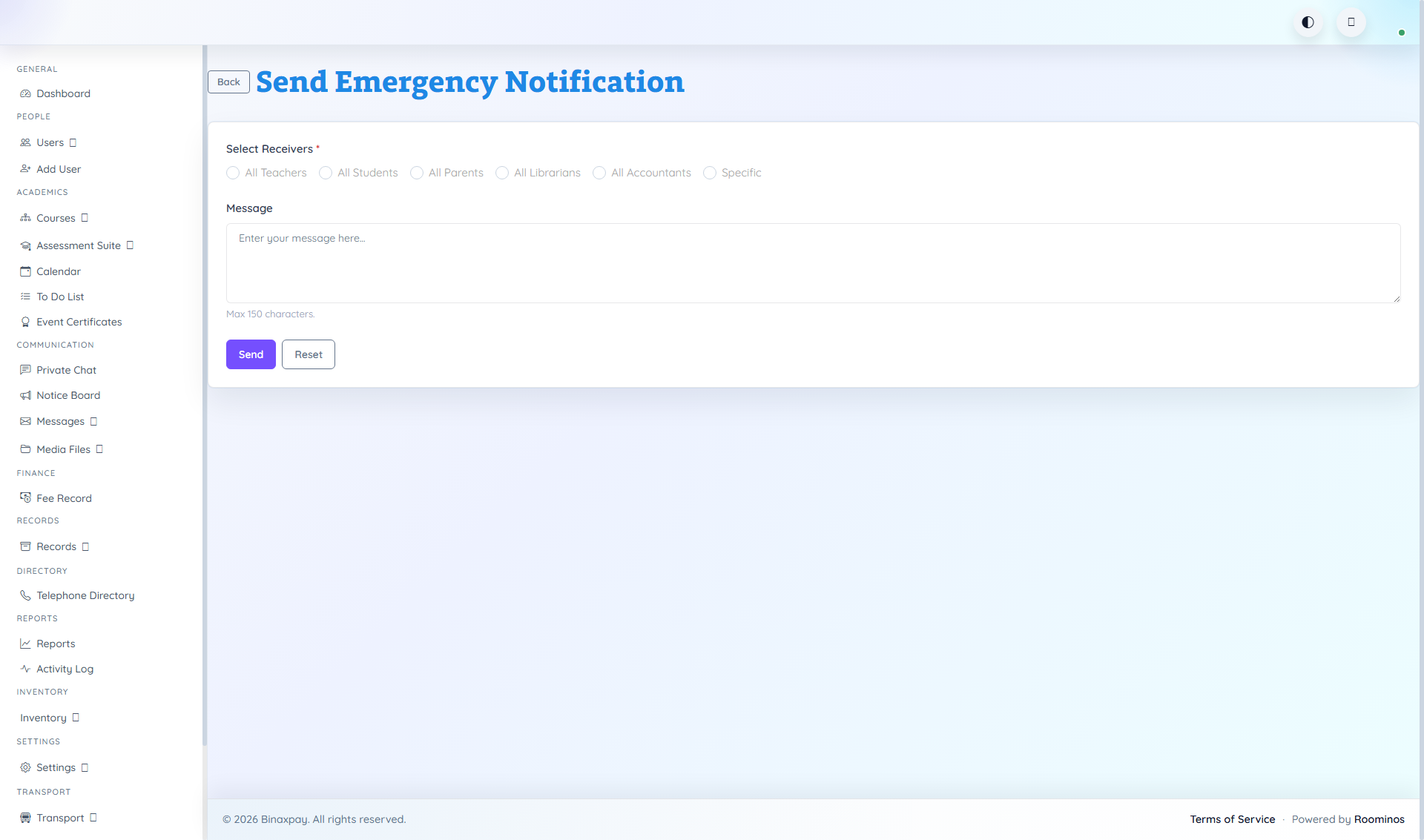
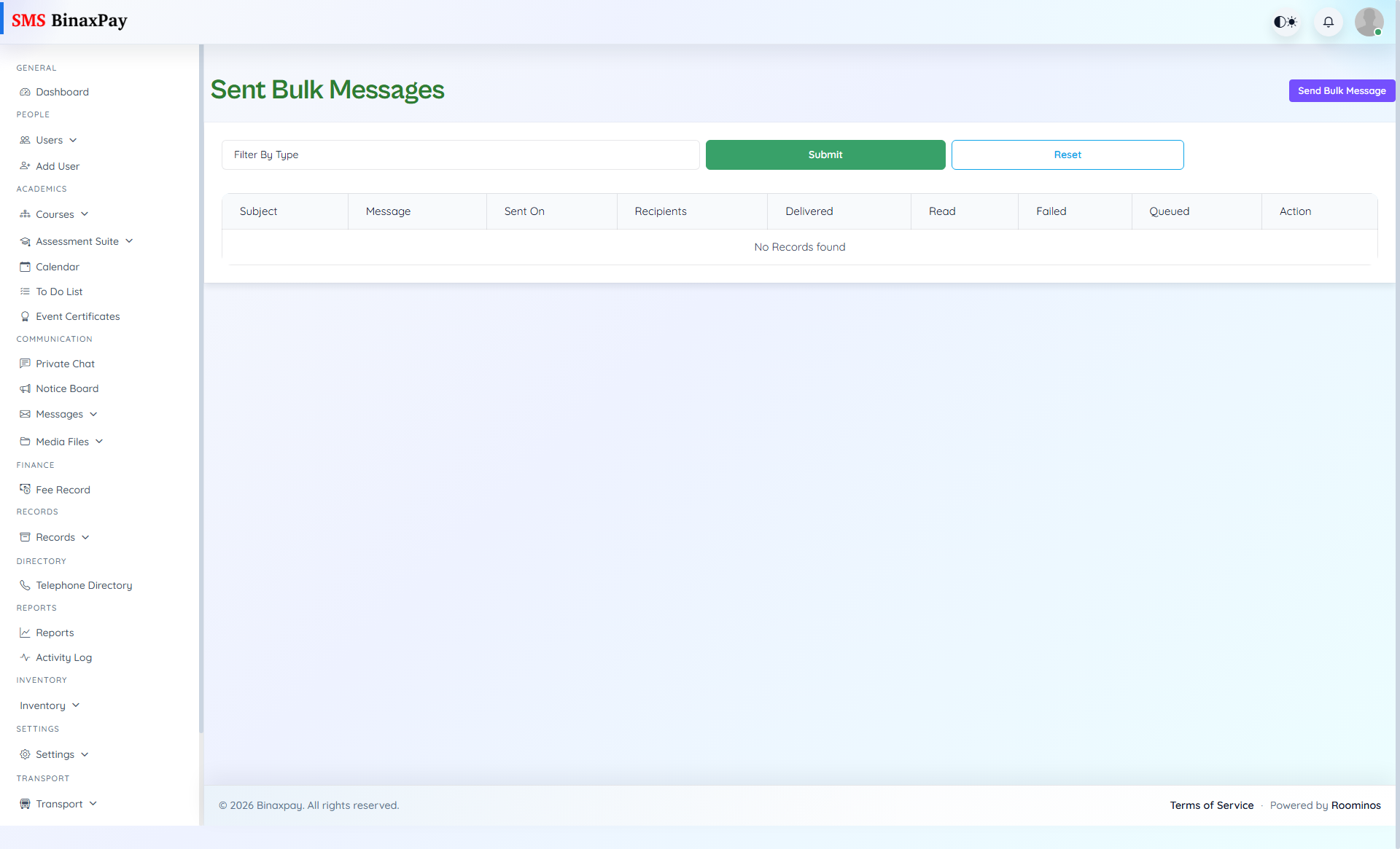
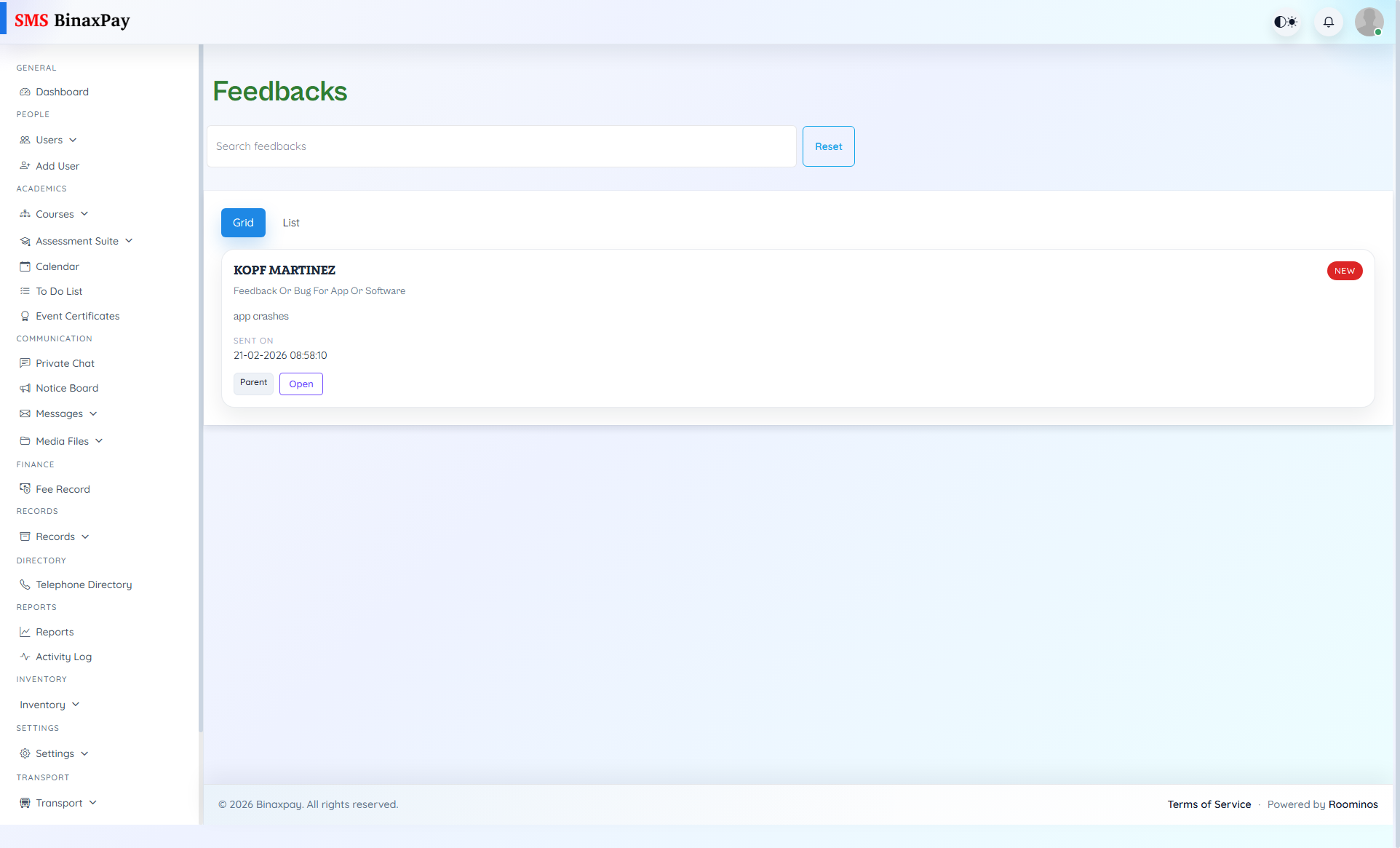
Messages is the administrative communication control cluster covering Bulk Messages, Emergency Messages, Sent Messages, and Feedbacks. Admin should validate recipient scope and intent before dispatch, monitor delivered/read/failed/queued outcomes after sending, and keep issue-response loops traceable through status-based feedback handling.
Workflow Execution Steps
- Bulk Messages: select recipient segment -> compose message and schedule if needed -> run recipient preview check -> send bulk message -> review delivery stats and resend failed subset.
- Emergency Messages: draft concise alert (what/where/when/action) -> select exact emergency audience -> send immediately -> monitor delivery failures -> issue follow-up clarification if situation changes.
- Sent Messages: open sent log by campaign/date -> inspect delivered/read/failed counts -> identify failed recipients -> resend or switch channel -> record closure status.
- Feedbacks: triage new feedback by severity -> assign owner -> update status and response note -> verify correction with reporting user -> close feedback with resolution evidence.
Reference Screenshots