Role Navigation
Swipe roles, tap to open submenuParent • Feedback
Standalone submenu content with role-aligned workflow and execution checkpoints.
Overview
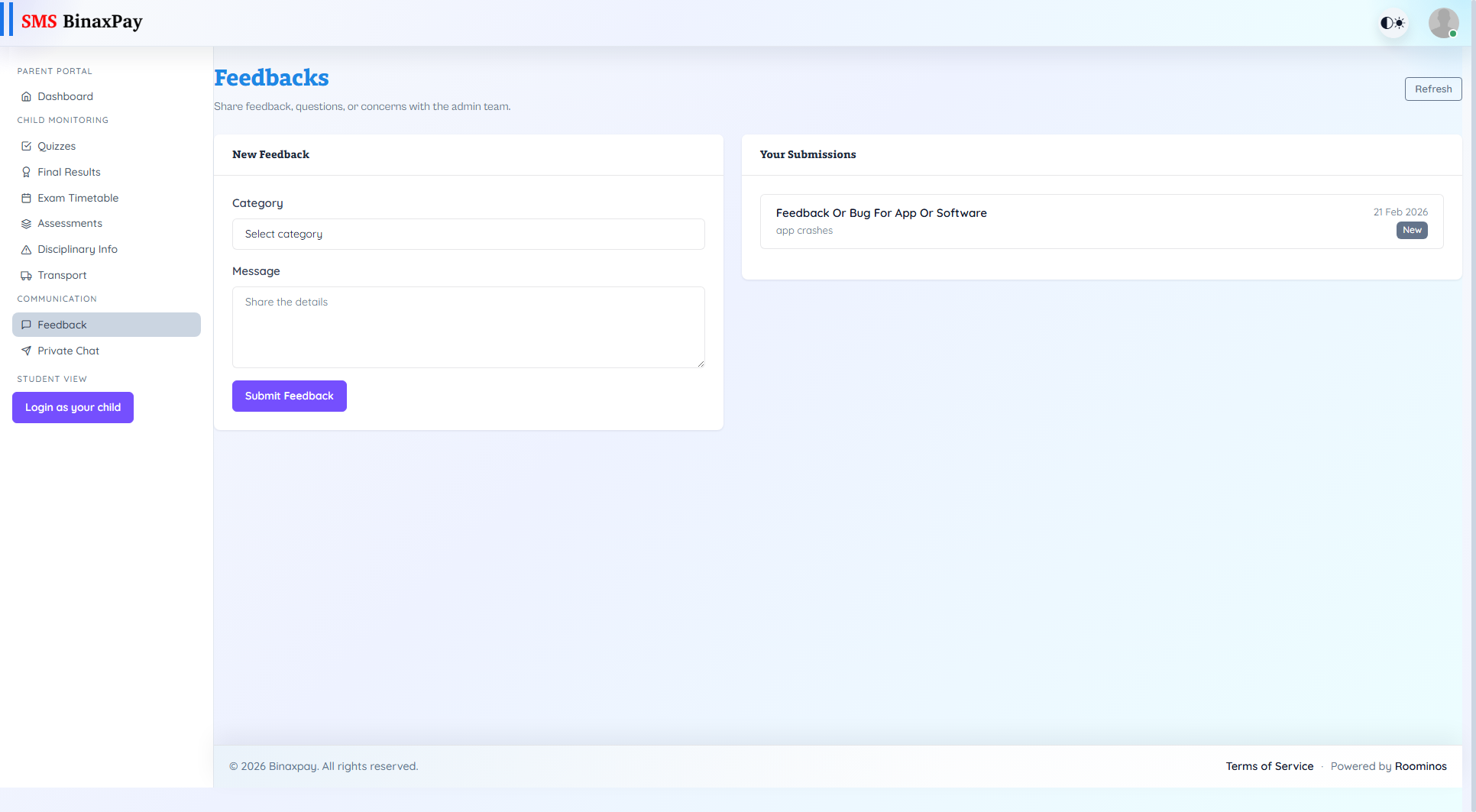
Feedback is the formal ticket-like communication channel where parents submit categorized concerns and continue thread replies with admin-side visibility. It supports a structured lifecycle (New, In Review, Resolved) and should be used when an issue needs traceability, follow-up, and status clarity. Parents should prefer this flow for non-urgent but important issues that require documented handling.
Workflow Execution Steps
- Open feedback and create a categorized message with clear context.
- Monitor submission status in feedback list.
- Open detail thread and send follow-up replies.
- Close only after status reaches resolved with clear outcome.
Reference Screenshots