Role Navigation
Swipe roles, tap to open submenuManager • Users
Standalone submenu content with role-aligned workflow and execution checkpoints.
Overview
Users pages are used when execution issues are caused by wrong access, missing visibility, or role mapping problems. Manager should verify role correctness quickly so operational teams can continue work without waiting for avoidable escalations.
Workflow Execution Steps
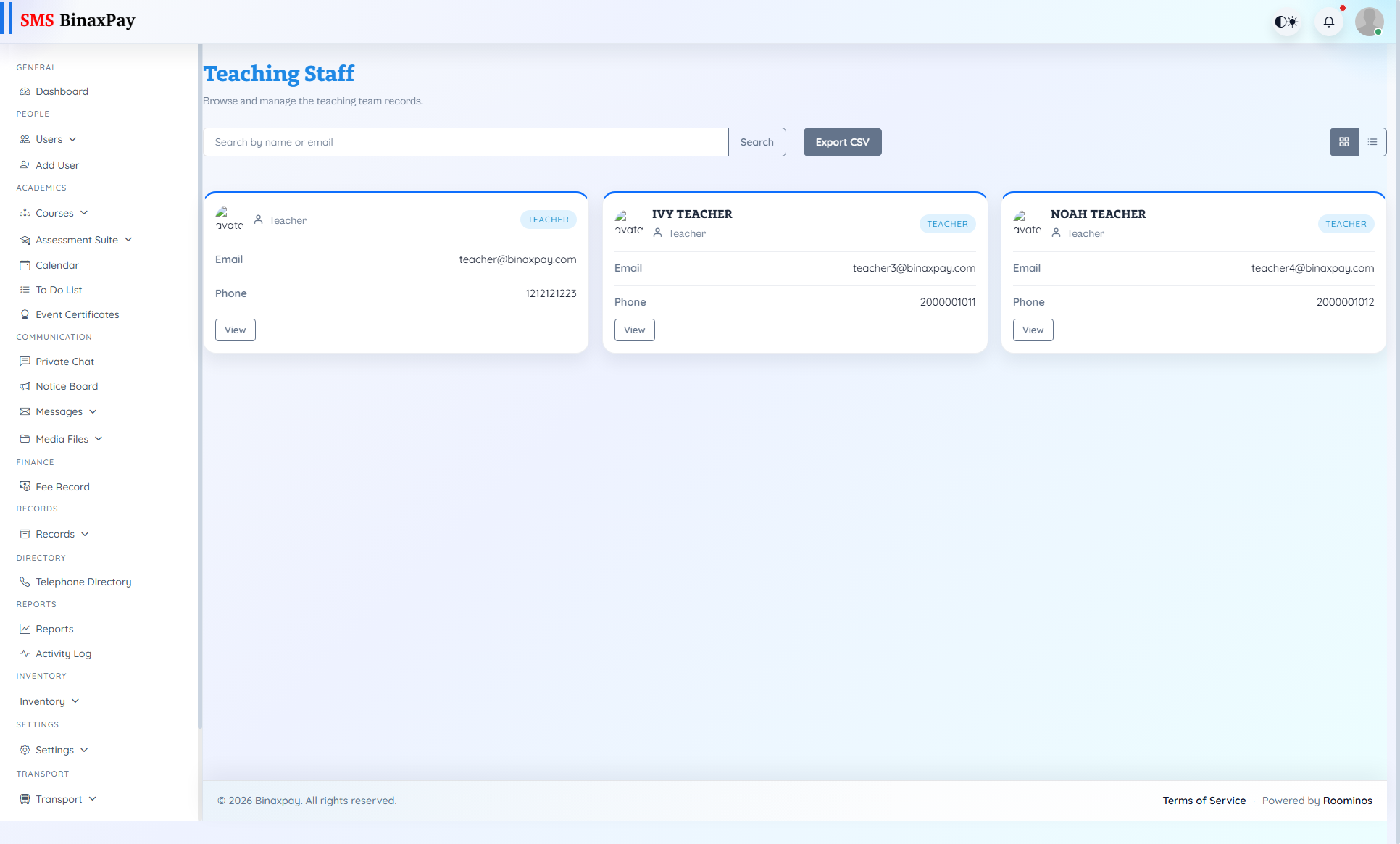
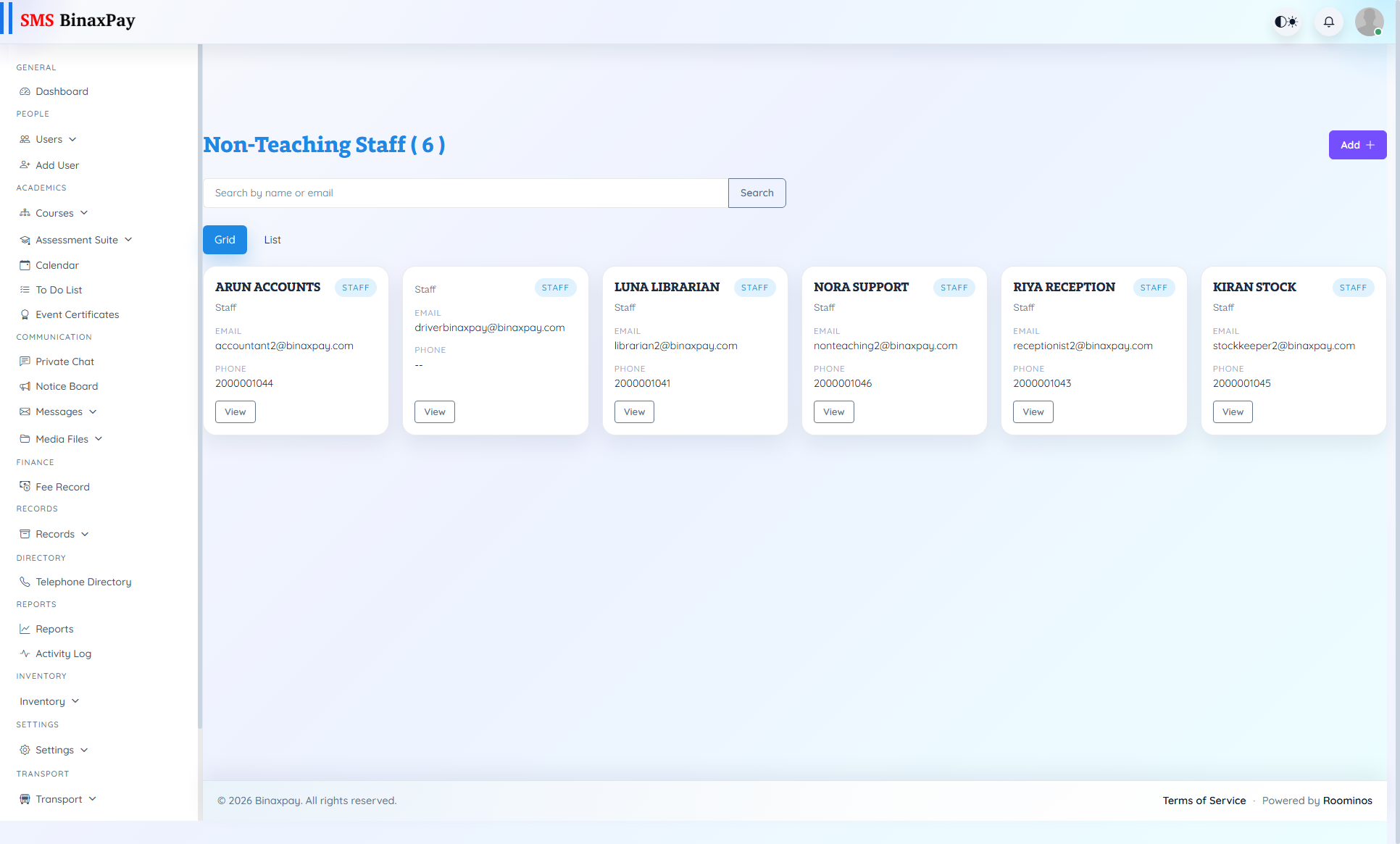
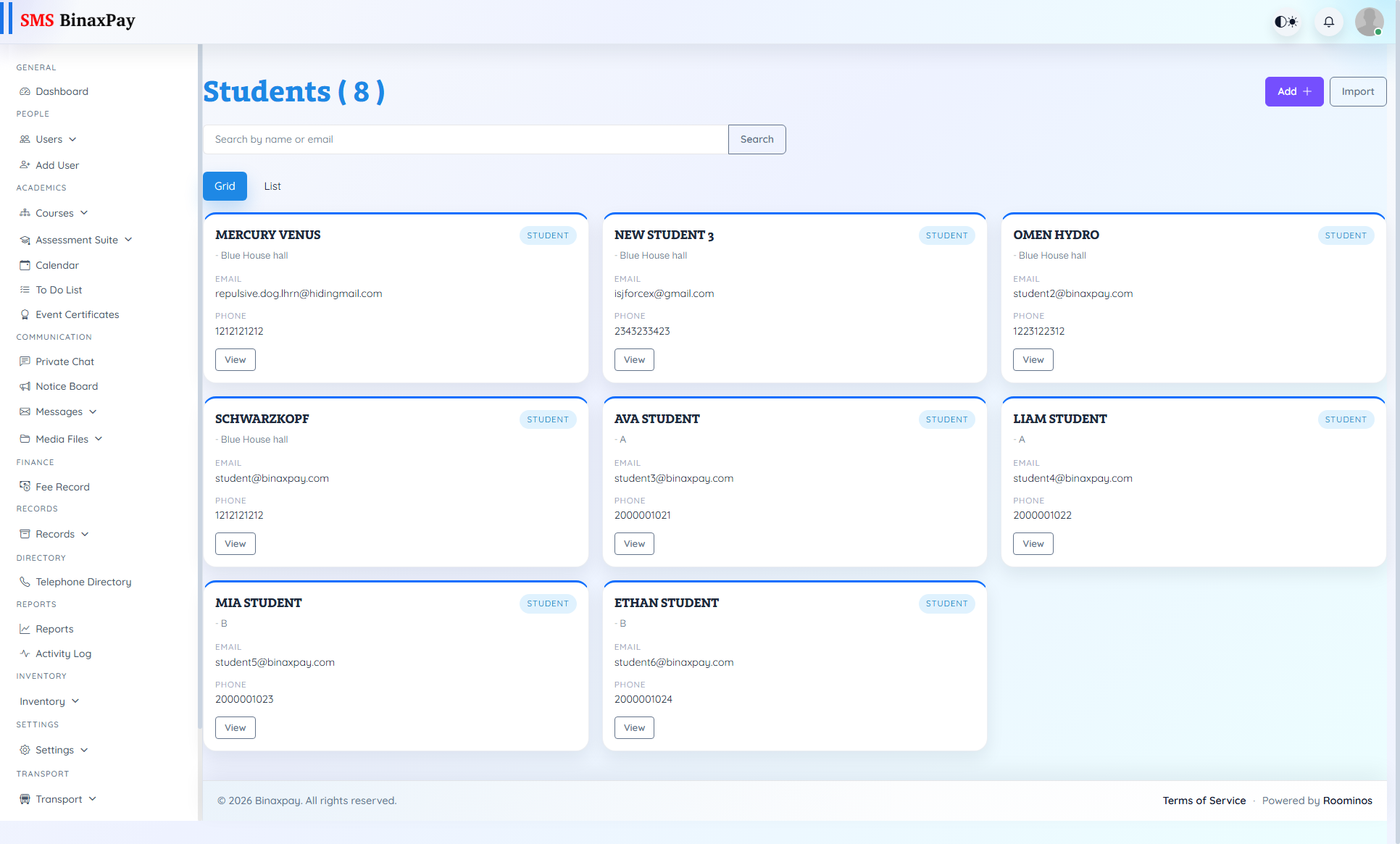
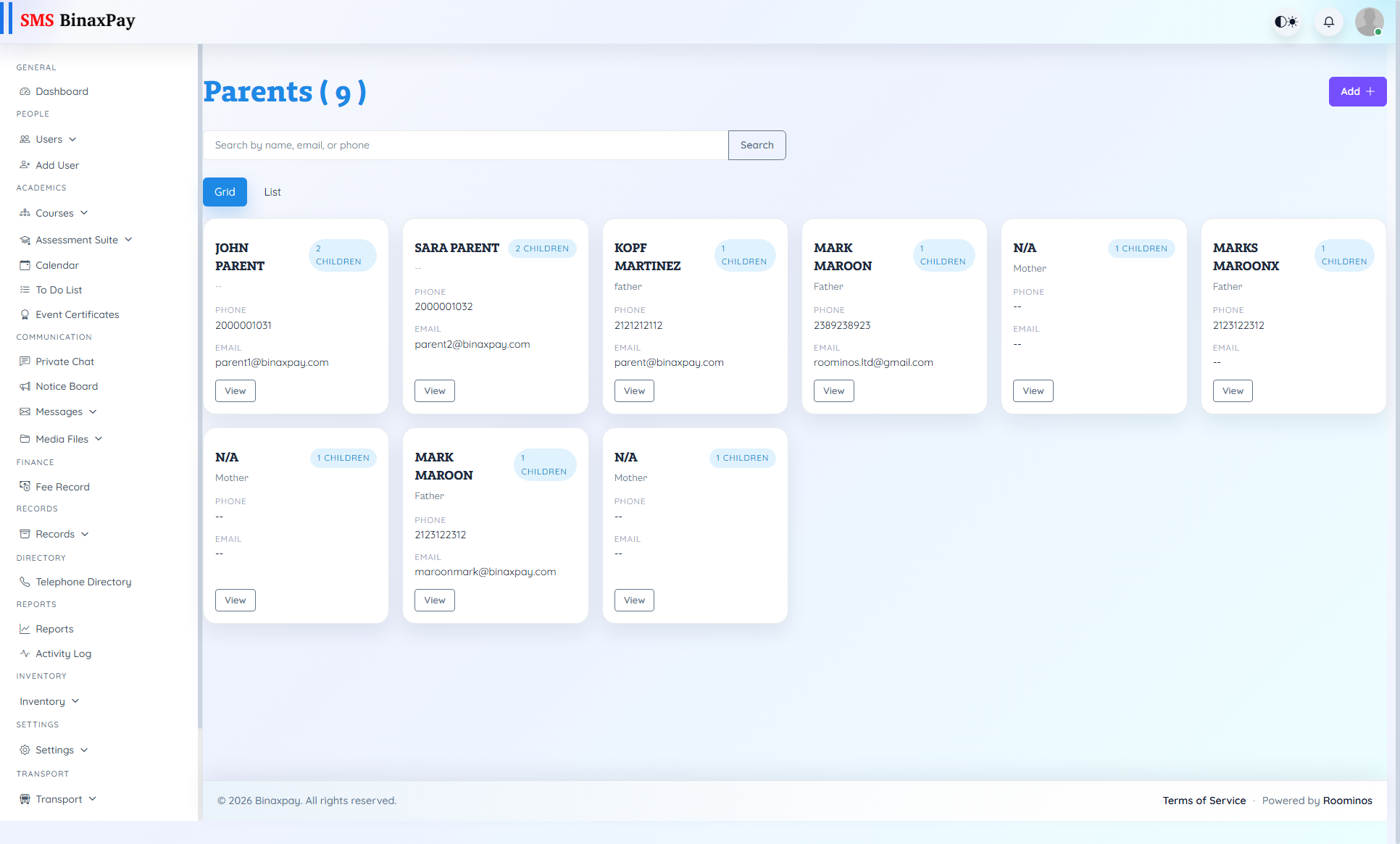
- Open role-specific list (Teaching, Non-Teaching, Students, Parents) and search the reported user.
- Validate active status, role mapping, and visibility scope.
- Correct mismatch and retest required module access.
- Escalate to admin/config owner only if access remains blocked.
Reference Screenshots