Role Navigation
Swipe roles, tap to open submenuAccountant • Calendar
Standalone submenu content with role-aligned workflow and execution checkpoints.
Overview
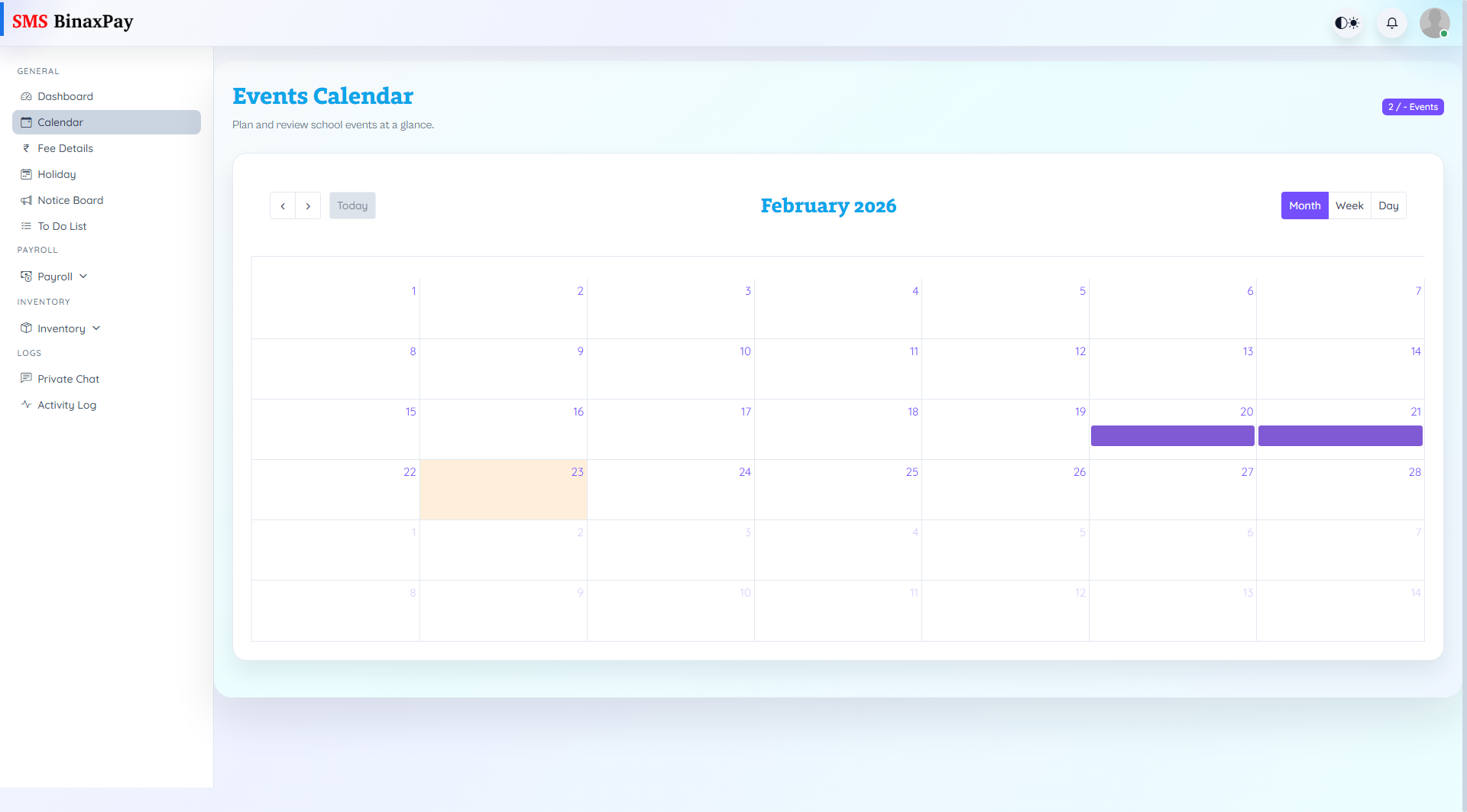
Calendar provides school event visibility and supports event create/view actions from the accountant workspace. This helps align fee reminders, payroll timelines, and operational messaging with real school schedules.
Workflow Execution Steps
- Open calendar month/week view and check upcoming overlaps.
- Create or review event details where needed.
- Align finance deadlines with event calendar windows.
- Communicate adjusted timelines to affected teams.
Reference Screenshots