Role Navigation
Swipe roles, tap to open submenuStudent • Feed
Standalone submenu content with role-aligned workflow and execution checkpoints.
Overview
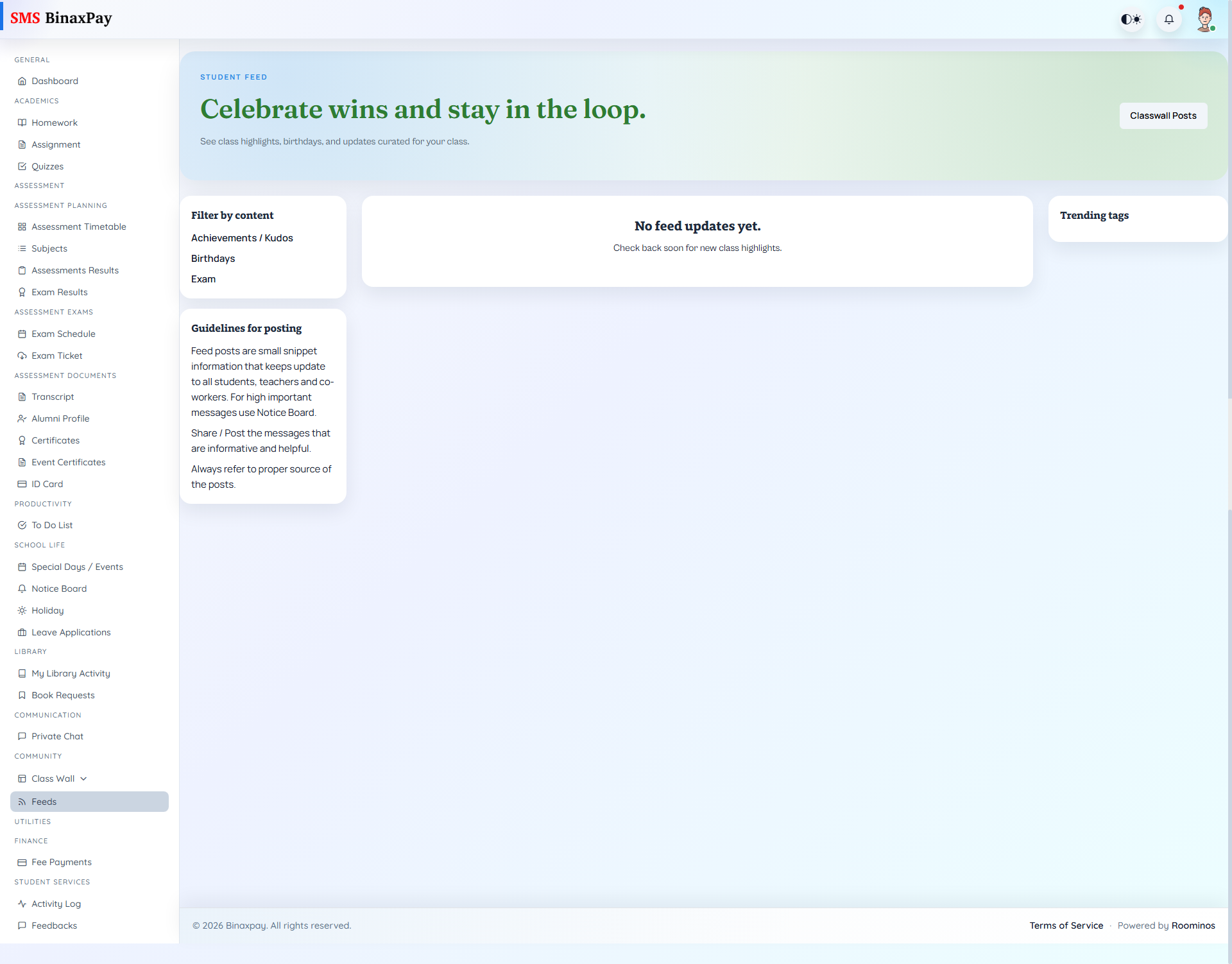
Feed (student/feed/*) is the curated update stream with keyword/tag filtering and shortcut links back to classwall contexts. It complements, not replaces, formal notice-board communication.
Expect mixed paths (/student/feeds and /student/feed/filter) based on Blade route patterns.
Workflow Execution Steps
- Open feeds and review latest community updates.
- Open relevant feed items for details.
- Engage where applicable to stay context-aware.
- Return to owning execution modules for action.
Reference Screenshots