Role Navigation
Swipe roles, tap to open submenuDriver • Trip Roster
Standalone submenu content with role-aligned workflow and execution checkpoints.
Overview
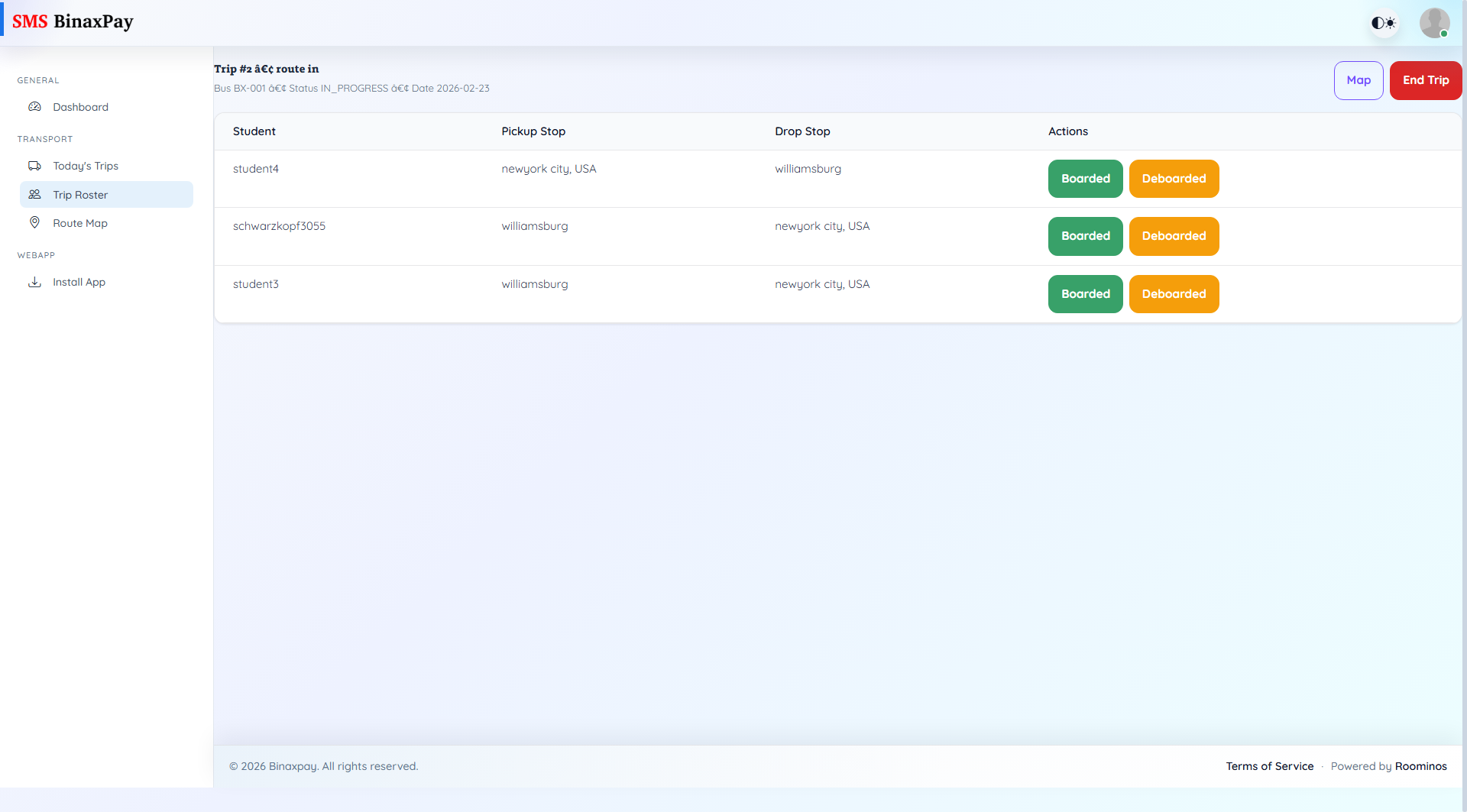
Trip Roster is the student-level execution page for a specific trip. It lists assigned students with pickup and drop stops, and provides Boarded and Deboarded actions while the trip is active. When trip status becomes completed, action buttons are replaced by ended-state indicators.
Workflow Execution Steps
- Open active Trip Roster and verify student stop context.
- Record Boarded and Deboarded events student-by-student in real time.
- Update missed movement events at the first safe opportunity in-trip.
- Use End Trip immediately after physical route completion.
Reference Screenshots