Role Navigation
Swipe roles, tap to open submenuStudent • Alumni
Standalone submenu content with role-aligned workflow and execution checkpoints.
Overview
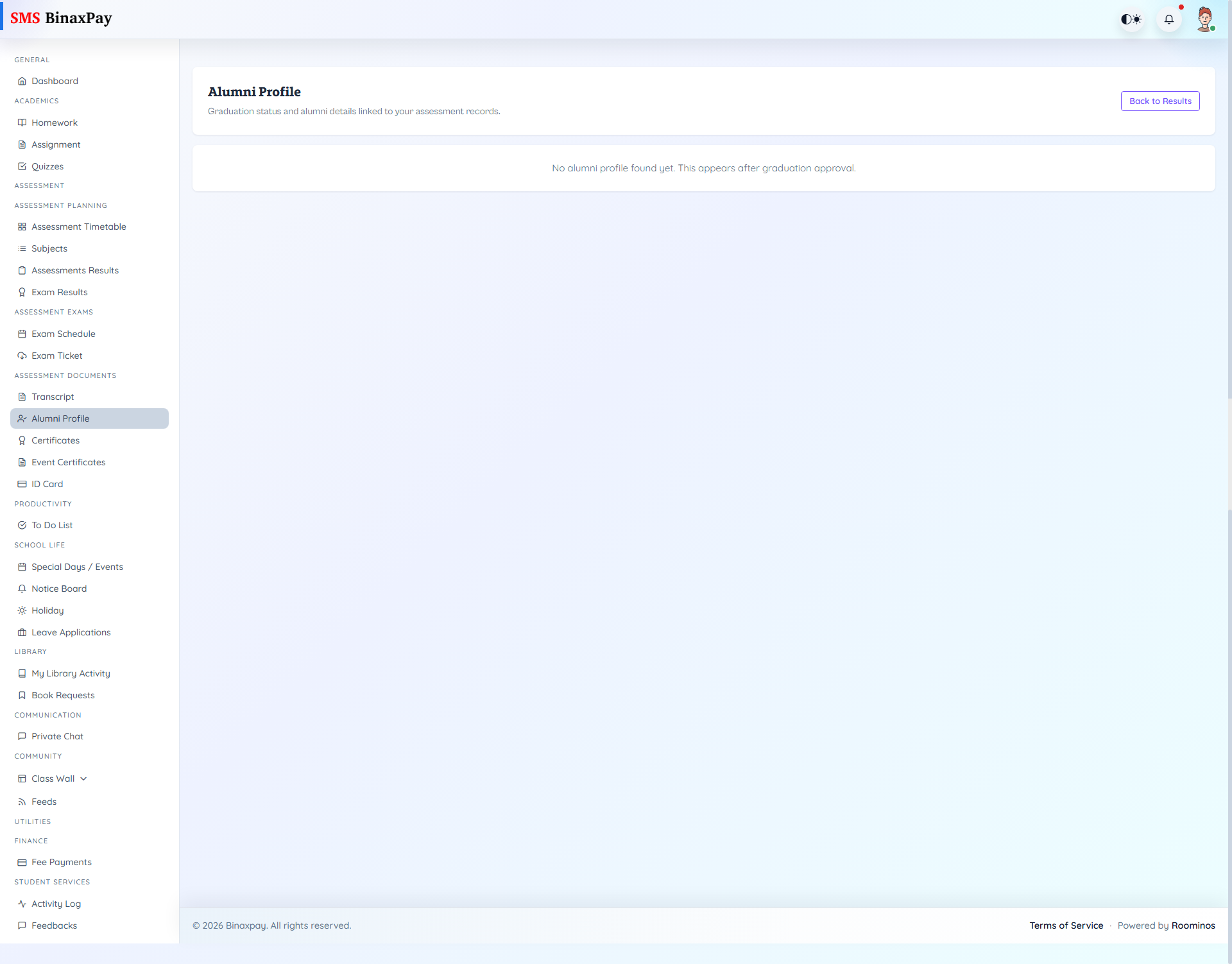
Alumni (student/assessment/alumni.blade.php) shows alumni profile/status snapshot and academic summary context where available.
No-active-record messages may appear when alumni context is not yet created for the account.
Workflow Execution Steps
- Open alumni profile and verify personal/academic mapping.
- Confirm transition details after progression/graduation context.
- Review displayed alumni status consistency.
- Request correction for inconsistent alumni fields.
Reference Screenshots