Role Navigation
Swipe roles, tap to open submenuAdmin / Organisation • To Do List
Standalone submenu content with role-aligned workflow and execution checkpoints.
Overview
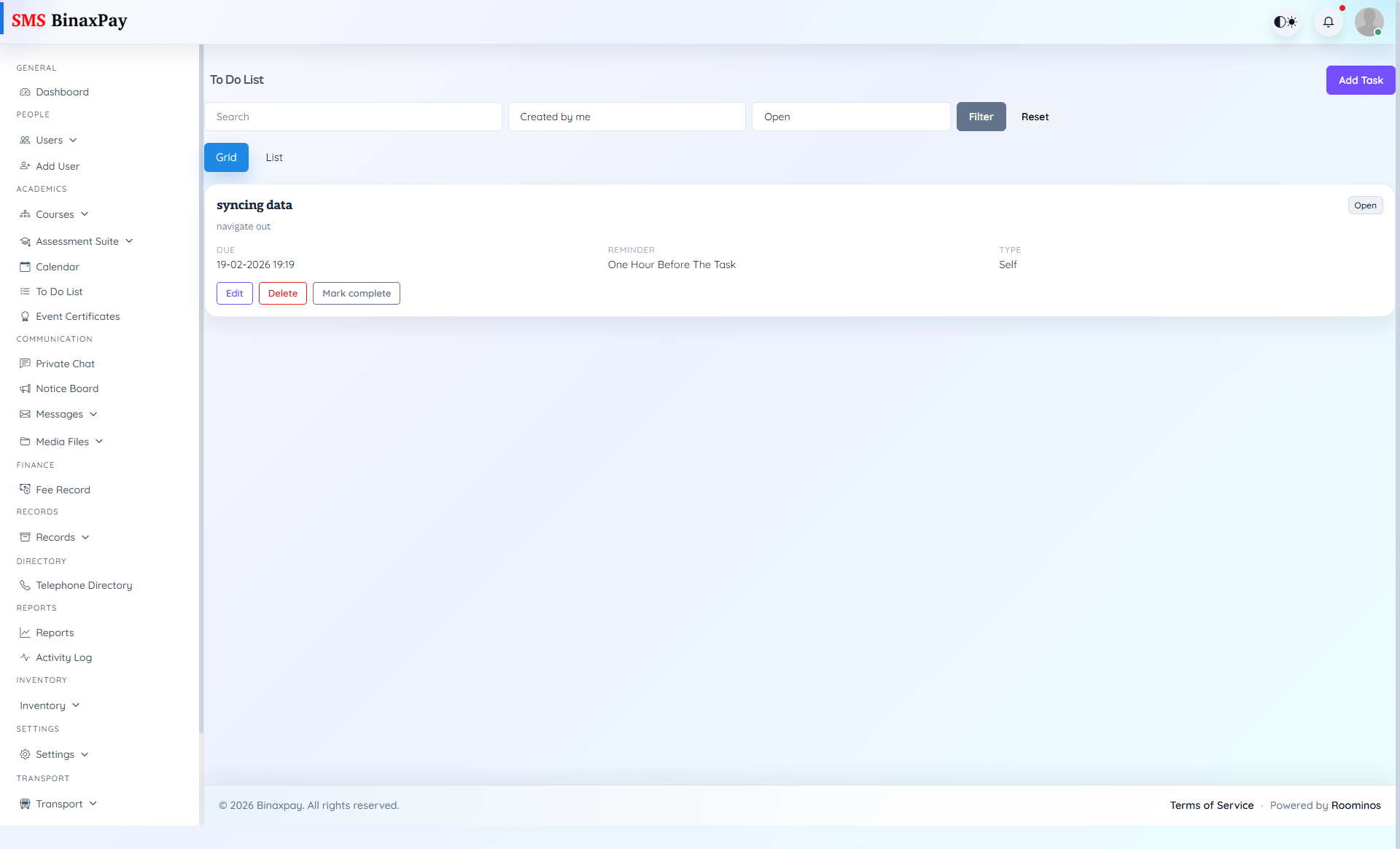
To Do List is operational follow-up control for administrative execution. Admin should use ownership and status filters to move tasks to closure with explicit accountability and avoid unresolved action drift.
Workflow Execution Steps
- Create task with owner, due date, module tag, and priority.
- Move status from Open to In Progress as execution starts.
- Add evidence notes or attachments during follow-up.
- Close task only after verified output and accountability trace.
Reference Screenshots