Role Navigation
Swipe roles, tap to open submenuAdmin / Organisation • Dashboard
Standalone submenu content with role-aligned workflow and execution checkpoints.
Overview
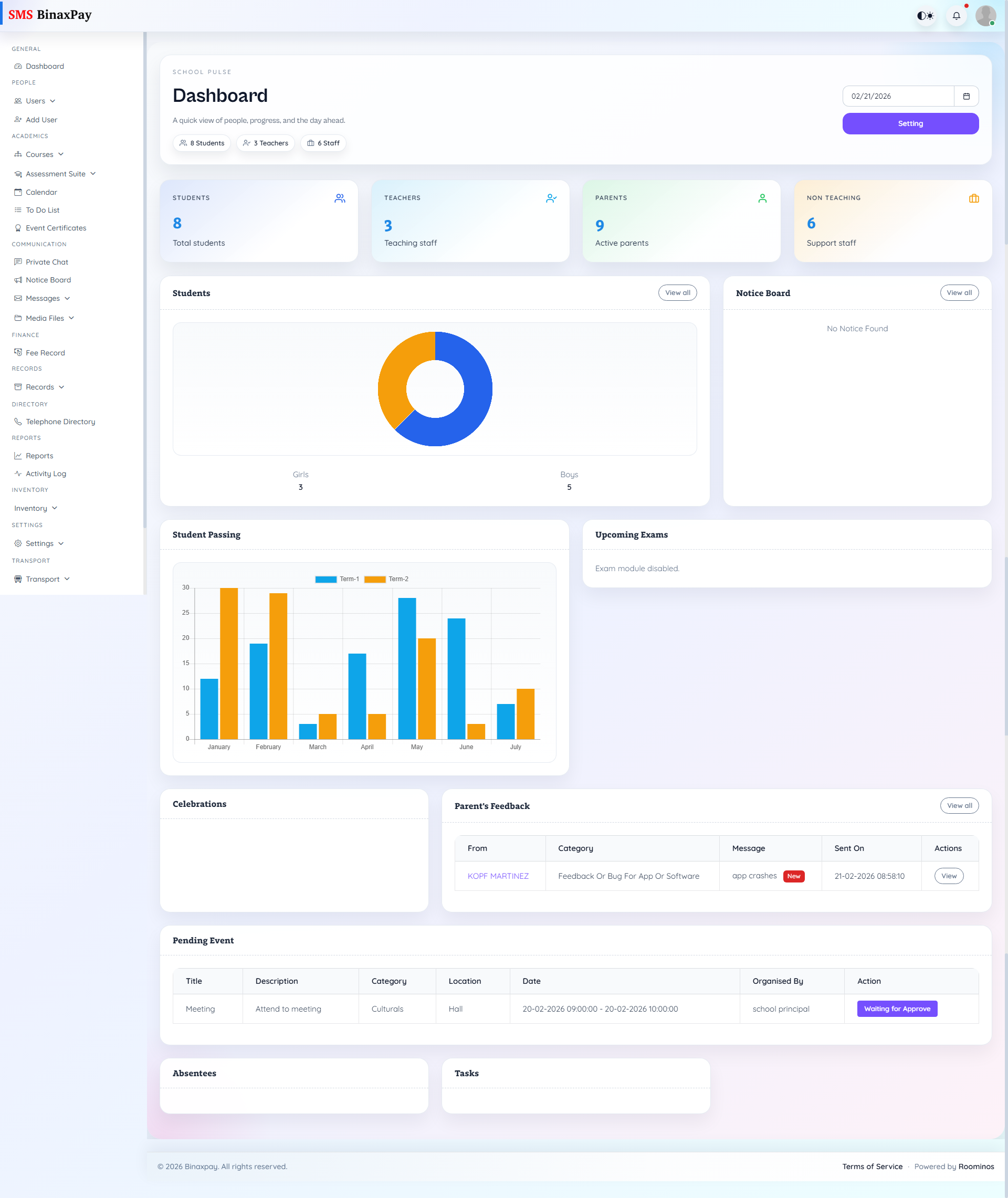
Dashboard is the administrative triage panel and should be used to decide priority order, not to perform final workflow execution. Admin should read queue signals from this page, then move to the owning module where the actual action, approval, and publishing decisions are completed.
Workflow Execution Steps
- Review alerts and pending counters on Dashboard.
- Classify queues by risk (academic, finance, operations).
- Assign owner and target date for the highest-risk queue.
- Jump to the owning menu for execution and return to confirm queue reduction.
Reference Screenshots