Role Navigation
Swipe roles, tap to open submenuAccountant • Payslips
Standalone submenu content with role-aligned workflow and execution checkpoints.
Overview
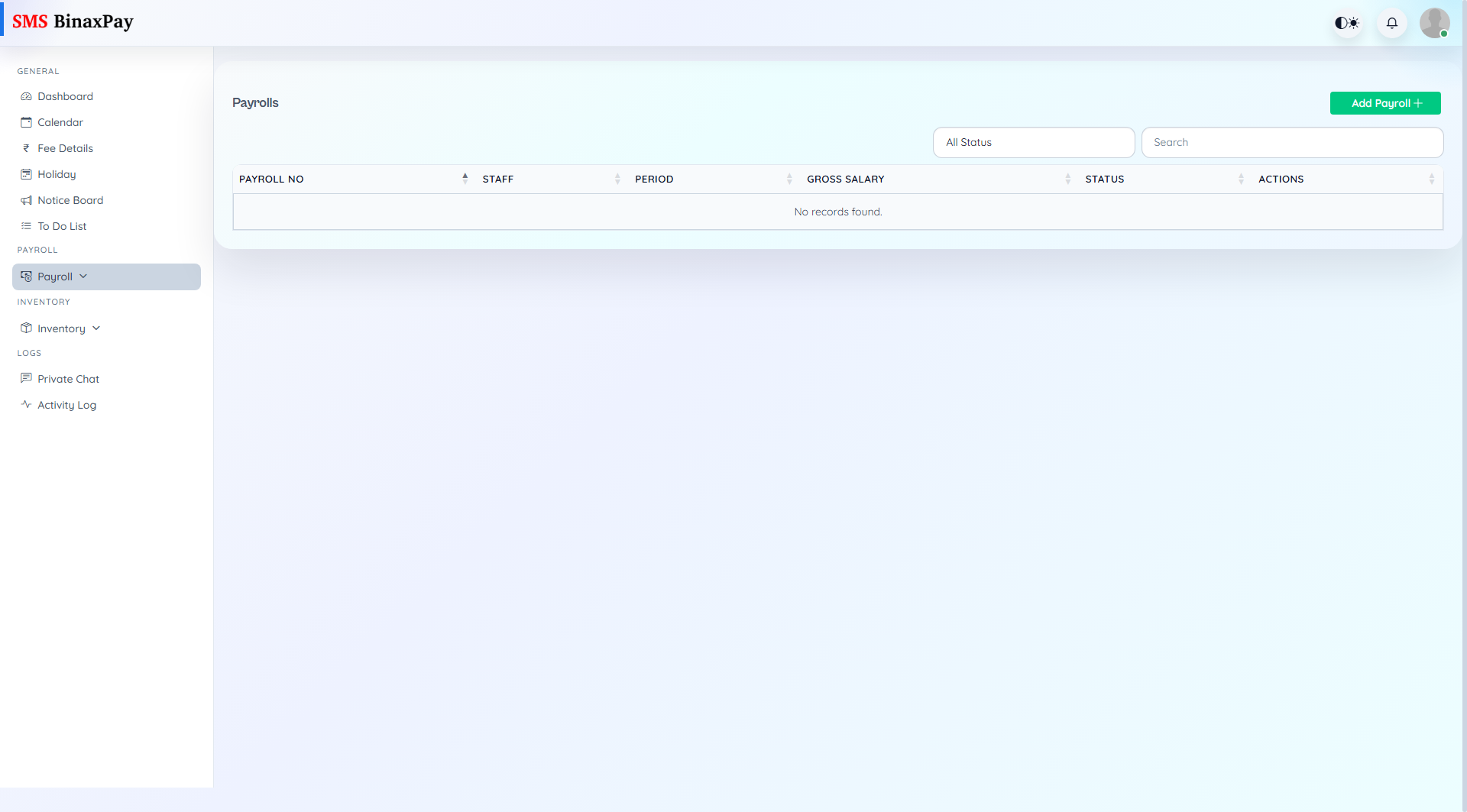
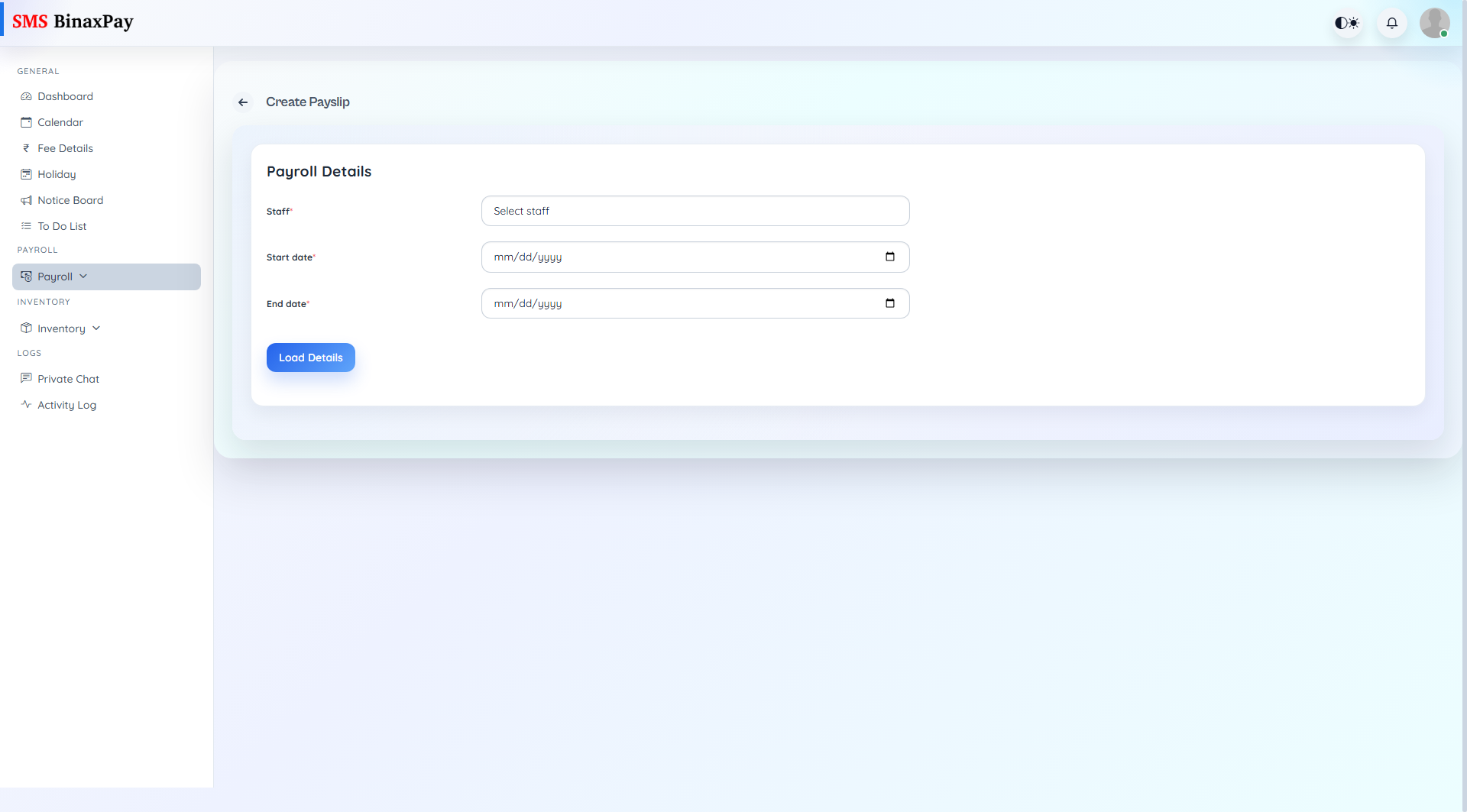
Payslips is the payroll run workspace where payroll entries are created, searched, edited, and downloaded. It controls the practical payroll cycle output and paid/unpaid visibility.
Workflow Execution Steps
- Open payslip list and filter by paid/unpaid or staff search.
- Create or update payroll entry for target cycle.
- Review generated output for correctness.
- Download or share final payslip when ready.
Reference Screenshots