Role Navigation
Swipe roles, tap to open submenuStudent • Conversations
Standalone submenu content with role-aligned workflow and execution checkpoints.
Overview
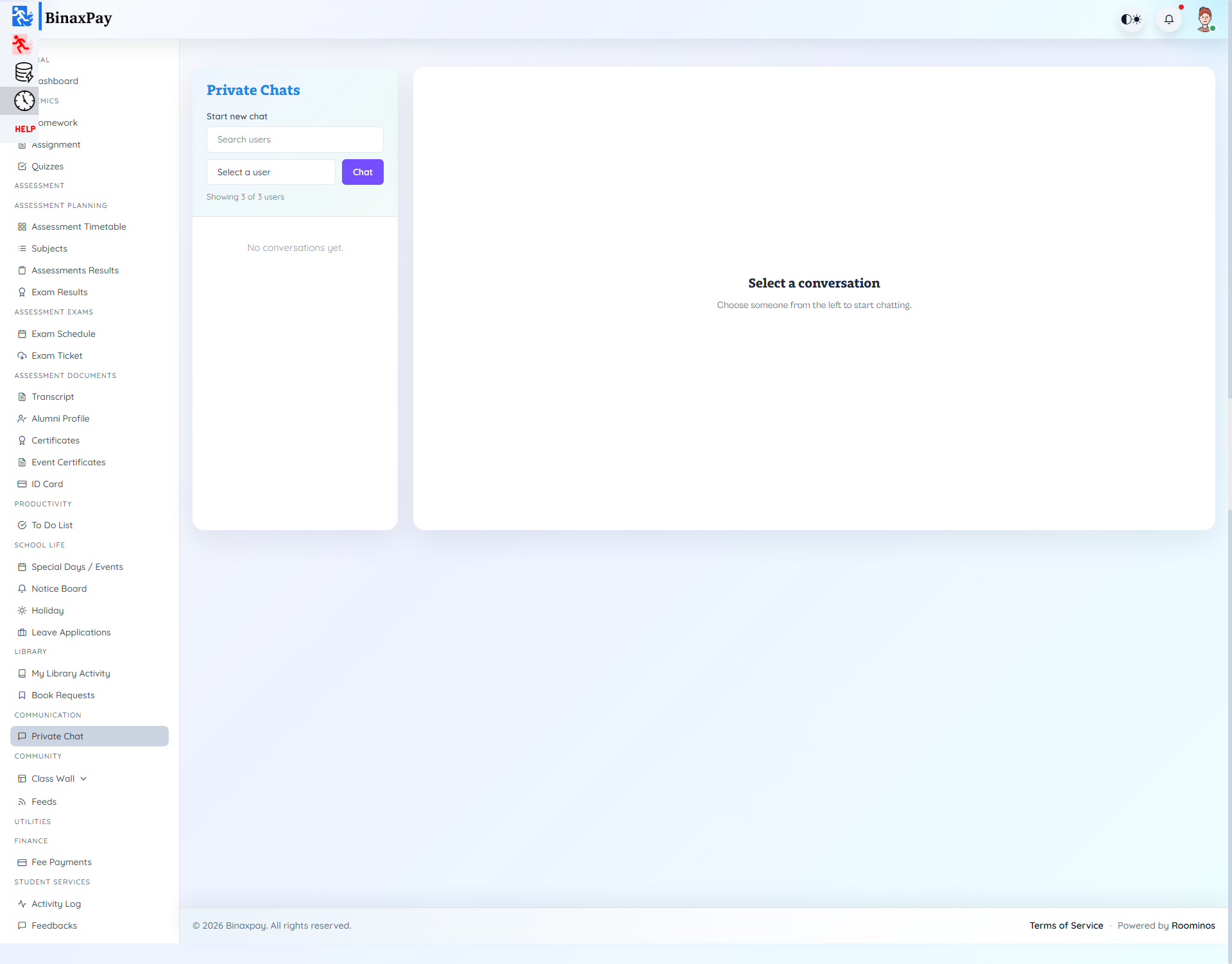
Conversations (student/conversations/*) supports direct thread-based messaging with list, create, and show flows. UI behavior is significantly Livewire-driven from embedded components.
Use this for focused discussion threads, not as a substitute for formal feedback escalation.
Workflow Execution Steps
- Open conversation or private chat thread and send targeted question/update.
- Collect response and clarify next action quickly.
- Move formal requests to official modules when required.
- Close loop after corresponding module action is completed.
Reference Screenshots