Role Navigation
Swipe roles, tap to open submenuAdmin / Organisation • Settings
Standalone submenu content with role-aligned workflow and execution checkpoints.
Overview
Settings is prerequisite governance across School Details, Academic Years, Admissions, Holidays List, optional Exam Rules/Exam Grade, and Leave Master. Admin should validate this layer before assessment, promotion, and publication actions, because incorrect settings create downstream workflow instability even when modules themselves are healthy. Academic Years is the prerequisite gate before exams, promotions, and result publication stages.
Workflow Execution Steps
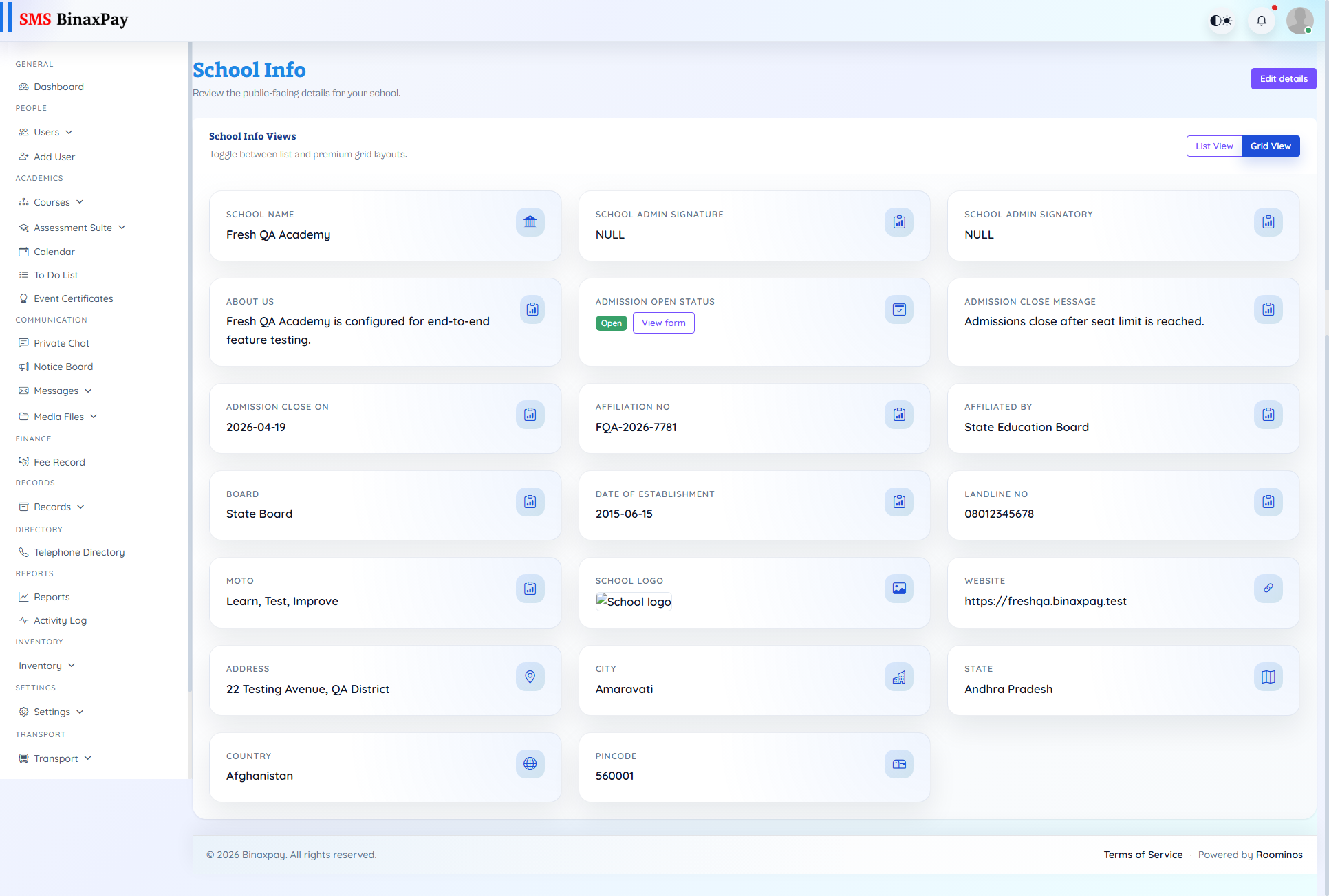
- School Details: review profile fields -> update branding/contact/compliance details -> validate front-end display/forms -> save and announce critical profile changes.
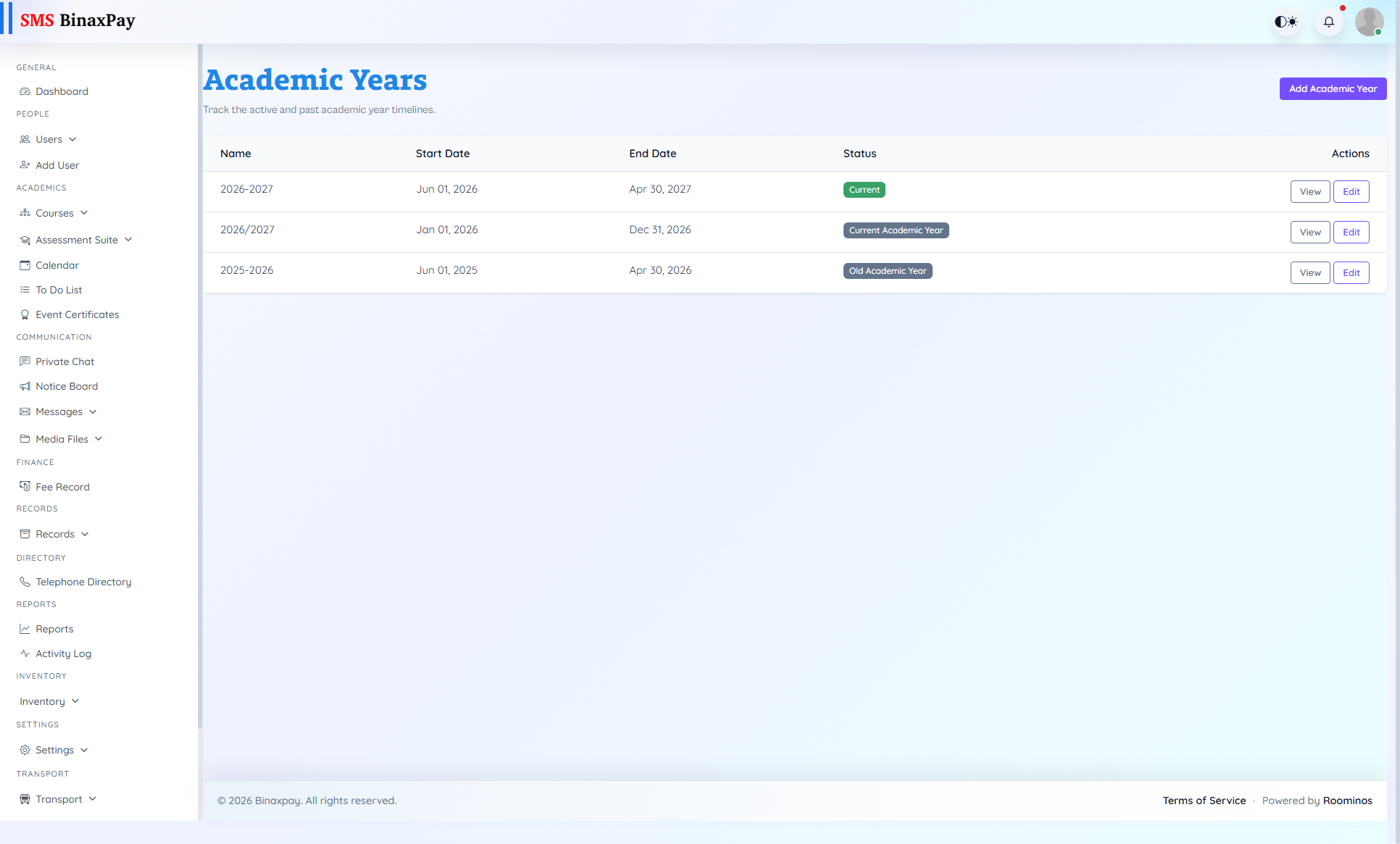
- Academic Years: confirm current year/session settings -> activate intended academic year -> verify dependent modules point to active year -> lock historical year from accidental edits.
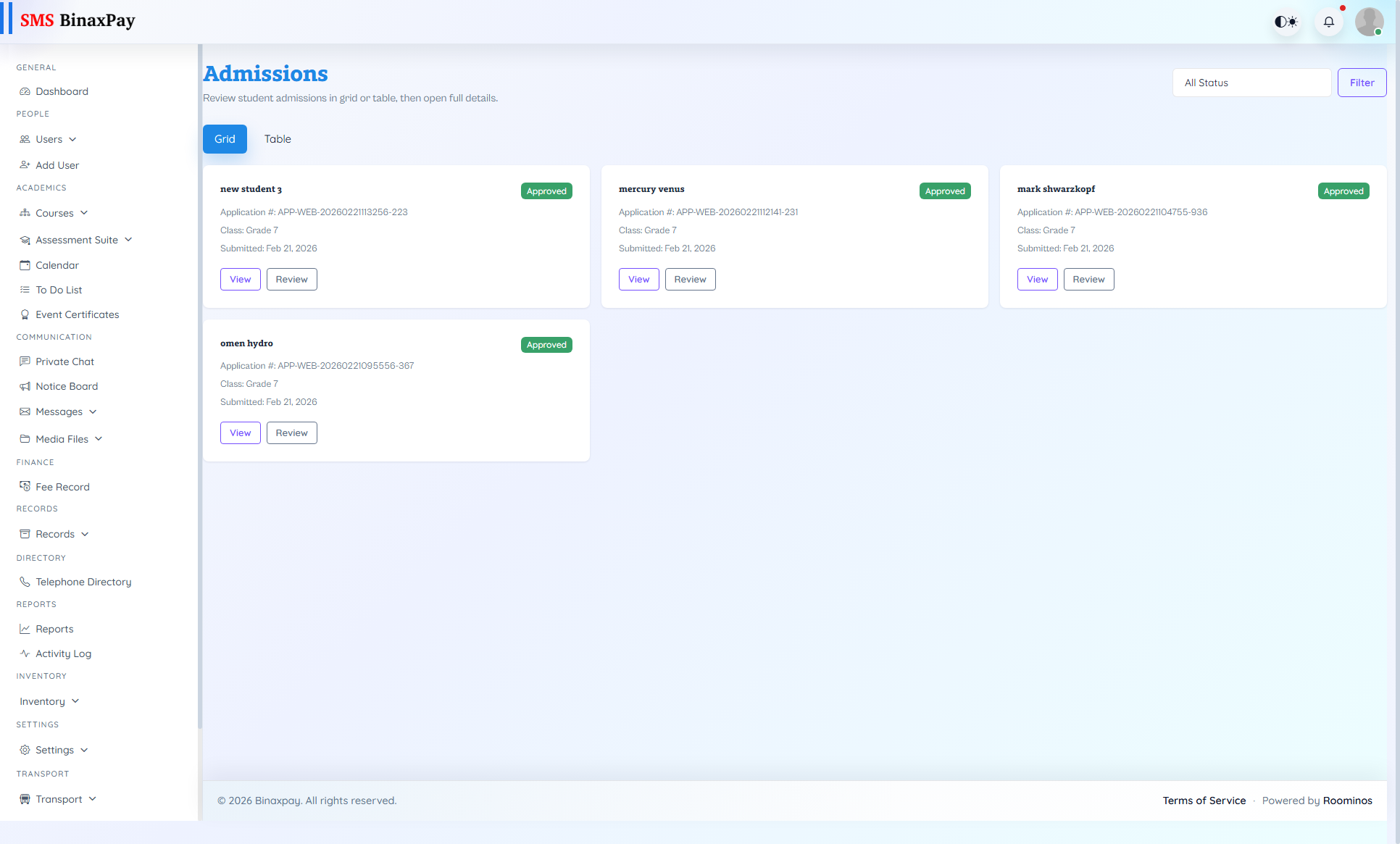
- Admissions: configure admission window and intake settings -> verify required form fields/criteria -> publish admissions state -> monitor applications and closure date.
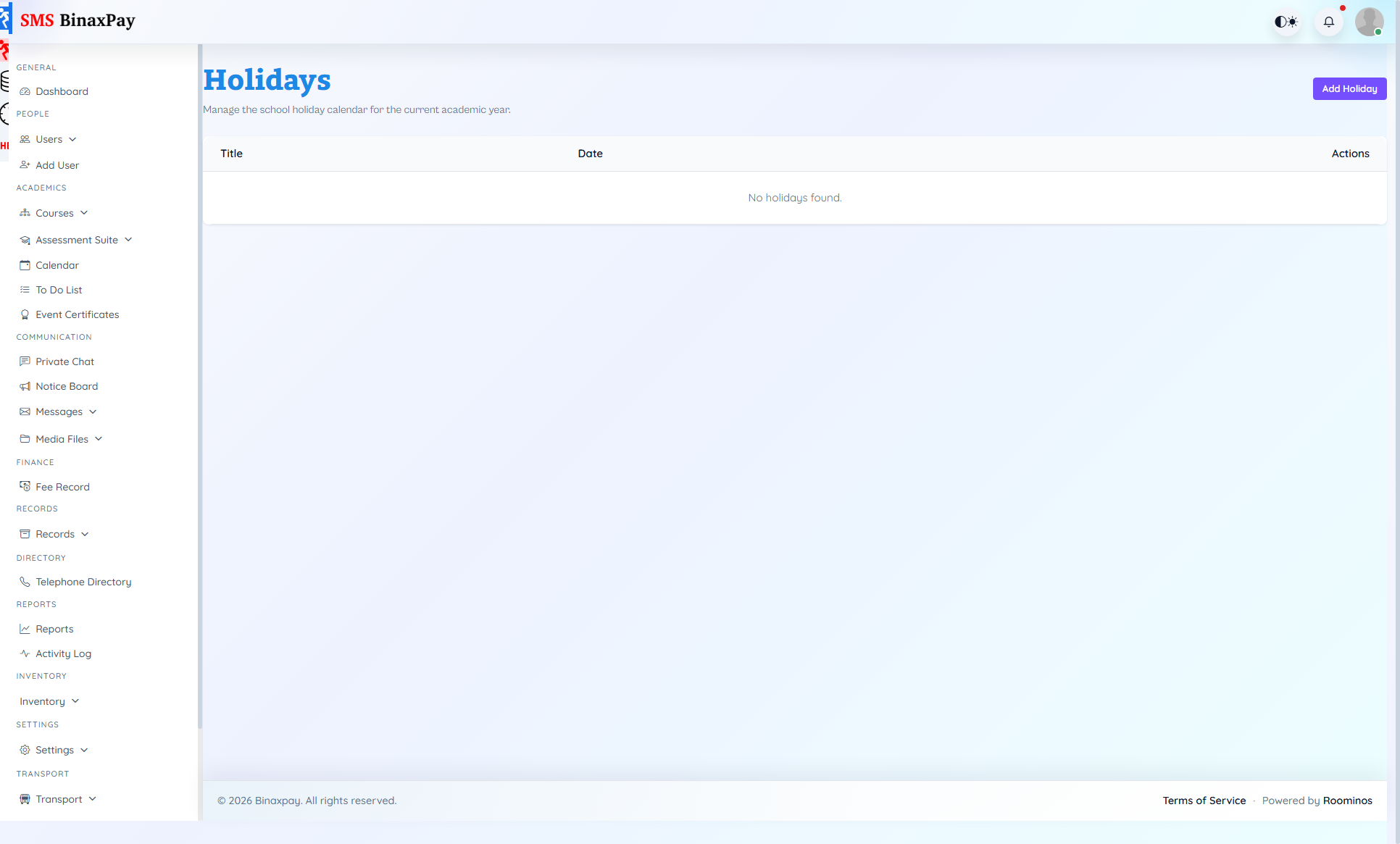
- Holidays List: add approved holiday dates/descriptions -> validate against exam/timetable windows -> publish updates -> recheck attendance and schedule impact.
- Exam Rules / Exam Grade (optional): review grading matrix and exam rules -> align with policy approval -> run sample grading check -> publish updated rule set -> notify assessment stakeholders.
- Leave Master: create/update leave types and limits -> map approval levels -> verify role eligibility -> test leave application path -> publish policy changes.
Reference Screenshots