Role Navigation
Swipe roles, tap to open submenuStudent • Assessment Timetable
Standalone submenu content with role-aligned workflow and execution checkpoints.
Overview
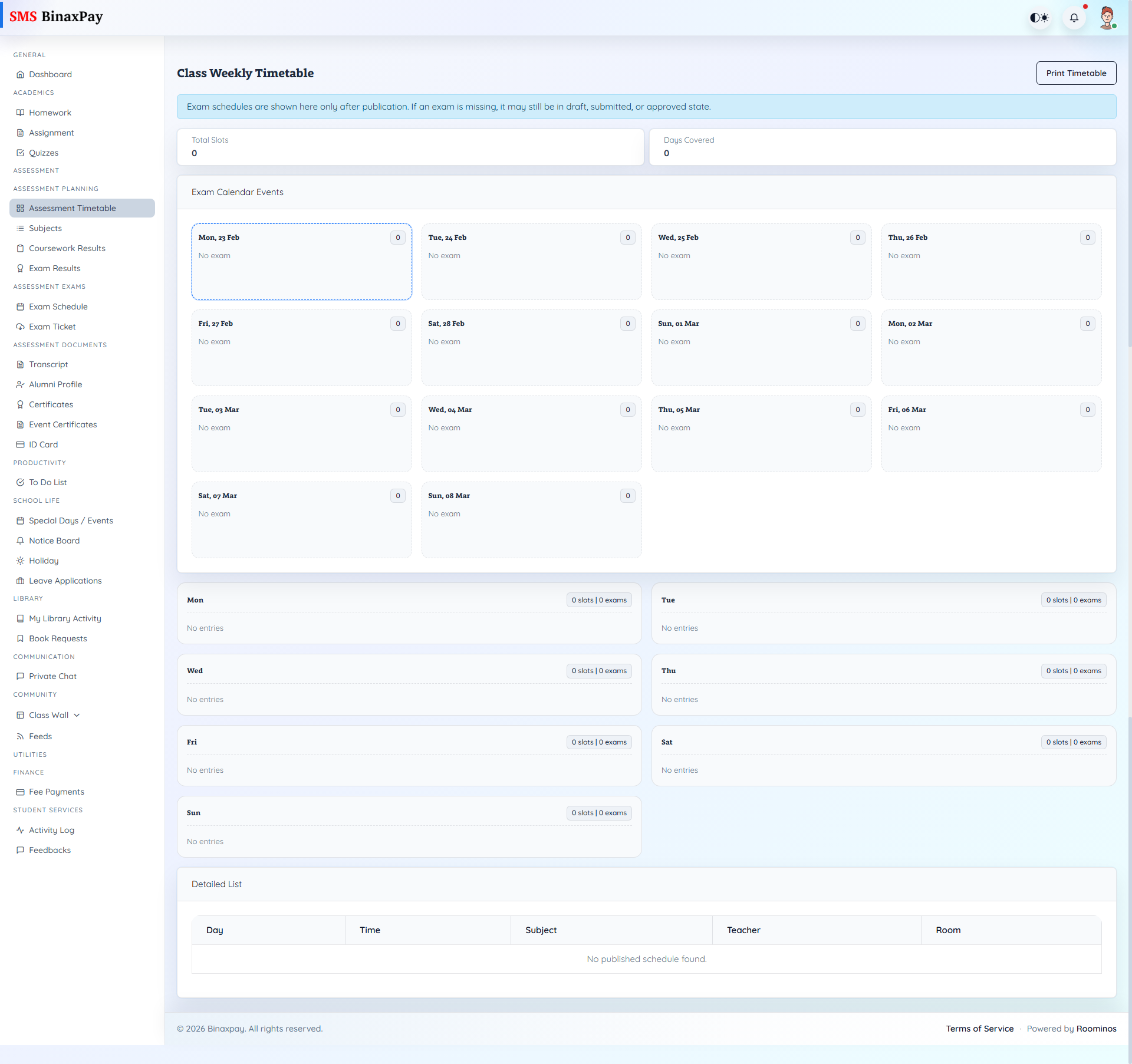
Assessment Timetable (student/assessment/timetable.blade.php) combines weekly class slots with exam-calendar visibility and print support. It is publication-aware, so exam entries may be absent until released.
Students should use this as the planning base before opening deeper assessment result and document pages.
Workflow Execution Steps
- Open assessment timetable and verify upcoming assessments by date.
- Map revision plan to scheduled slots.
- Cross-check schedule against events and holidays.
- Revisit timetable daily during active assessment windows.
Reference Screenshots