Role Navigation
Swipe roles, tap to open submenuAdmin / Organisation • Users
Standalone submenu content with role-aligned workflow and execution checkpoints.
Overview
Users lists are the first stop when any role reports missing menus, wrong access, or blocked actions. Admin should verify role mapping, school scope, and profile status before assuming module defects. Operationally, many “module problems” are actually role assignment issues, so this area is a core control gate.
Workflow Execution Steps
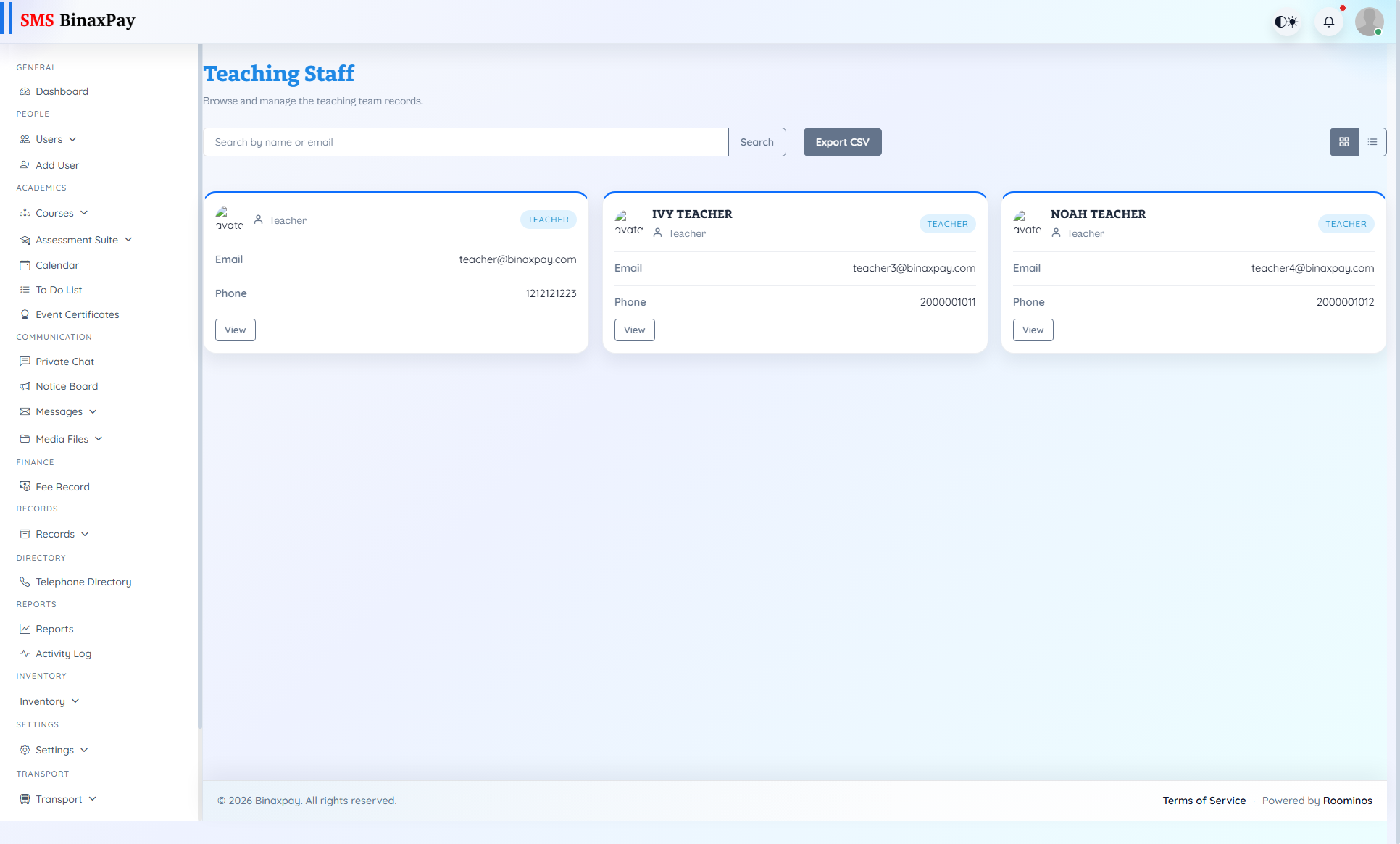
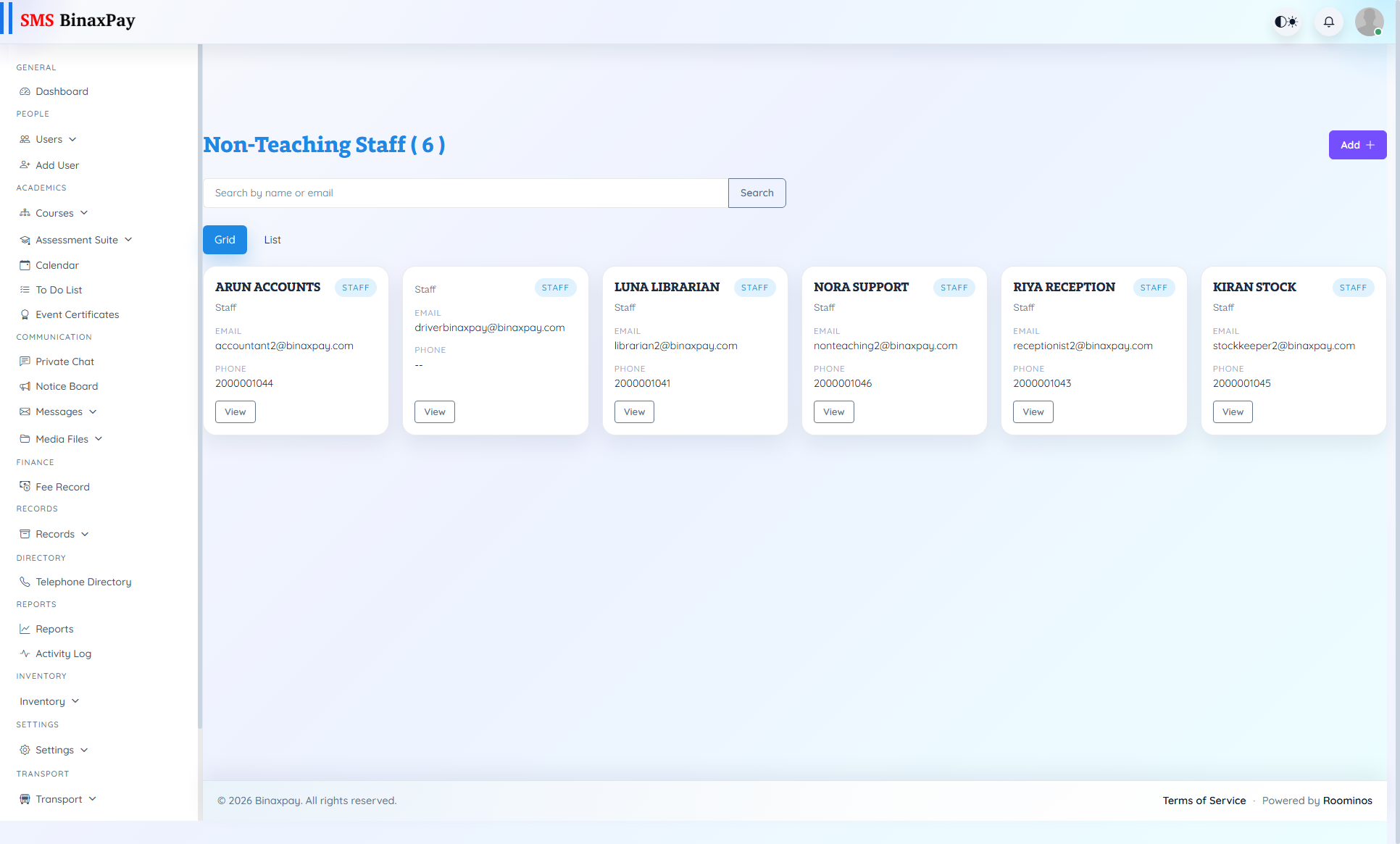
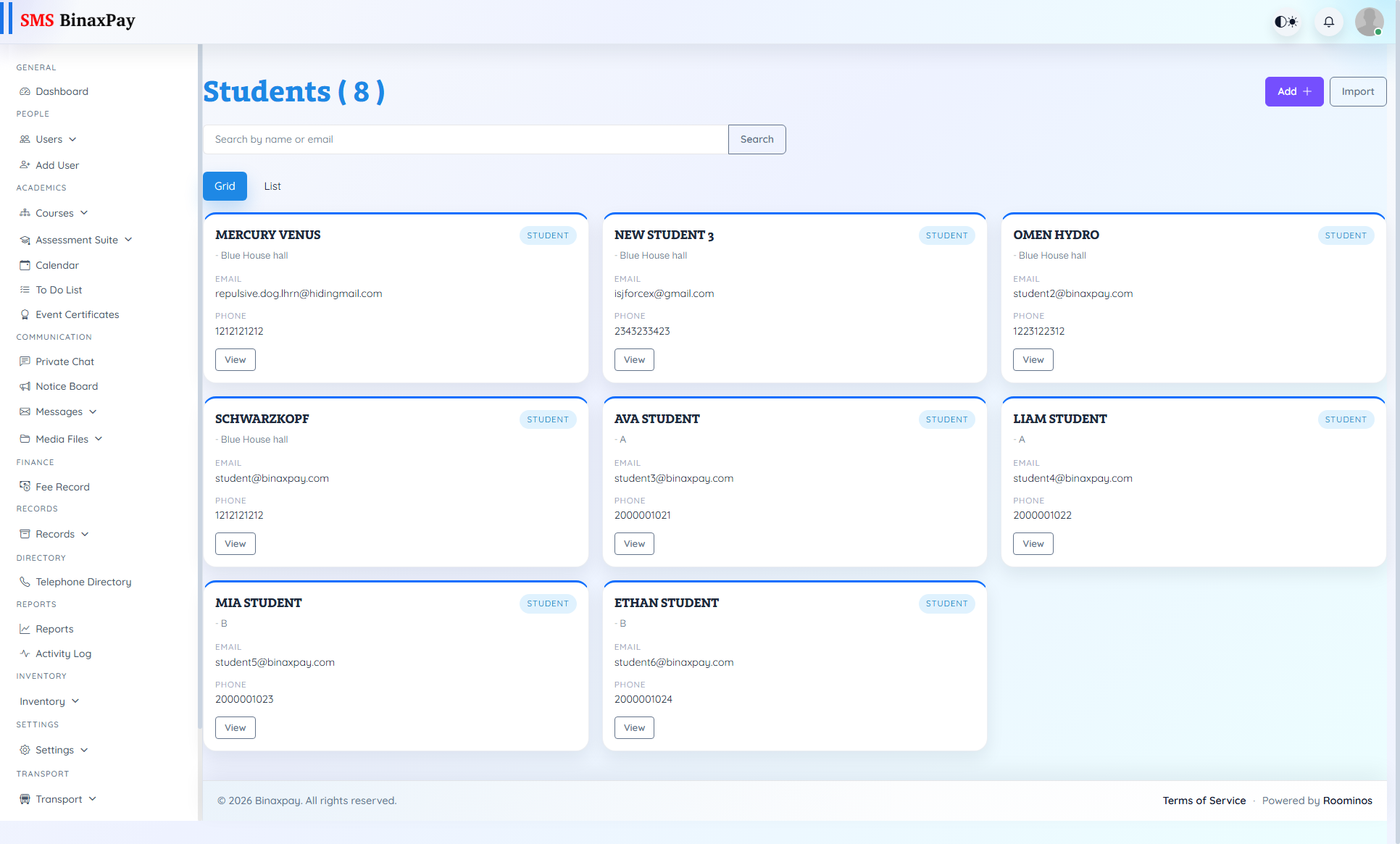
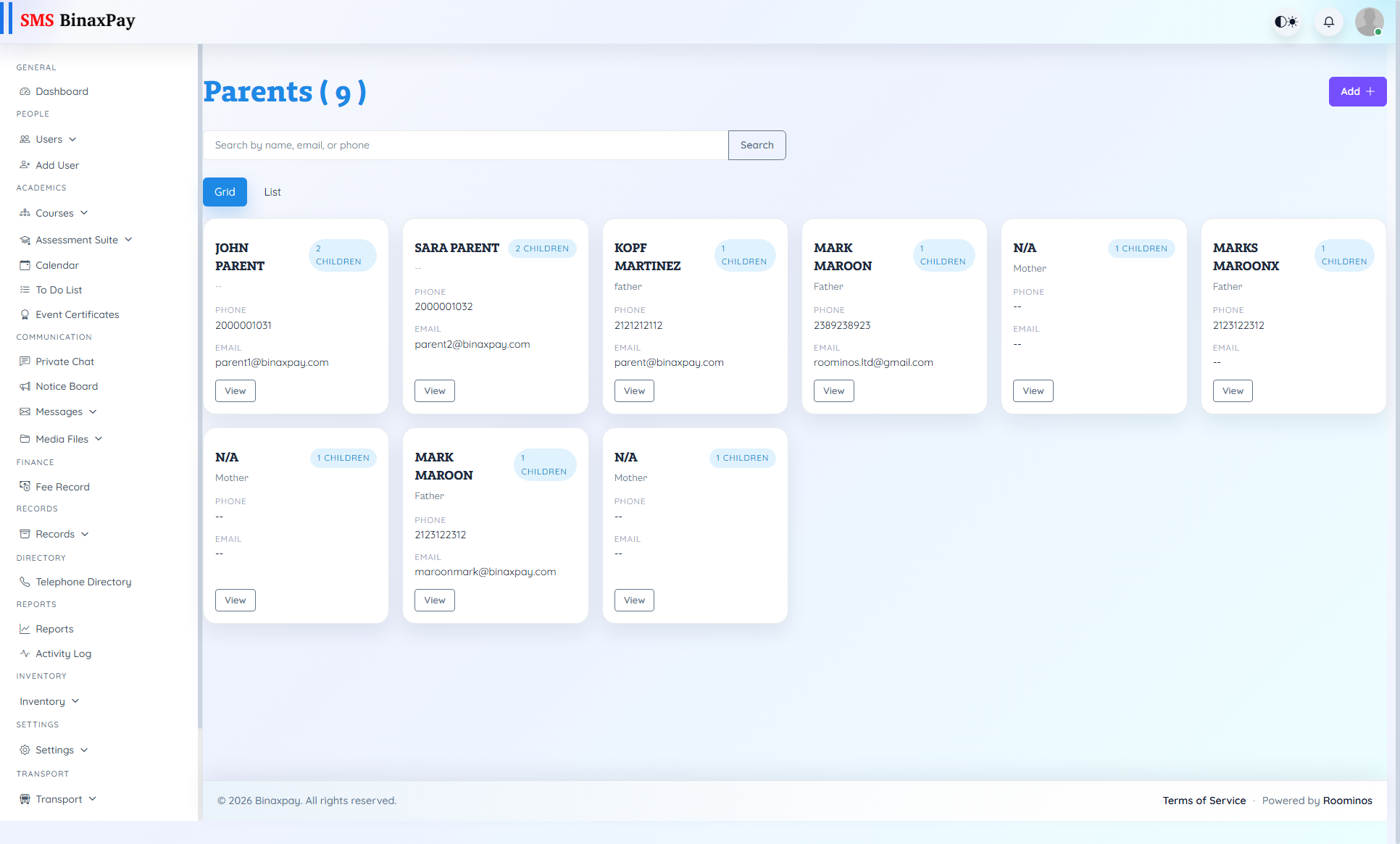
- Open the relevant list (Teaching, Non-Teaching, Students, Parents, Alumni where enabled) and locate the account.
- Verify role mapping, status, school scope, and session alignment.
- Correct assignment/profile flags and retest actual menu access.
- Record the access-fix outcome in follow-up evidence.
Reference Screenshots