Role Navigation
Swipe roles, tap to open submenuReceptionist • Special Days / Events
Standalone submenu content with role-aligned workflow and execution checkpoints.
Overview
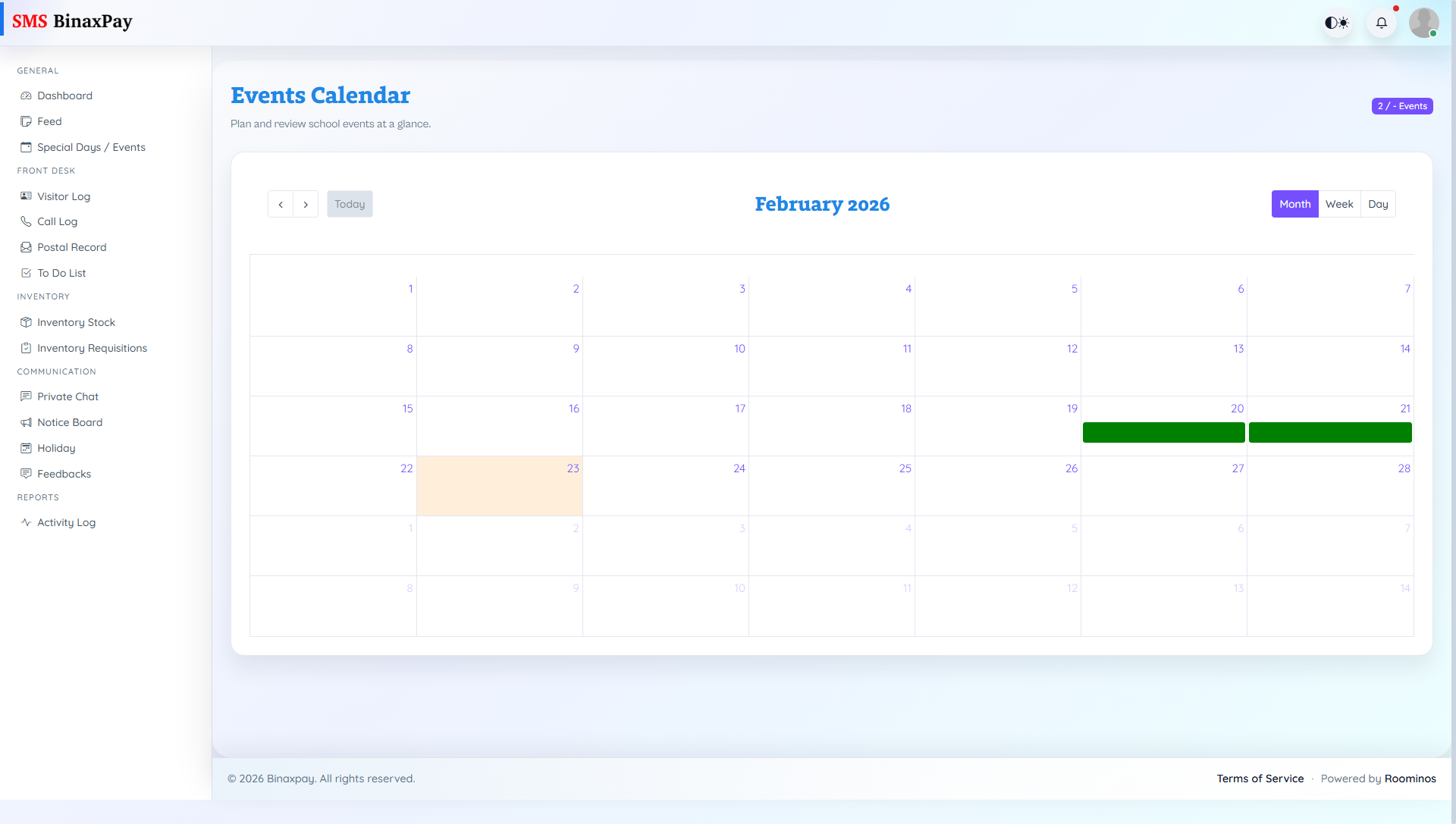
Special Days / Events provides event calendar visibility and date-based planning context. Receptionist should use this module before handling date-sensitive front-desk requests so operational responses match current event schedules.
Workflow Execution Steps
- Open events calendar and review upcoming date/time slots.
- Check event details for affected audience context.
- Adjust desk guidance and appointment windows accordingly.
- Relay confirmed schedule information only.
Reference Screenshots