Role Navigation
Swipe roles, tap to open submenuAdmin / Organisation • Calendar
Standalone submenu content with role-aligned workflow and execution checkpoints.
Overview
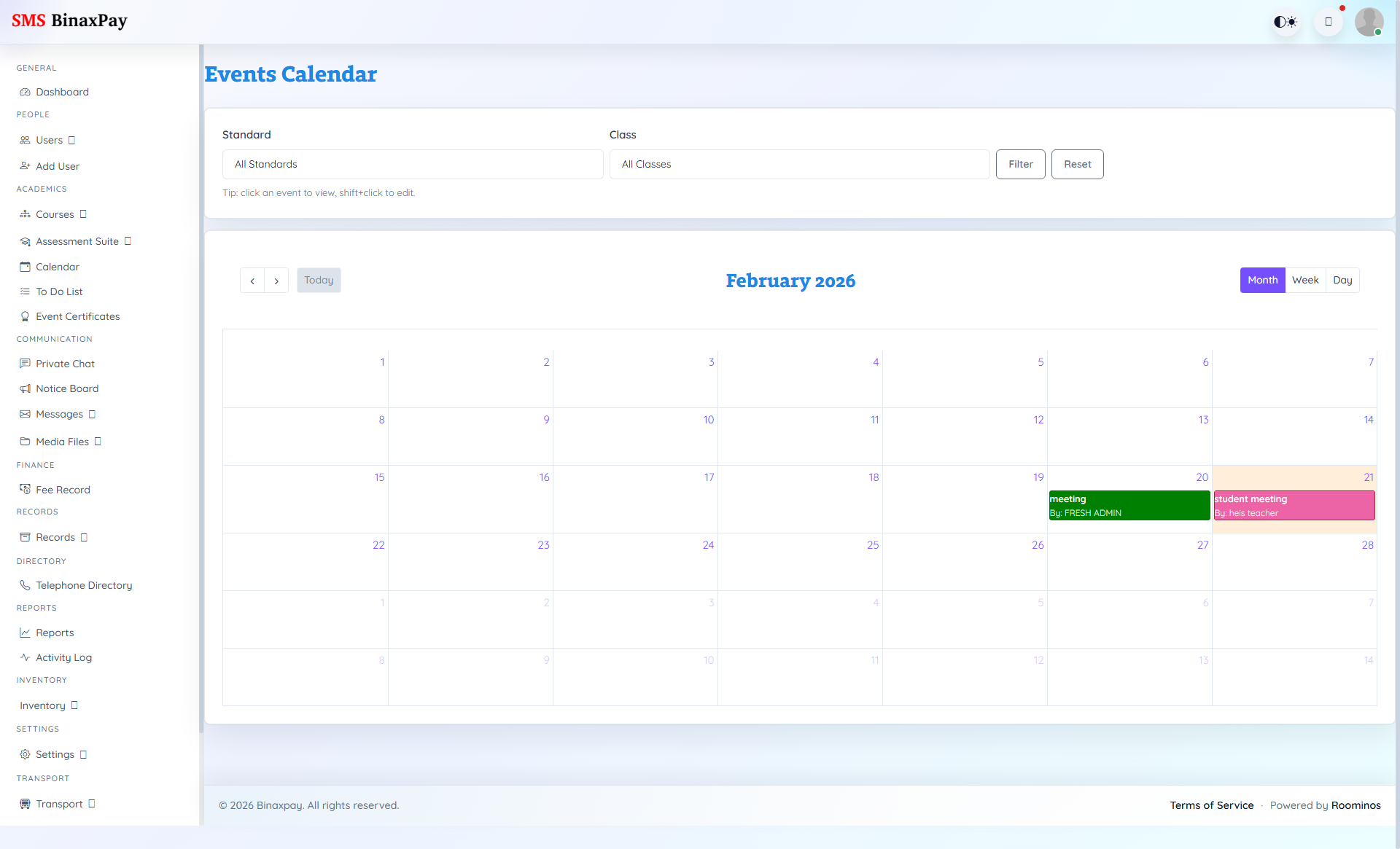
Calendar is school scheduling governance where event timing and audience context are managed. Admin should use it to maintain conflict-free planning across academics, events, and communication touchpoints.
Workflow Execution Steps
- Create event with date, time, and audience scope.
- Cross-check event timing against exam and holiday windows.
- Publish entry and notify affected roles.
- Review calendar conflicts weekly and correct drift.
Reference Screenshots