Role Navigation
Swipe roles, tap to open submenuTeacher • Home Works
Standalone submenu content with role-aligned workflow and execution checkpoints.
Overview
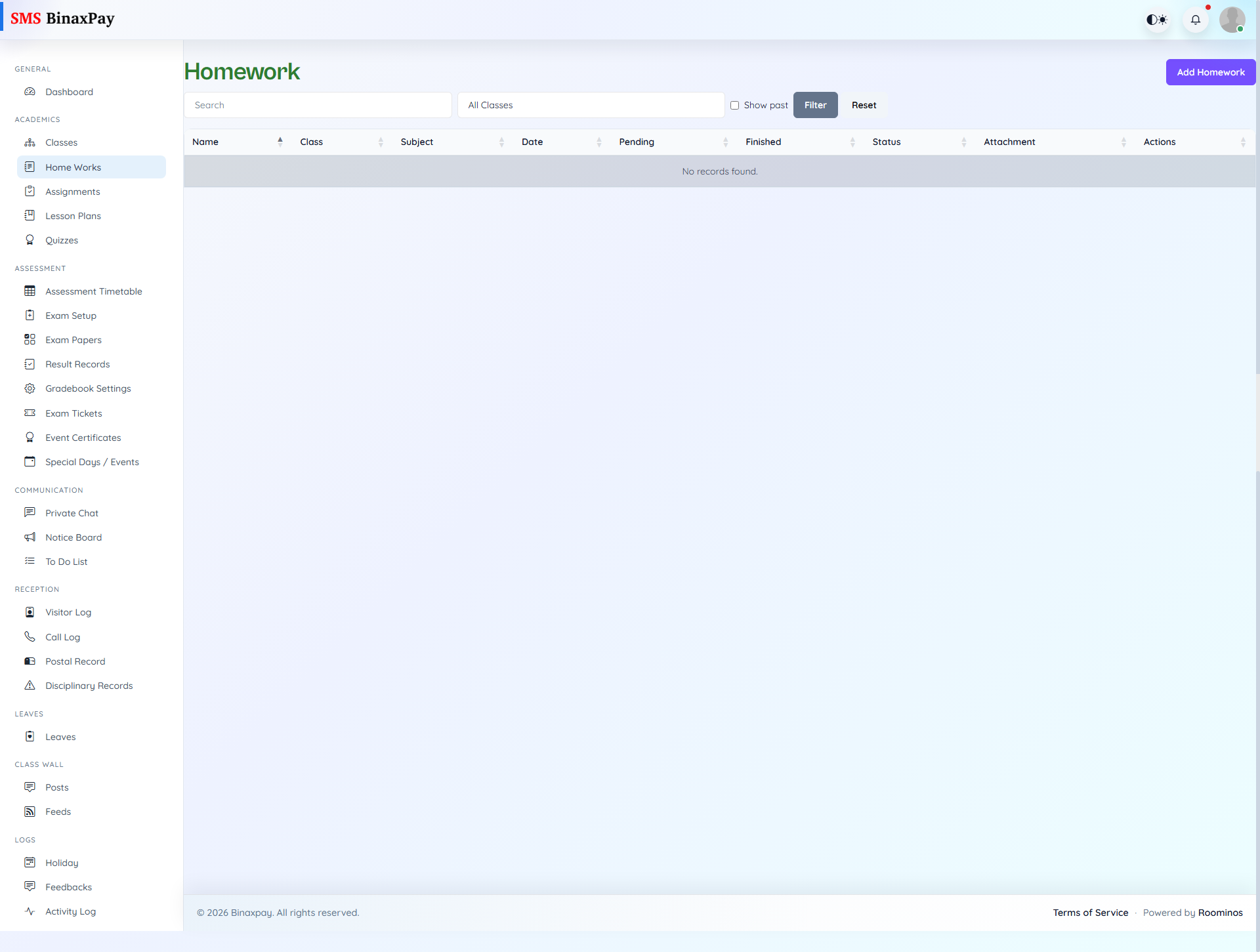
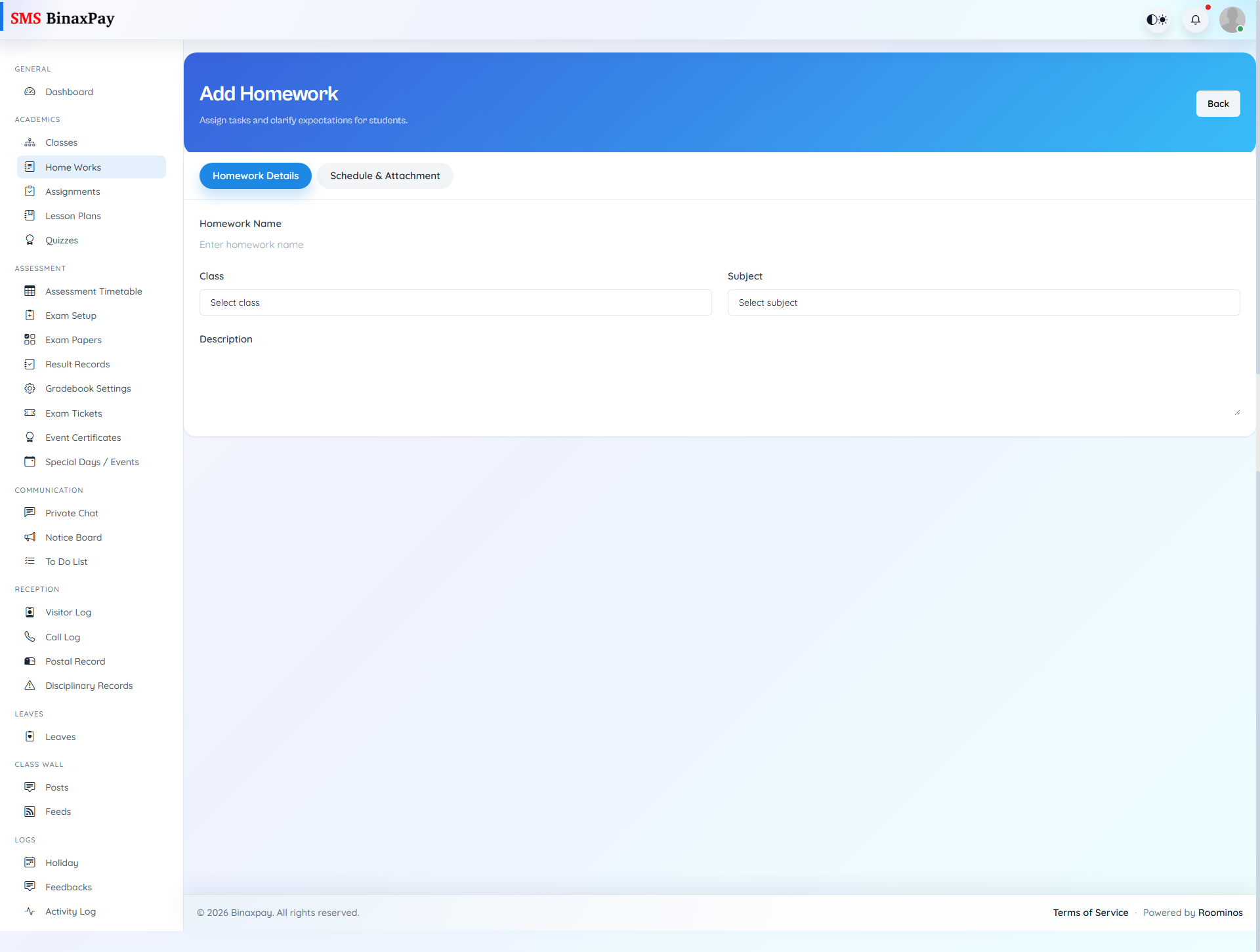
Home Works is the daily practice workflow where teachers create and publish class tasks with due dates, descriptions, and optional attachments. The list view supports search and status visibility, allowing teachers to monitor pending, approved, rejected, and completed behavior depending on approval flow. Teachers should follow a simple pattern: create with clear objective, publish when finalized, then monitor viewers and completion posture to decide whether reinforcement is needed.
Workflow Execution Steps
- Create homework with class target, due date, and supporting files.
- Submit or publish according to approval state.
- Track status and viewer/completion posture.
- Follow up with students where completion is low.
Reference Screenshots