Role Navigation
Swipe roles, tap to open submenuAccountant • Units
Standalone submenu content with role-aligned workflow and execution checkpoints.
Overview
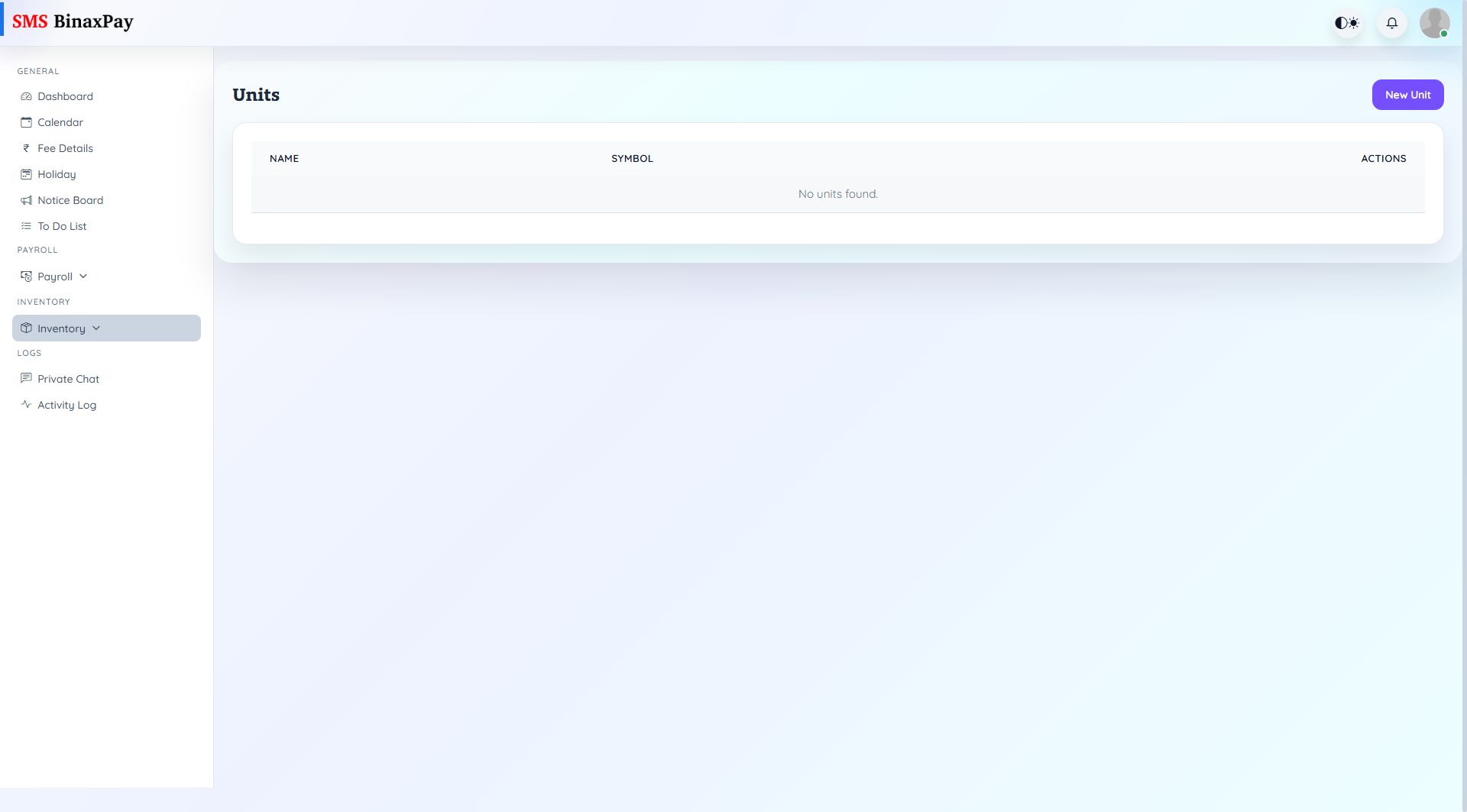
Units is one of the inventory master pages required for clean item creation, movement tracking, and report quality. Accurate setup here prevents downstream inventory errors.
Workflow Execution Steps
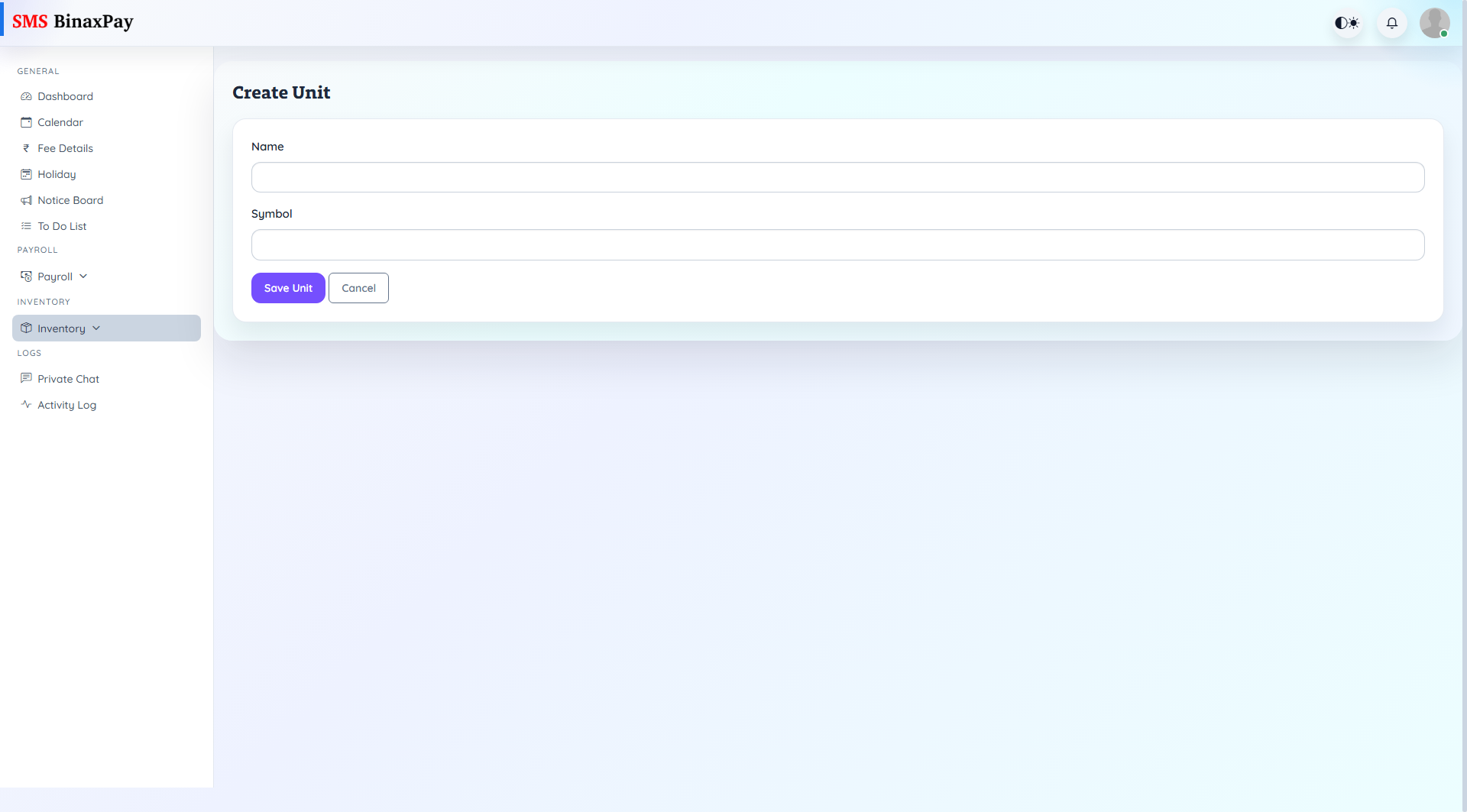
- Open units master and add/update reference records.
- Validate unit naming and active usage consistency.
- Save updates and confirm selection in item forms.
- Recheck downstream quantity interpretation after changes.
Reference Screenshots