Role Navigation
Swipe roles, tap to open submenuAdmin / Organisation • Add User
Standalone submenu content with role-aligned workflow and execution checkpoints.
Overview
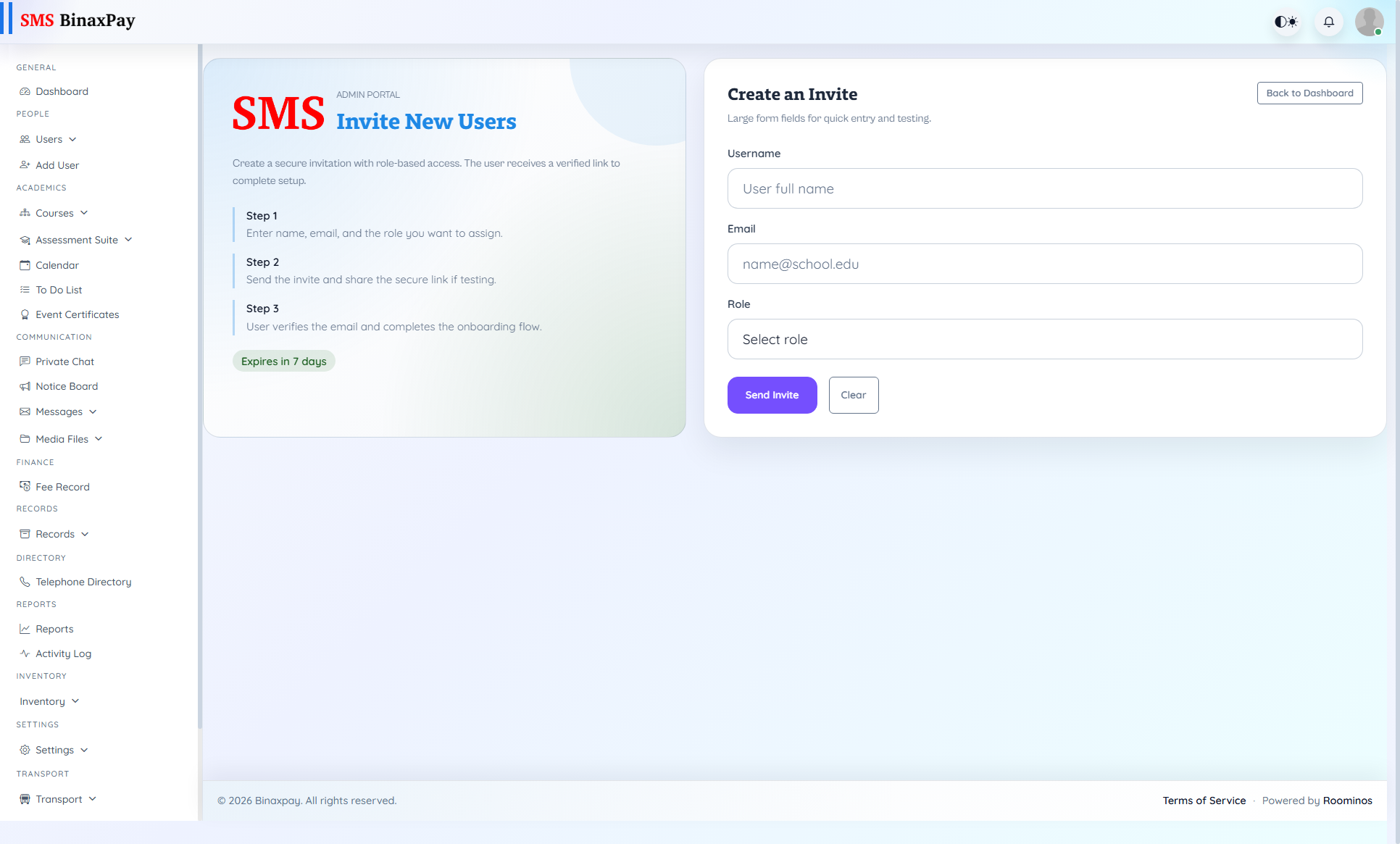
Add User is onboarding control and should be treated as a complete flow, not a one-click record entry. After creating the user, Admin should immediately verify login behavior and menu visibility against expected role capability. This prevents silent onboarding failures that surface later as execution delays.
Workflow Execution Steps
- Create user with required identity fields.
- Assign role and scope, then save account details.
- Perform login and menu sanity check for that role.
- Hand off credentials and onboarding note after validation.
Reference Screenshots