Role Navigation
Swipe roles, tap to open submenuManager • Calendar
Standalone submenu content with role-aligned workflow and execution checkpoints.
Overview
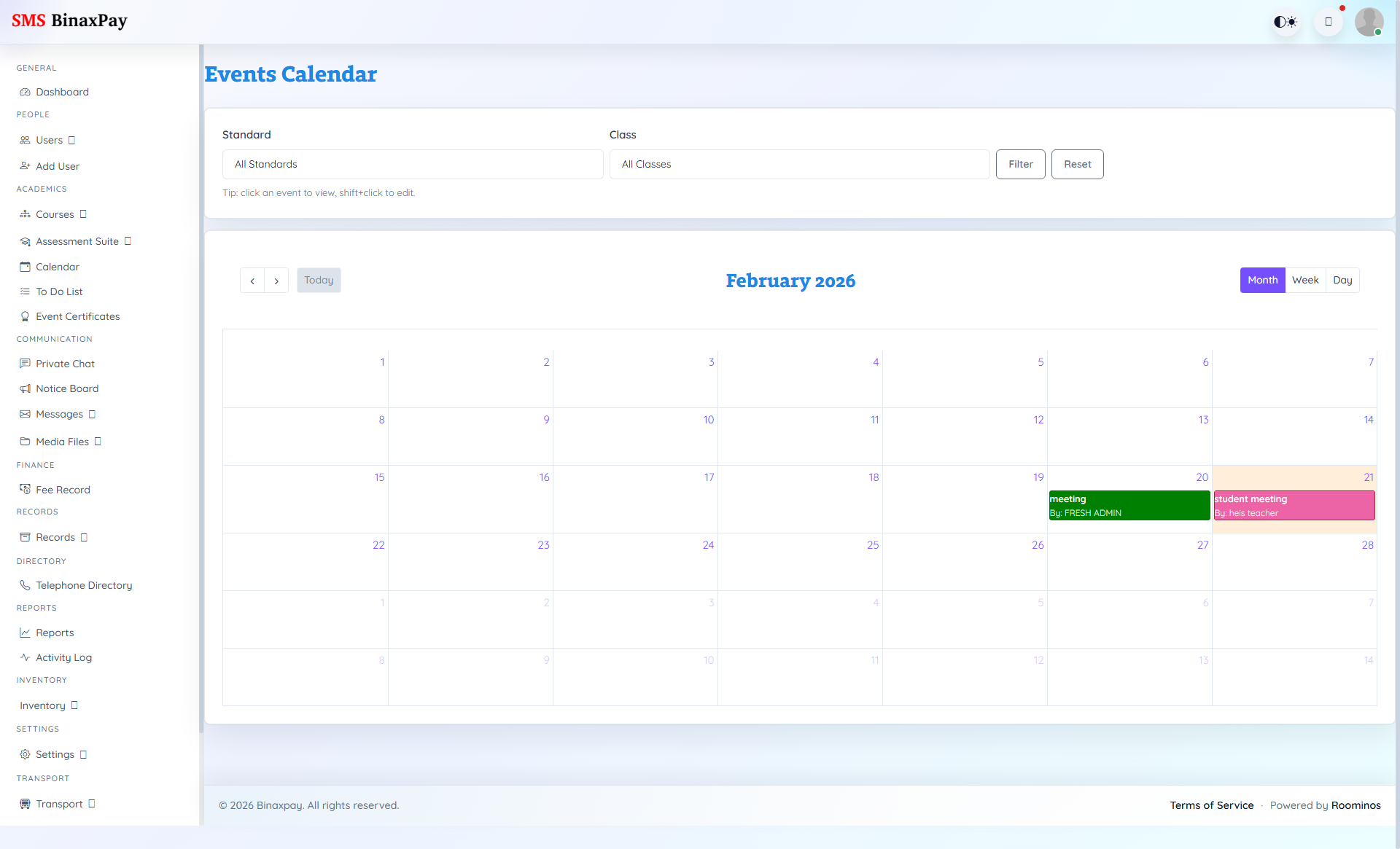
Calendar is operational date-control for events and dependencies across modules. Manager should use it to keep schedules realistic and synchronized with assessment and communication commitments.
Workflow Execution Steps
- Create or update event entries with clear timing and audience.
- Cross-check event windows against exams and holidays.
- Publish calendar changes and notify affected teams.
- Monitor date collisions and enforce corrections quickly.
Reference Screenshots