Role Navigation
Swipe roles, tap to open submenuManager • Activity Log
Standalone submenu content with role-aligned workflow and execution checkpoints.
Overview
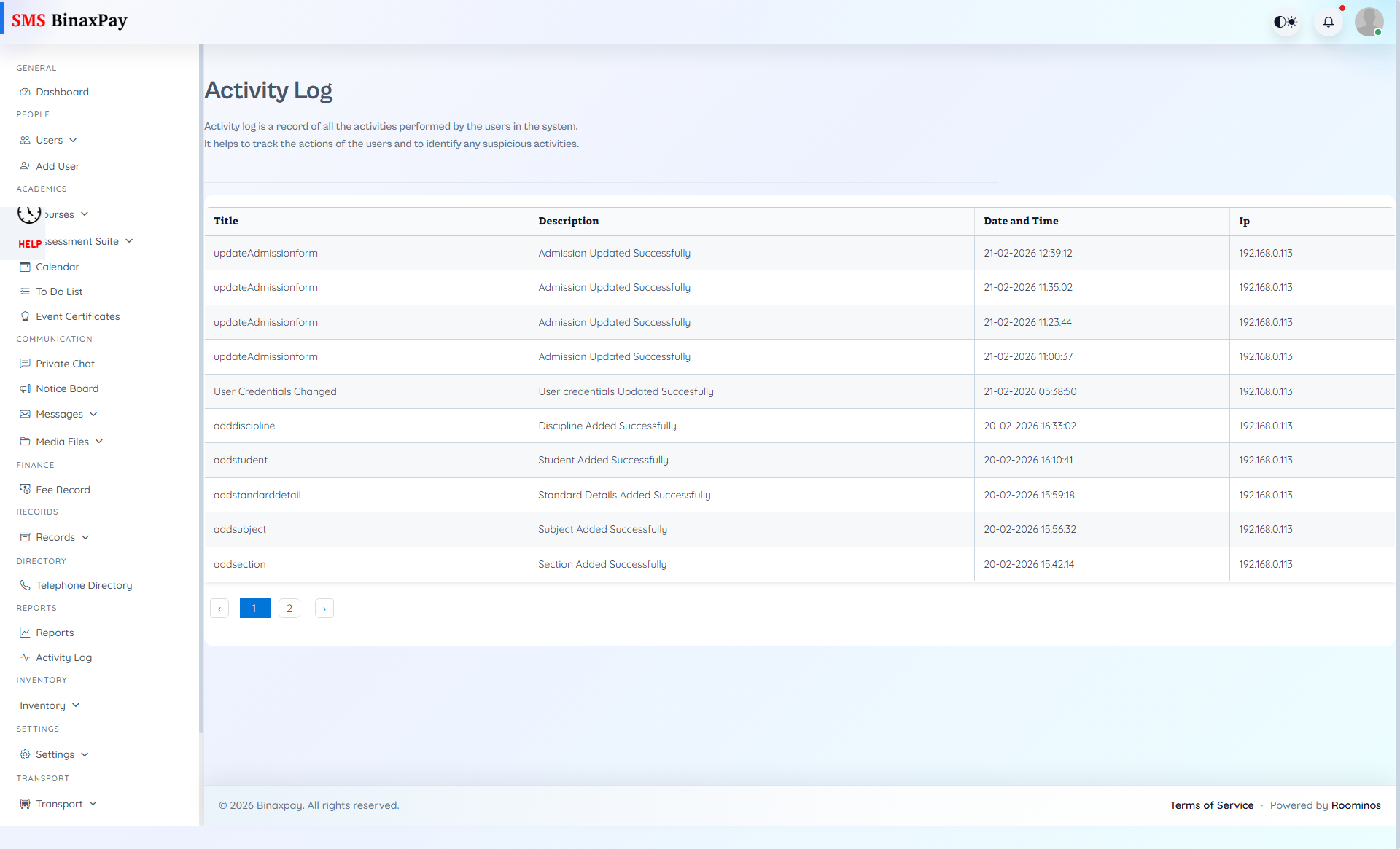
Activity Log is factual verification for completion claims and action sequencing. Manager should check this before escalating “not done” disputes and before closing critical tasks.
Workflow Execution Steps
- Filter activity log by user, module, and time window.
- Validate claimed actions and sequence correctness.
- Document mismatch or escalation path when evidence conflicts.
- Attach log proof to closure notes before final completion.
Reference Screenshots