Role Navigation
Swipe roles, tap to open submenuStudent • Exam Schedule
Standalone submenu content with role-aligned workflow and execution checkpoints.
Overview
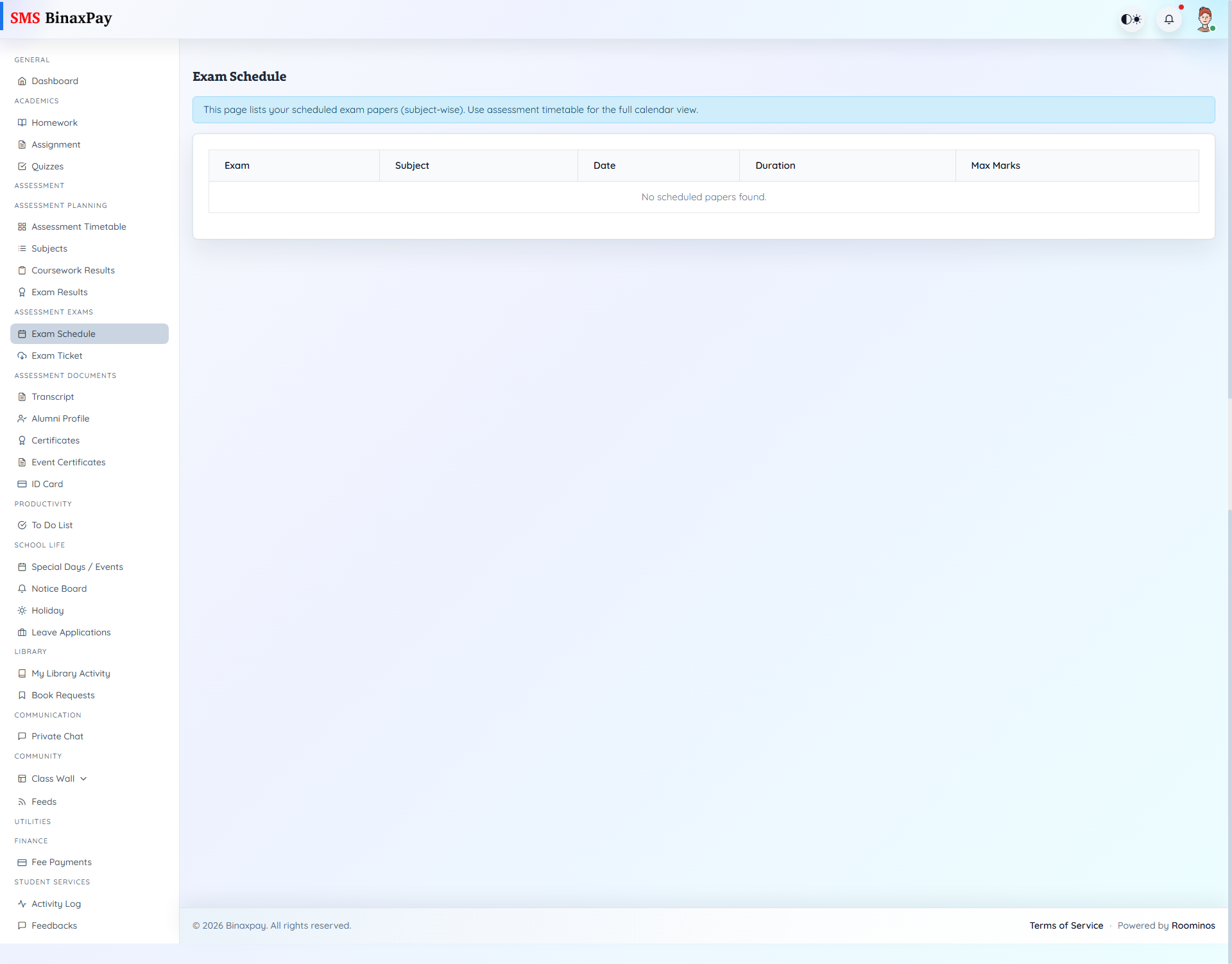
Exam Schedule (student/assessment/exams.blade.php) provides scheduled paper visibility with exam name, subject, date, duration, and max marks.
Use this page for exam-day planning and to cross-check timetable publication readiness.
Workflow Execution Steps
- Open exam schedule and confirm paper sequence and times.
- Prepare day-by-day exam plan from schedule view.
- Check for schedule changes before each exam day.
- Escalate only after confirming publication windows are active.
Reference Screenshots