Role Navigation
Swipe roles, tap to open submenuTeacher • Class Wall Posts
Standalone submenu content with role-aligned workflow and execution checkpoints.
Overview
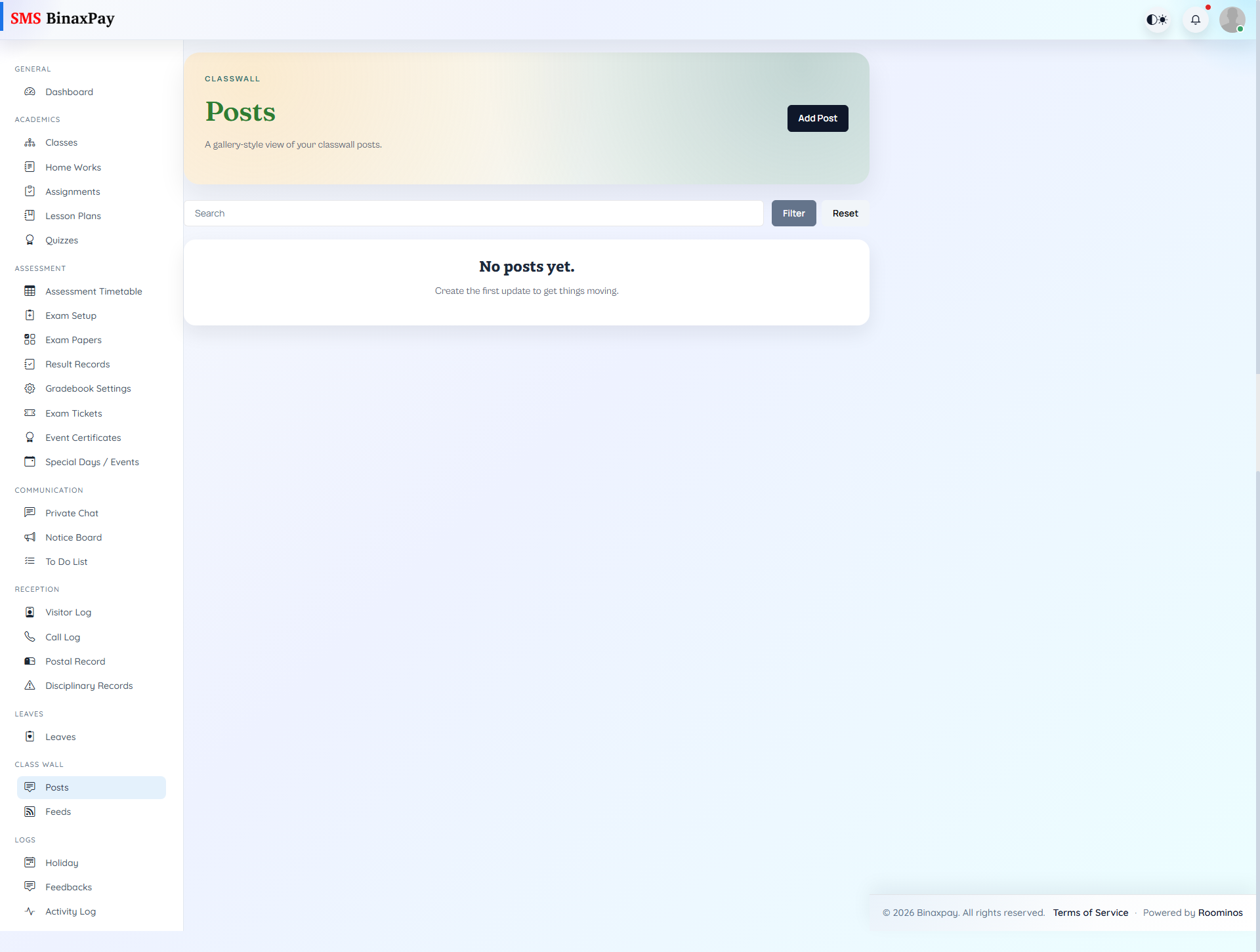
Class Wall Posts supports class-targeted post creation and management, including attachments and post-level actions. Teachers can add, edit, review, and remove posts while keeping class communication visible in a structured stream. This module should be used for instructional and class-coordination messaging that benefits from persistent class history.
Workflow Execution Steps
- Create class wall post for target class audience.
- Attach media or files when needed.
- Publish and monitor comments/reactions.
- Edit or remove outdated posts.
Reference Screenshots