Role Navigation
Swipe roles, tap to open submenuReceptionist • Dashboard
Standalone submenu content with role-aligned workflow and execution checkpoints.
Overview
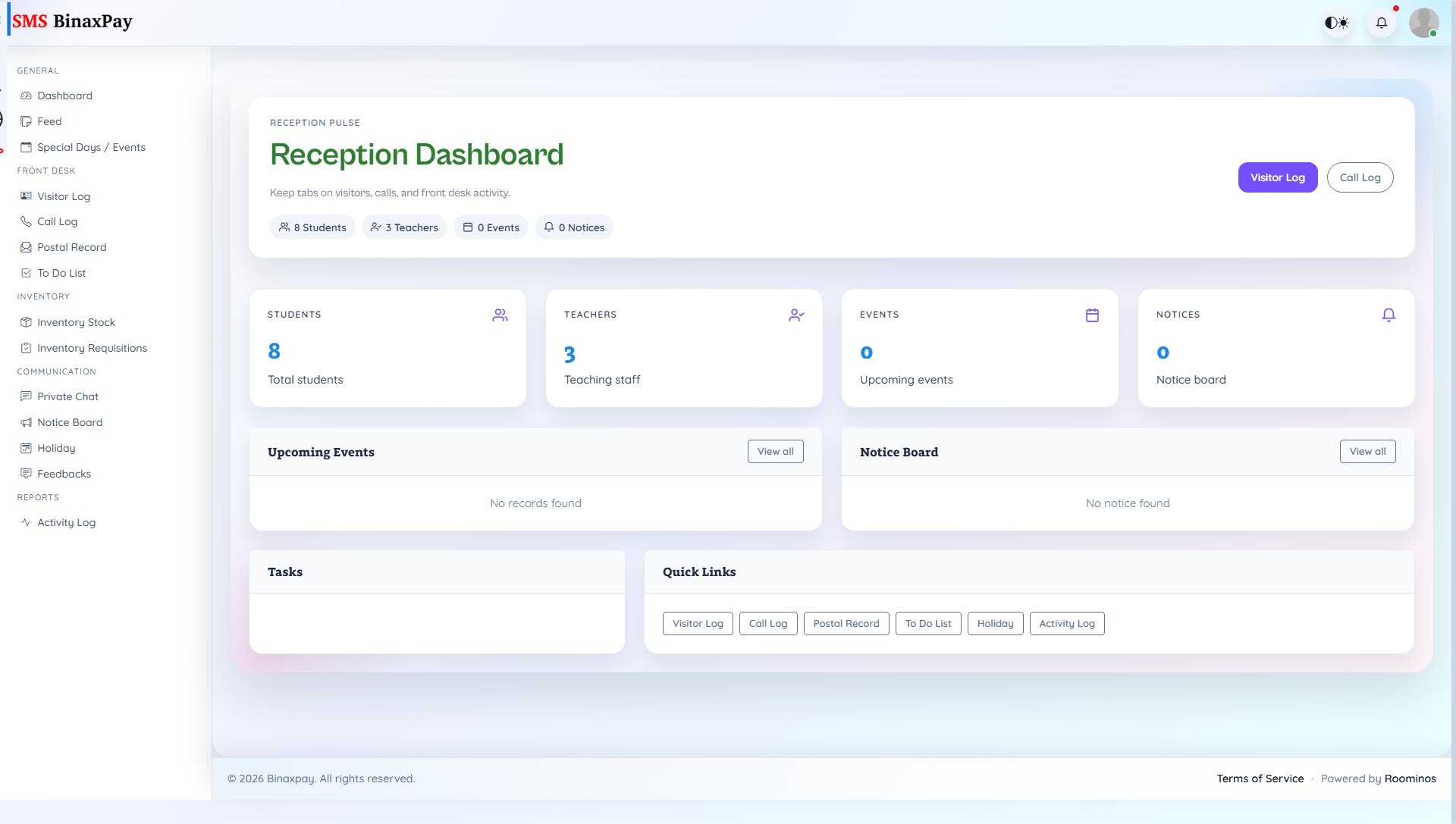
Dashboard is the receptionist command panel and should be used as the daily triage start point. It presents student and teacher counts, notices, events, task widgets, and quick links to front-desk modules. Receptionist should use it to decide which desk workflow needs immediate action before opening detailed pages.
Workflow Execution Steps
- Open dashboard and review notices, events, and task load.
- Prioritize front-desk queues by urgency.
- Jump to Visitor, Call, or Postal workflows as needed.
- Revisit dashboard to confirm pending-count reduction.
Reference Screenshots