Role Navigation
Swipe roles, tap to open submenuManager • Dashboard
Standalone submenu content with role-aligned workflow and execution checkpoints.
Overview
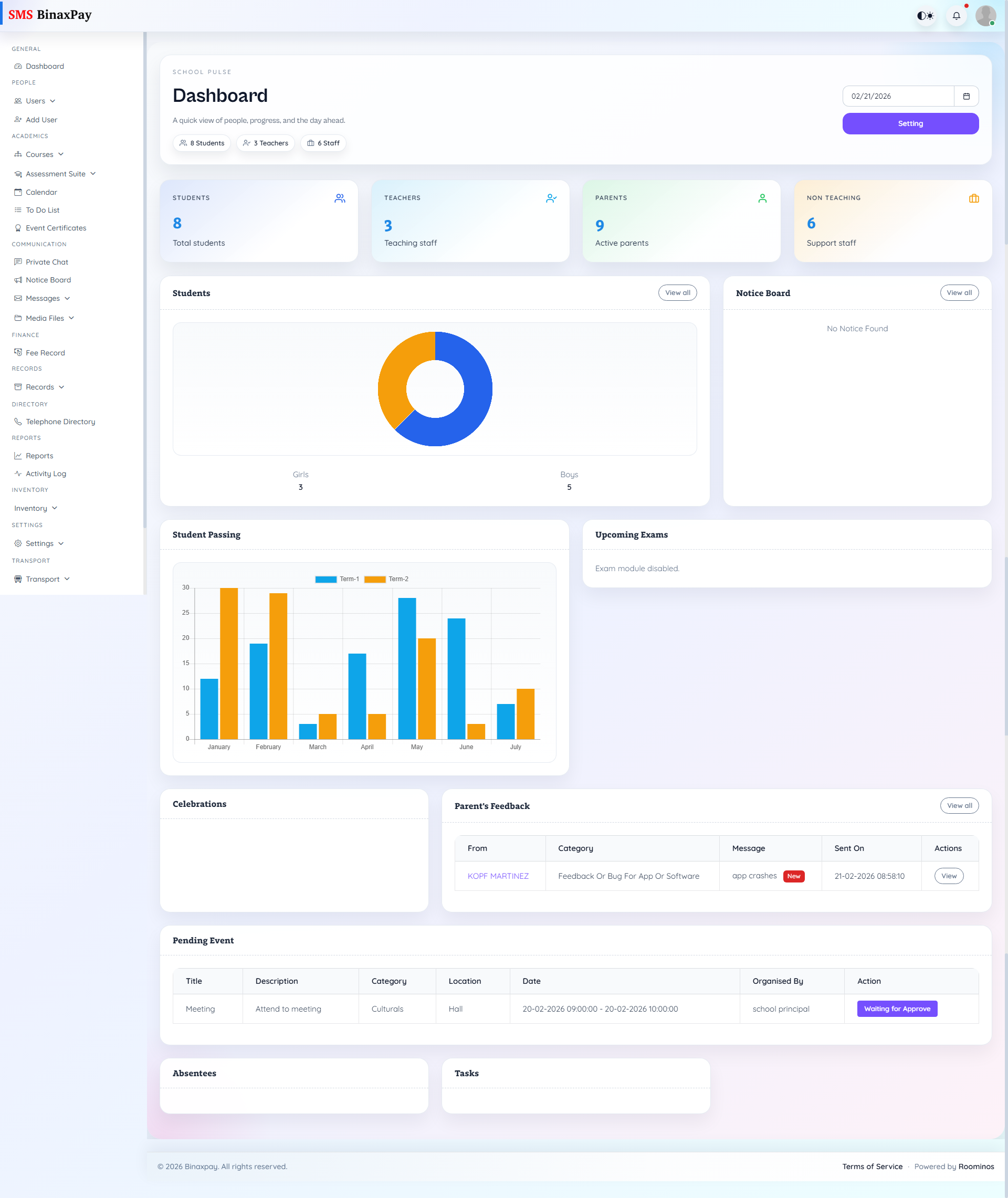
Dashboard is the manager’s queue radar and should be used for priority ordering, owner assignment, and blocker detection. It is a control point for deciding what requires immediate intervention and what can proceed through normal ownership flow.
Workflow Execution Steps
- Open dashboard queues and classify items by urgency and dependency.
- Assign owners and due times to priority items.
- Move high-risk blockers first through owning modules.
- Review queue reduction before day-close sign-off.
Reference Screenshots