Role Navigation
Swipe roles, tap to open submenuDriver • Dashboard
Standalone submenu content with role-aligned workflow and execution checkpoints.
Overview
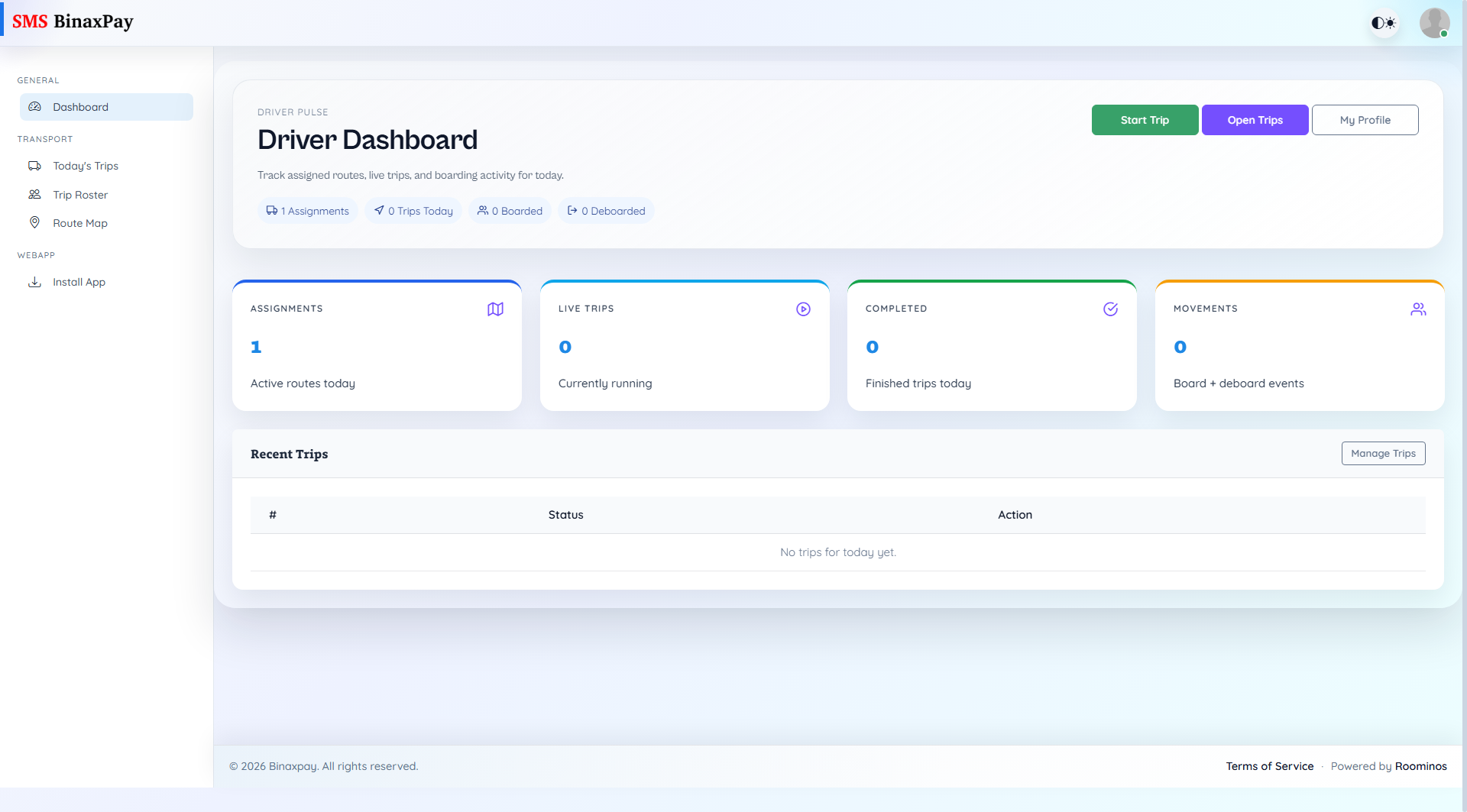
Dashboard is the driver control panel for same-day transport operations. It shows assignments, trips today, boarded and deboarded counts, and recent trip cards with direct open actions. Drivers should use this page first to confirm execution priority and start-trip readiness.
Workflow Execution Steps
- Open Dashboard and review assignment load, active trips, and movement totals.
- Confirm priority and start-trip readiness for the current run.
- Move to assignment execution from dashboard-linked transport actions.
- Recheck dashboard totals after trip progress or closure events.
Reference Screenshots