Role Navigation
Swipe roles, tap to open submenuAdmin / Organisation • Transport Dashboard
Standalone submenu content with role-aligned workflow and execution checkpoints.
Overview
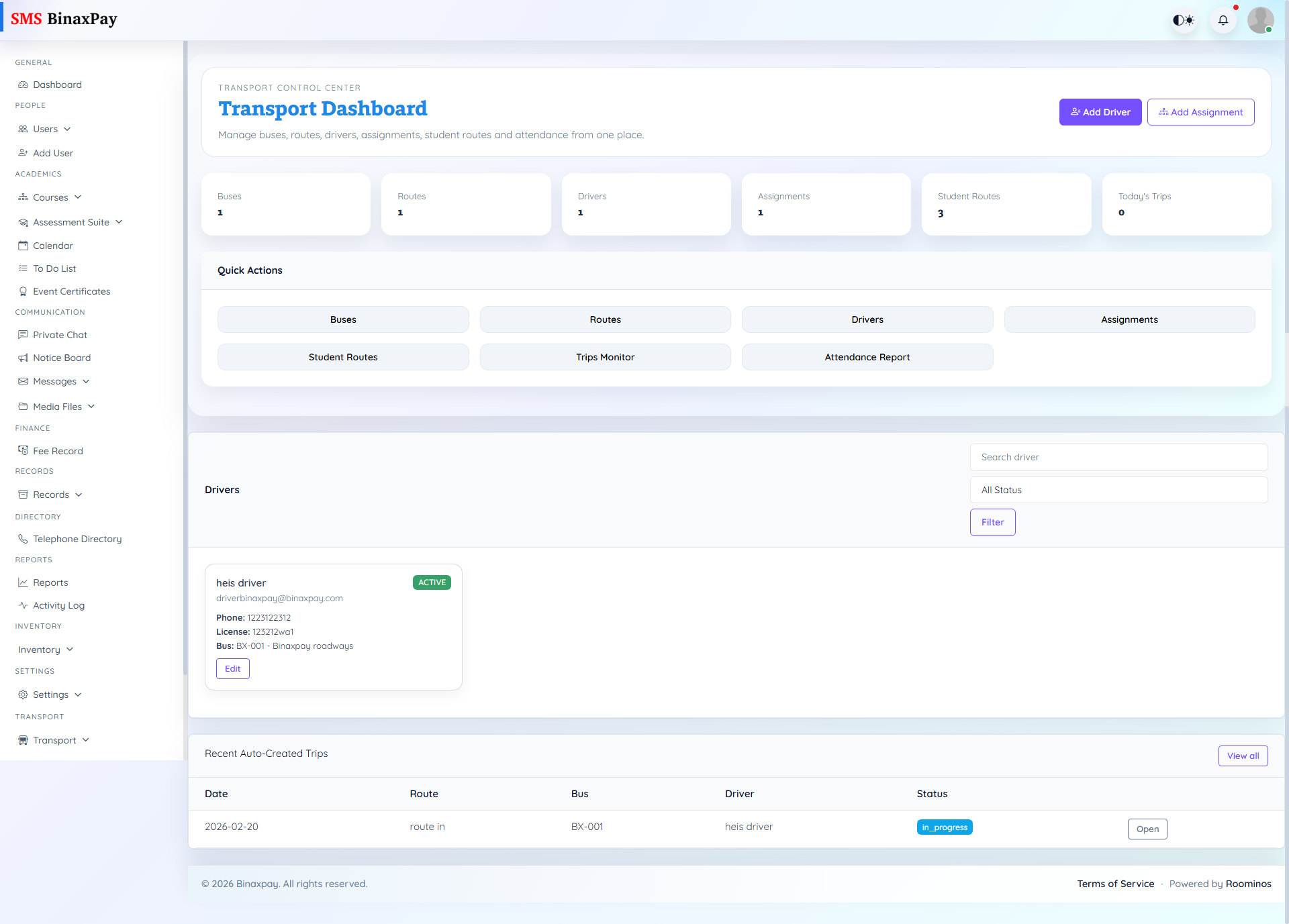
Transport Dashboard centralizes route, bus, driver, and assignment readiness. Admin should monitor this area for continuity risk and ensure assignment windows and status mappings are correct before daily operations begin.
Workflow Execution Steps
- Review route and fleet status at start of readiness check.
- Validate driver and vehicle assignments with window accuracy.
- Flag route gaps or overloaded buses and coordinate fixes.
- Confirm next-day readiness before closure.
Reference Screenshots