Role Navigation
Swipe roles, tap to open submenuAdmin / Organisation • Reports
Standalone submenu content with role-aligned workflow and execution checkpoints.
Overview
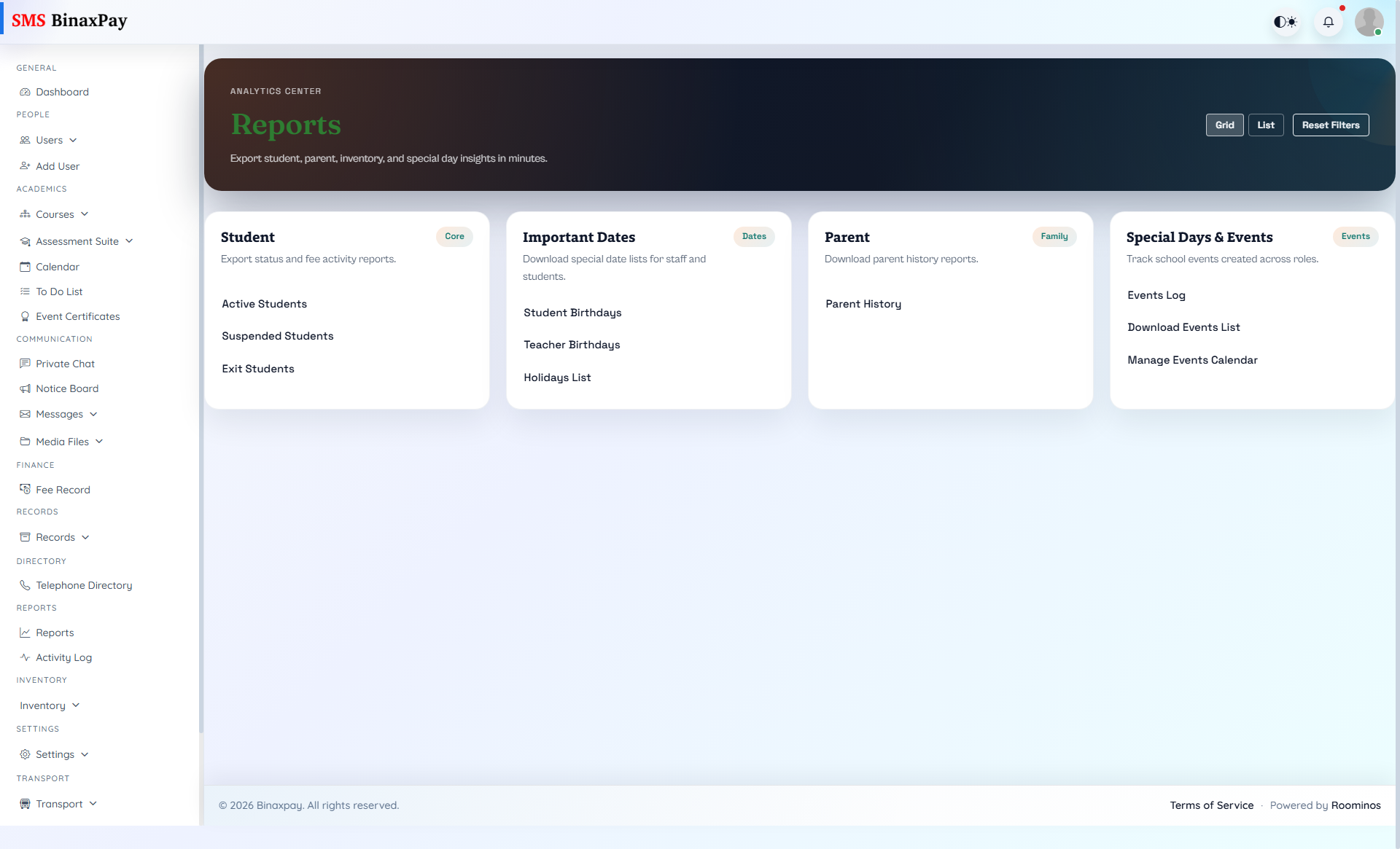
Reports is the consolidated output center for evidence generation across domains. Admin should use this page for review cycles, stakeholder updates, and corrective planning based on measurable outputs.
Workflow Execution Steps
- Select domain and date range, then generate report output.
- Review anomalies and KPI drift against expectations.
- Export and share with responsible leads for action.
- Open corrective tasks for outliers and track closure.
Reference Screenshots