Role Navigation
Swipe roles, tap to open submenuAdmin / Organisation • Assessment Suite
Standalone submenu content with role-aligned workflow and execution checkpoints.
Overview
Assessment Suite is the central administrative control stack for Timetable Management, Exam Management, Academic Rules, Programs, Gradebook Config, Compile & Publish Results, Exam Ticket Settings, Promote / Graduate, and ID Card Designer. Admin should process this suite in readiness order and only allow release actions after policy, setup, and validation prerequisites are complete. Compile & Publish Results is the decisive release gate and should proceed only when anomaly and correction loops are closed.
Workflow Execution Steps
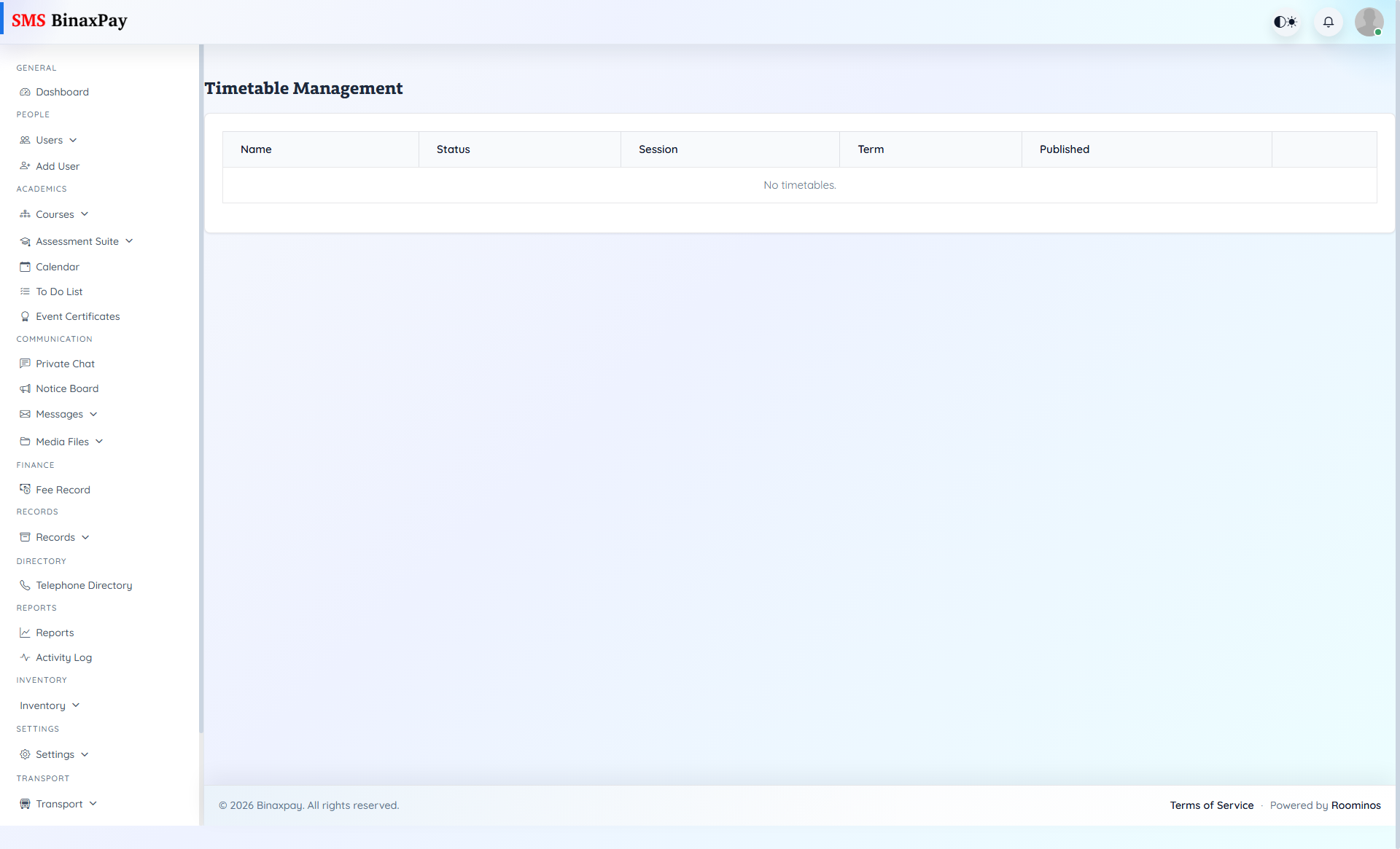
- Timetable Management: set term/session context -> define exam/class slots and constraints -> check room/subject overlaps -> publish timetable -> confirm visibility in teacher and student views.
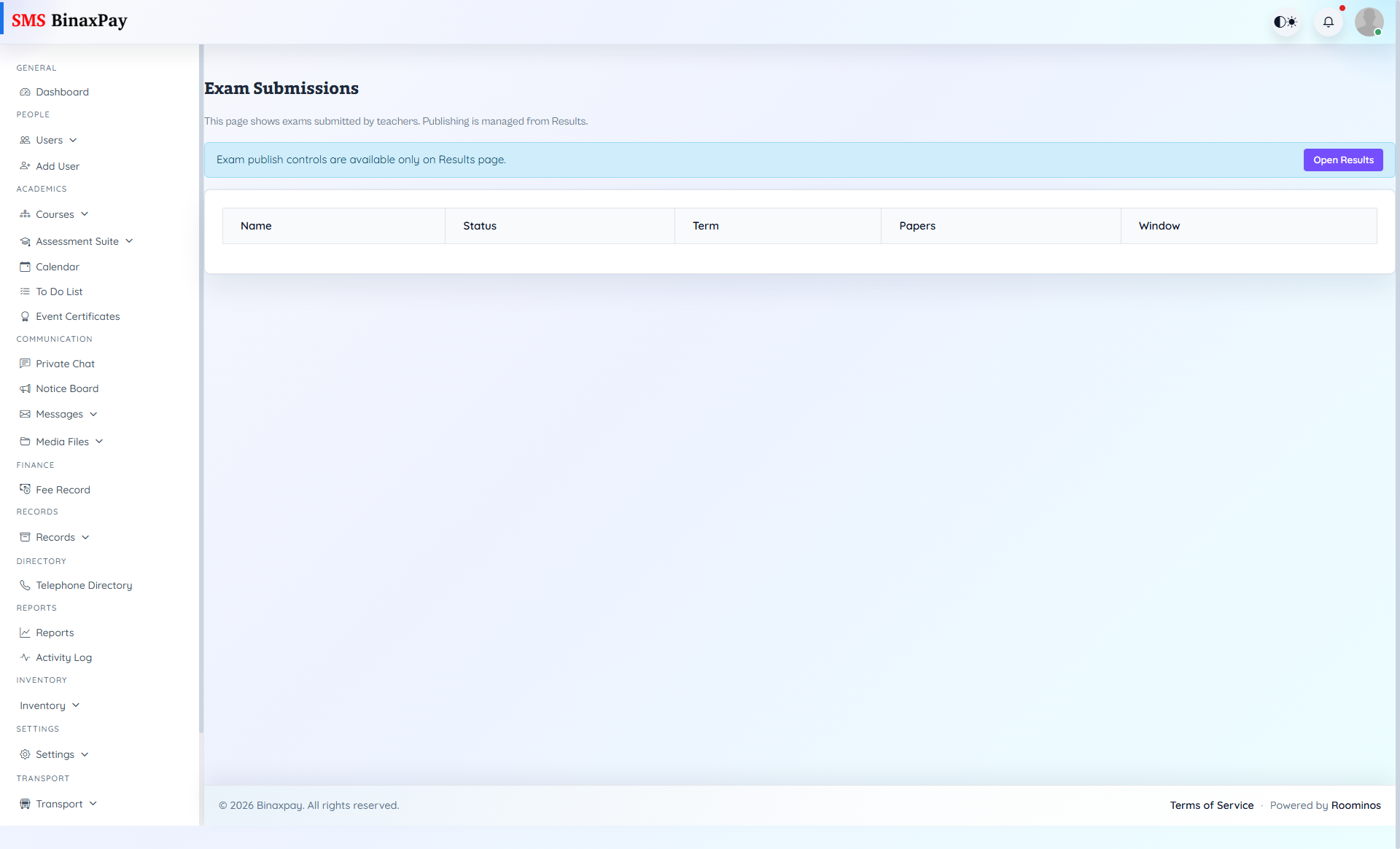
- Exam Management: create exam cycle -> attach classes/subjects/papers -> assign responsible staff -> validate required setup artifacts -> lock exam setup before marks entry starts.
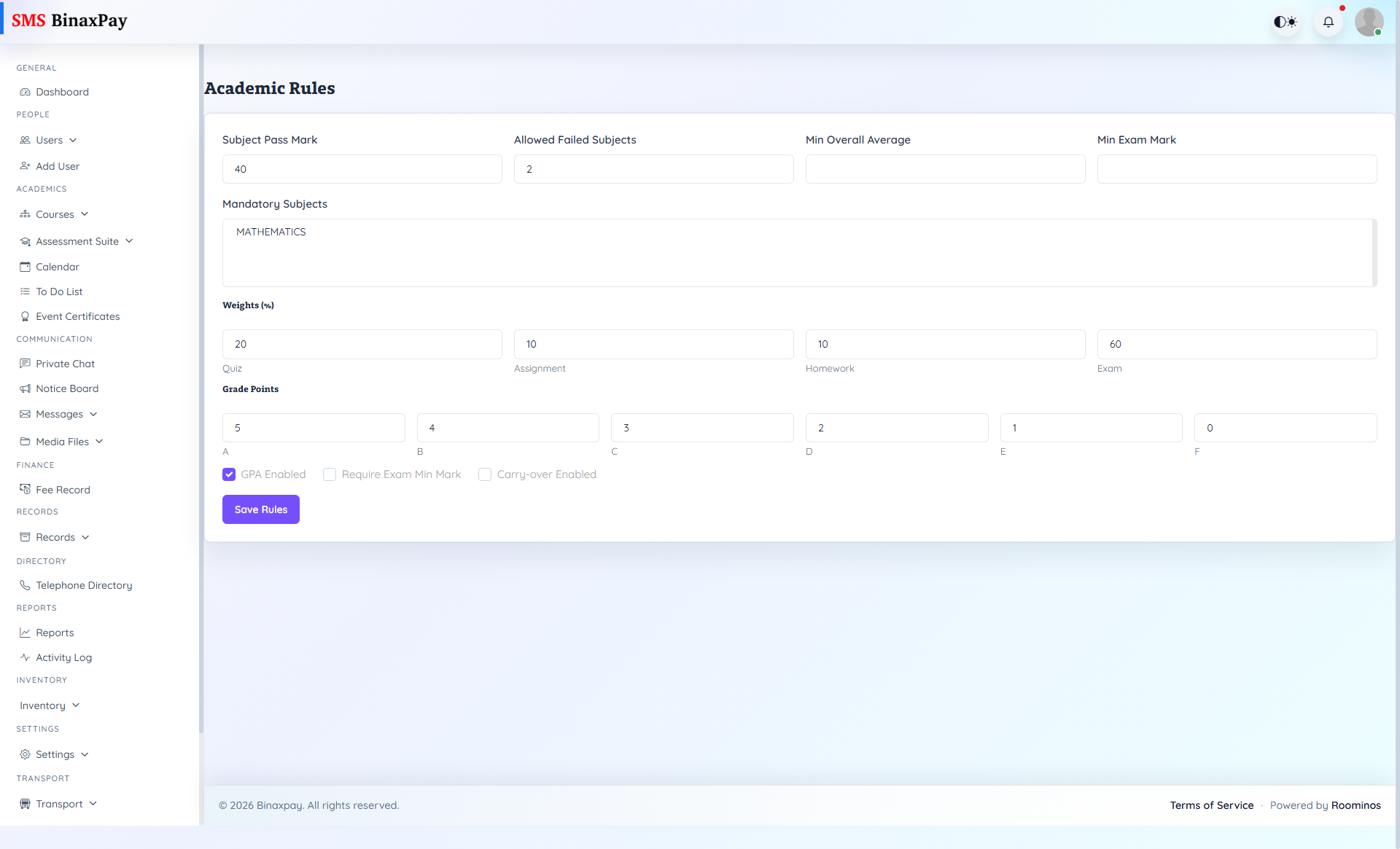
- Academic Rules: review active grading/threshold rules -> compare against policy document -> update exceptions/weights if needed -> test with sample calculation -> approve and freeze for the cycle.
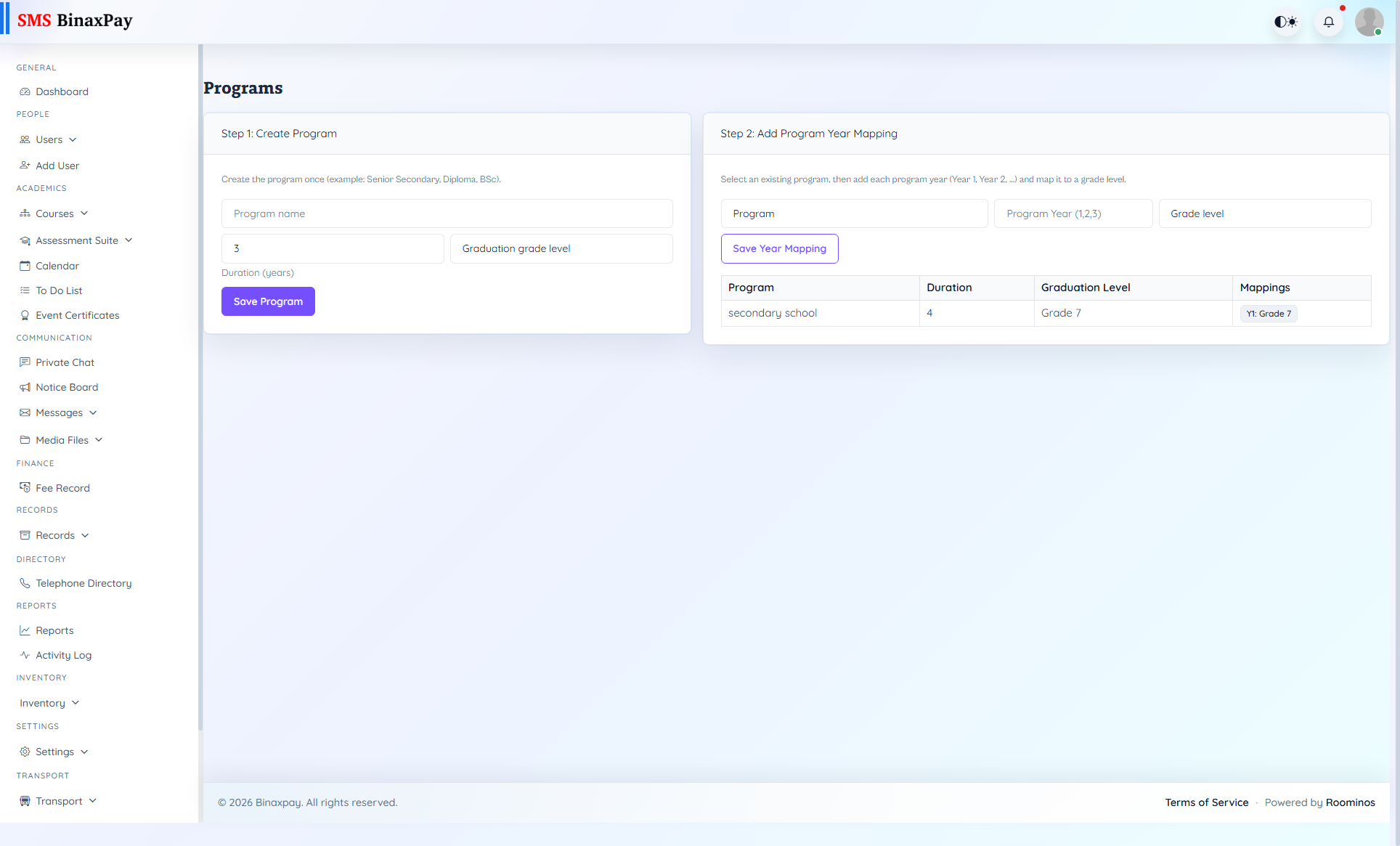
- Programs: create/adjust program definitions -> map classes/standards to programs -> verify program filters in reports and assessments -> resolve orphan classes -> save final program structure.
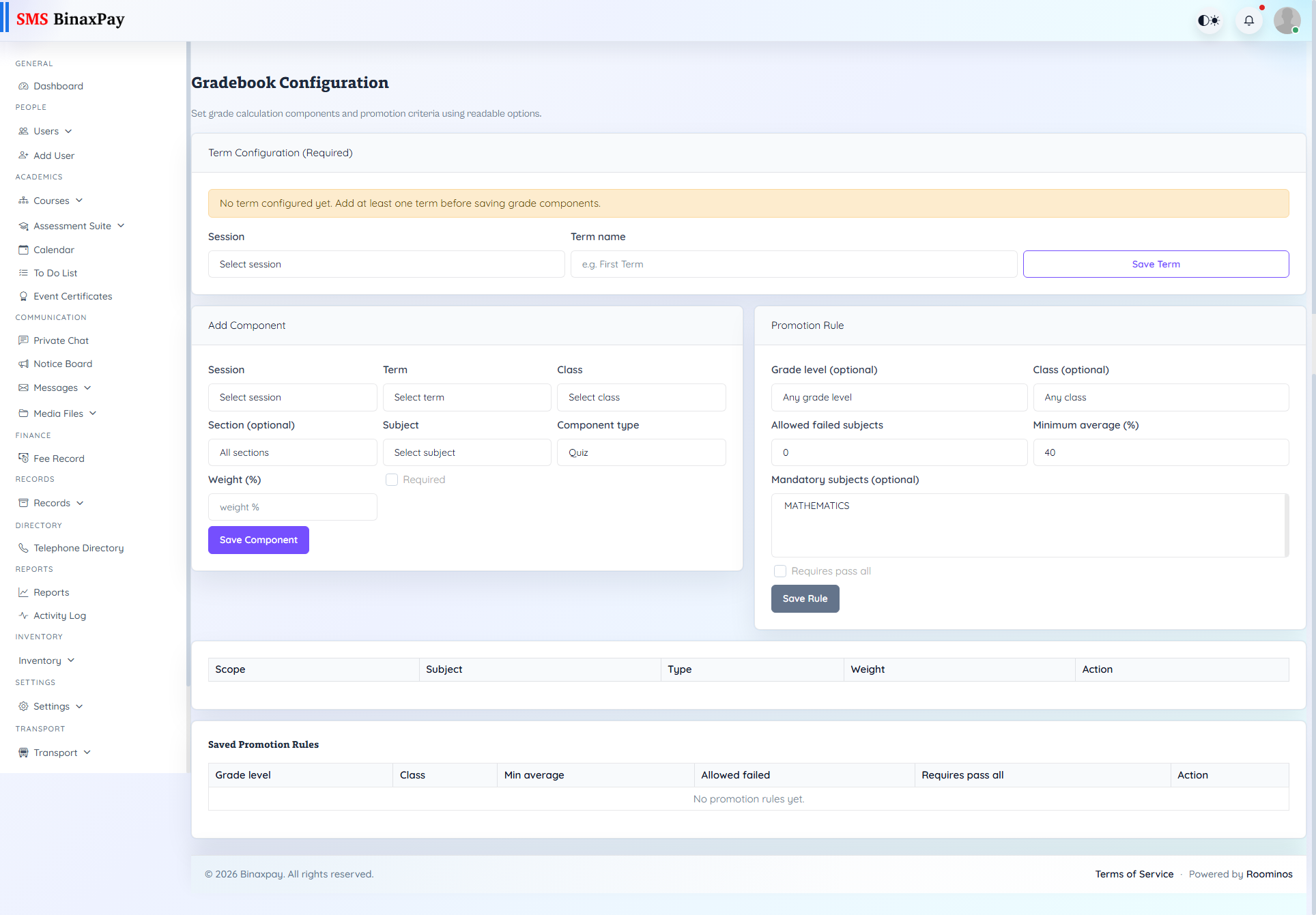
- Gradebook Config: configure grade bands and weight logic -> map subjects/components -> validate min/max and pass criteria -> run test compile for sample class -> approve config for production use.
- Compile & Publish Results: run compile pass -> review anomalies and missing marks -> reopen corrections where required -> rerun compile and sign-off -> publish to intended audience and archive release evidence.
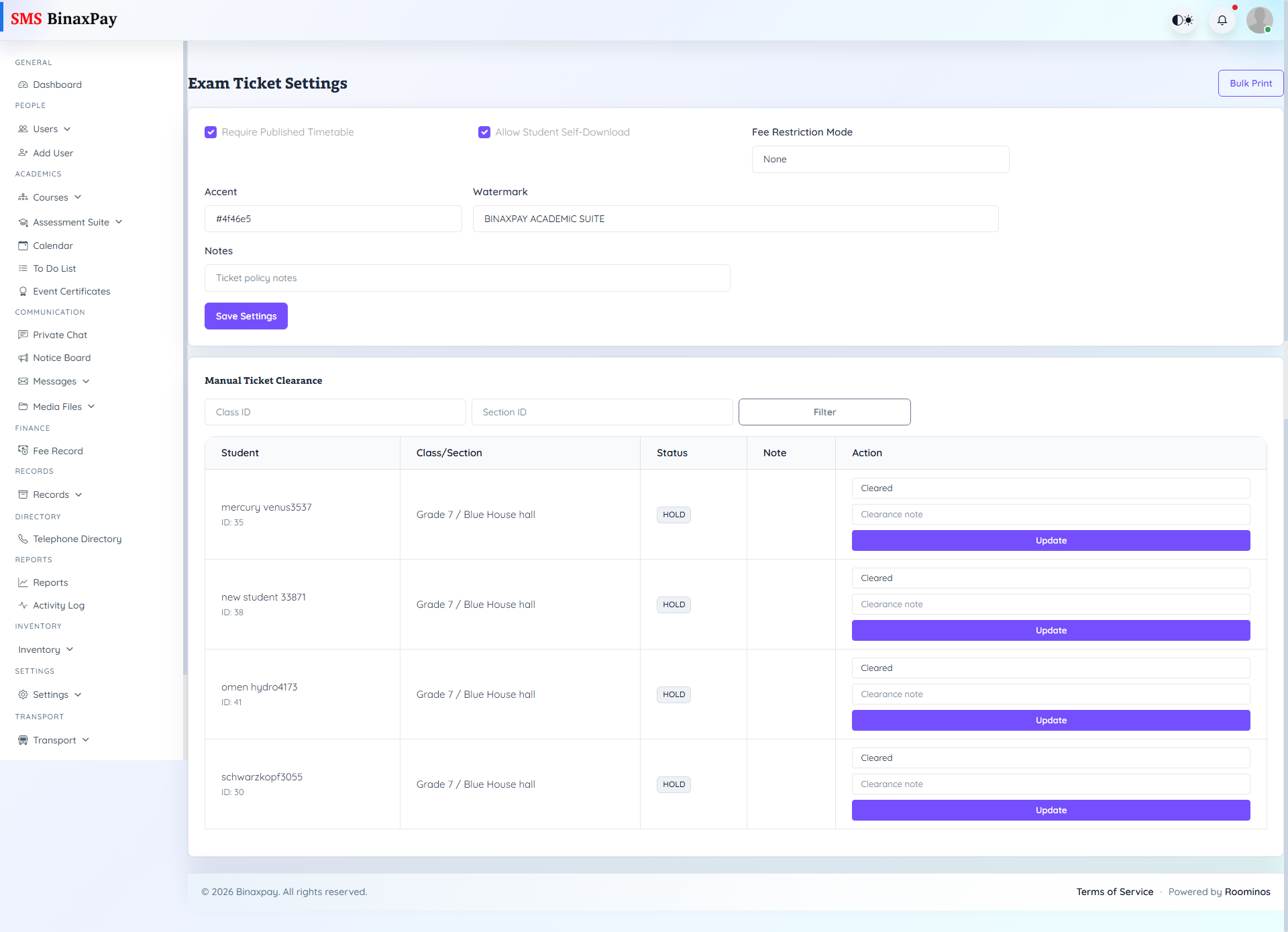
- Exam Ticket Settings: configure ticket fields and eligibility conditions -> preview sample tickets -> validate barcode/ID/seat data -> open generation window -> monitor generation errors and reissue if needed.
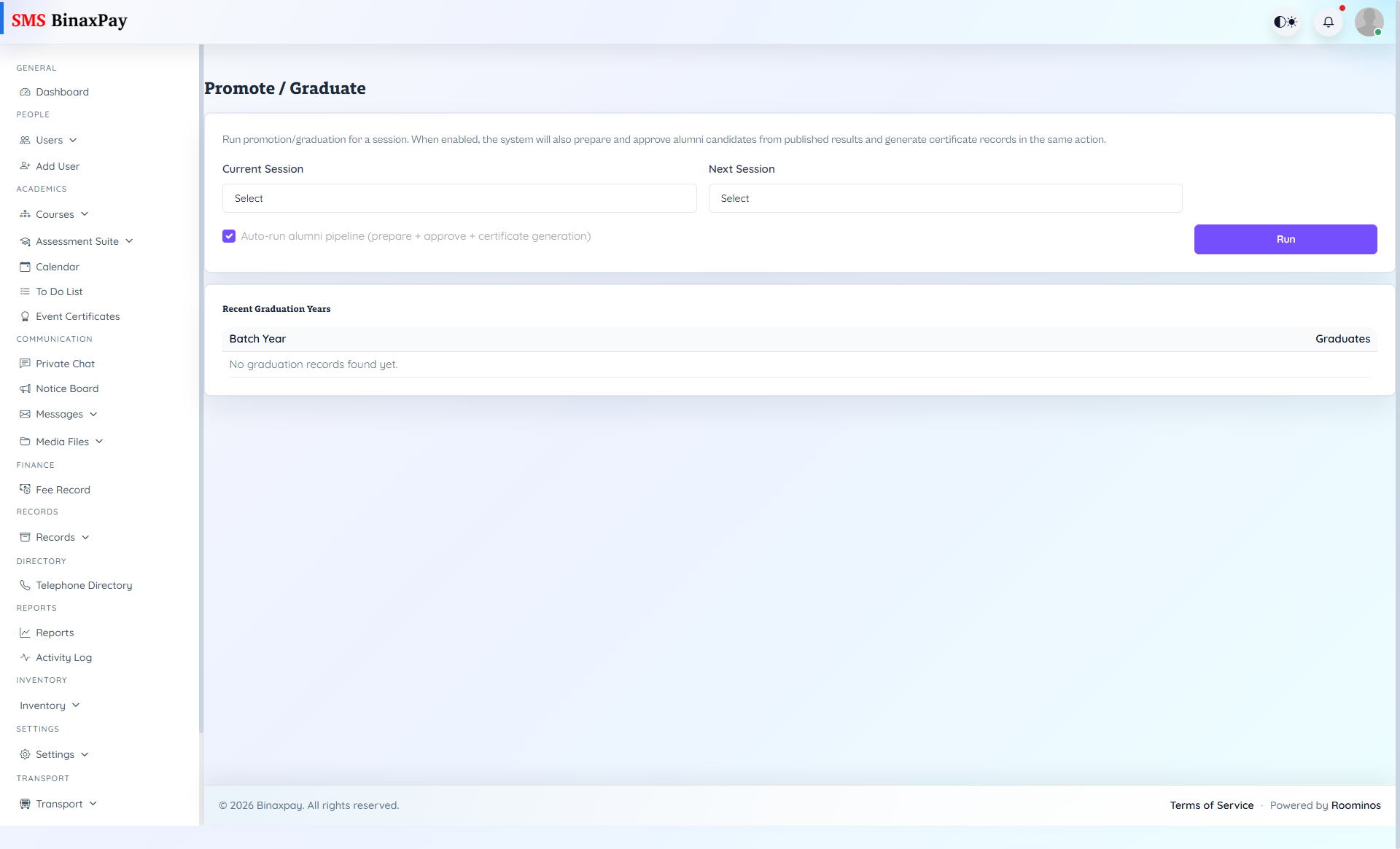
- Promote / Graduate: confirm results published -> filter eligible students -> simulate progression impact -> execute promote/graduate action -> verify new class/alumni mappings and parent visibility.
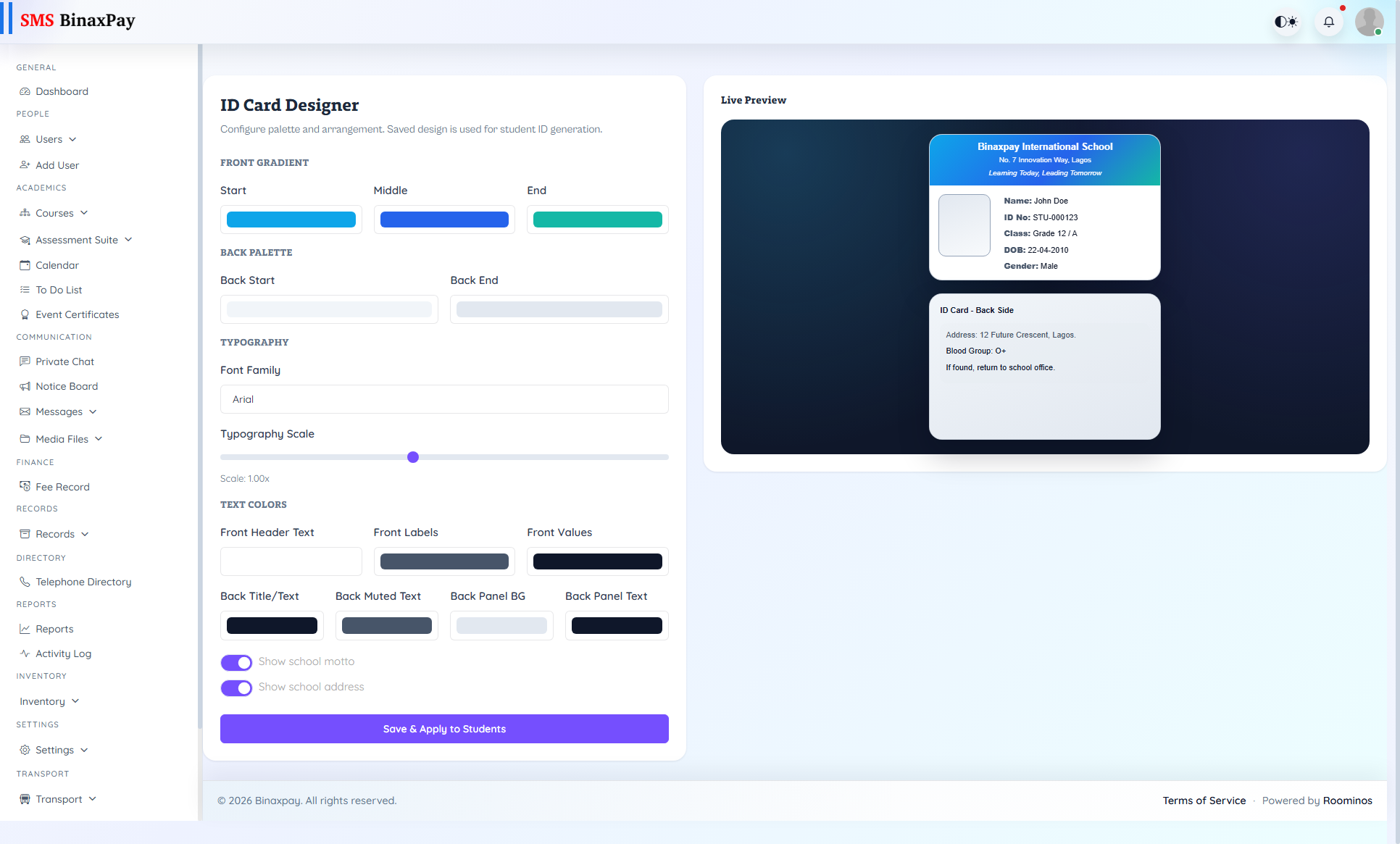
- ID Card Designer: select template -> configure logos/fields/format -> preview with multiple student profiles -> apply to target scope -> validate print/export quality.
Reference Screenshots