Role Navigation
Swipe roles, tap to open submenuAccountant • Dashboard
Standalone submenu content with role-aligned workflow and execution checkpoints.
Overview
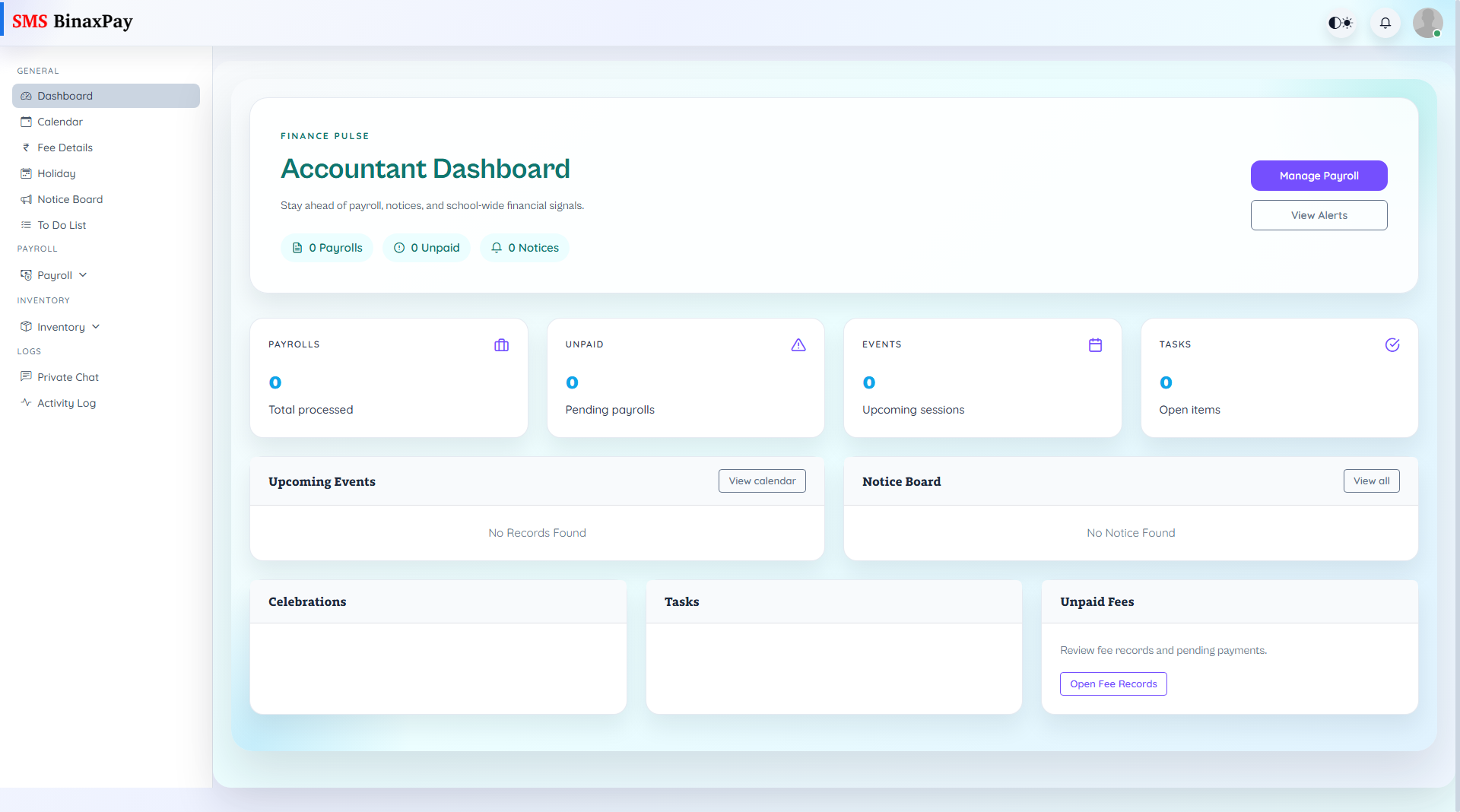
Dashboard is the accountant triage screen with payroll counts, unpaid payroll indicators, notices, events, and task signals. It is designed for prioritization and quick routing into fee and payroll execution pages.
Workflow Execution Steps
- Open dashboard and review unpaid payroll and open-task indicators.
- Jump to Fee Details or Payroll based on urgency.
- Resolve highest-risk queue first.
- Return to dashboard to confirm queue reduction.
Reference Screenshots